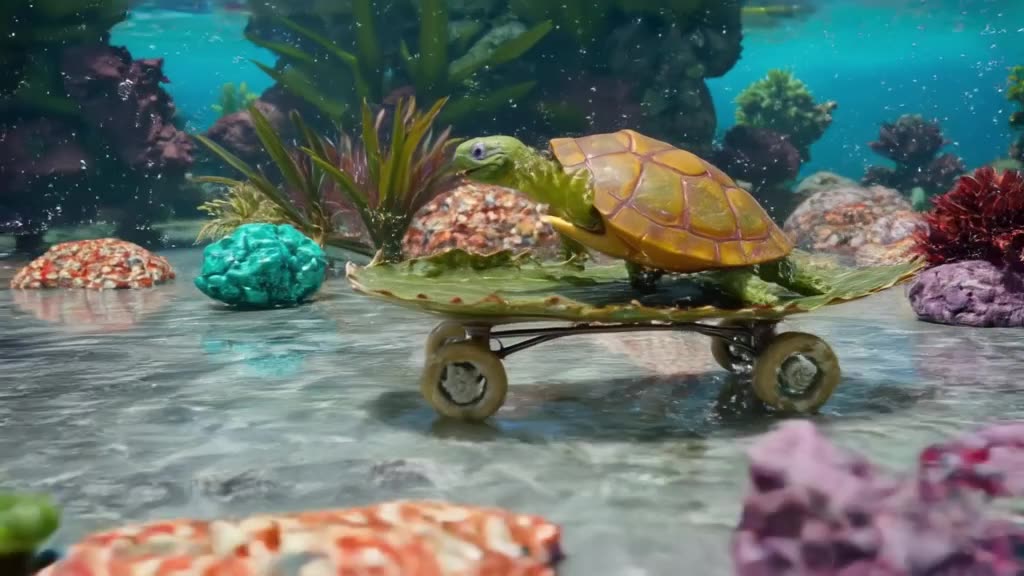
Think in shots, not stories
A 3-30 second clip holds one shot. Prompts like a knight fights a dragon, wins, and returns home to a feast ask for three scenes and usually produce muddled motion. Pick the single most interesting moment and describe it well. A reliable order for the prompt:
- Subject: who or what, with 2-3 visual details (an elderly fisherman in a yellow raincoat).
- Action: one verb that happens during the clip (hauls a net onto the deck).
- Setting: where and when (a small boat on a gray, choppy sea at dawn).
- Camera: shot size and movement (medium shot, handheld, slight sway).
- Light and style: (cold overcast light, documentary look, muted colors).
Our guide to text to video prompts goes deeper on each part.
Text to video AI prompt examples
- A red fox trots through fresh snow in a birch forest, low tracking shot at the fox's eye level, soft blue morning light, breath visible in the cold air.
- Close-up of a barista pouring latte art into a white cup, milk forming a heart, slow motion, warm cafe lighting, shallow depth of field.
- An astronaut floats inside a cluttered space station module, cables drifting around her, slow push-in, cool fluorescent light, Earth visible through the round window.
- Aerial drone shot gliding over terraced rice fields at sunrise, mist between the hills, golden light.
- A tiny paper boat sails down a rain-filled gutter on a city street, macro lens, raindrops splashing, neon reflections.
Each one has a single action, a defined camera and a light source. Browse the public feed for more, and use Remix on any video there to start from its prompt.
Make it now — first 3 videos free
Then $1 per video, no subscription, no watermark.
Create a videoWhen the prompt enhancer helps
If you only have an idea, like cat astronaut, the prompt enhancer turns it into a full shot description with setting, camera and lighting. It is useful for brainstorming and for people new to prompting. Two rules: read the expanded version before generating, and cut any second or third action it adds. If you already wrote a detailed prompt, skip the enhancer so it does not dilute your choices.
Drafting fast, finishing with quality
The two modes are meant to be used together:
- Turbo (fast): iterate on wording, framing and color. Run two or three variants to see which prompt reads best.
- Pro (quality): once the idea works, re-run the winning prompt on Pro for more coherent motion and detail, especially for people, animals and complex scenes.
Length matters too. Start at 4-5 seconds. Push to 8 only when the action genuinely needs time, like a slow drone reveal. Weighing a self-hosted model instead? See Wan 2.1 vs generatorvideo.ai.
Pick the aspect ratio before writing
Framing changes the prompt. A tall 9:16 shot suits a standing person, a waterfall or a skyscraper; a wide 16:9 shot suits landscapes, car chases and two people talking. Available presets: 9:16 for TikTok, Reels and Shorts; 16:9 for YouTube and X; 1:1 and 4:5 for Instagram feed; 2:3 for Pinterest. Mention the framing in the prompt if it helps (full-body vertical shot).
Common text-to-video problems and fixes
- Morphing hands or faces: switch to Pro, shorten the clip, simplify the action.
- Nothing happens: the prompt has no verb. Add a clear action and a camera move.
- Wrong style: put the style early (stop-motion clay animation of...) rather than at the end.
- Text in the scene is garbled: generated lettering is unreliable. Add titles later in an editor.
Cost example: a week of daily Shorts with two drafts and one final each is 21 generations. After the 3 free videos, a $20 top-up covers 18 of the remaining and leaves 2 credits spare, and they never expire. Write your first prompt.
How long are text-to-video clips?
Up to 30 seconds per generation on paid videos; free videos are 3, 5 or 8 seconds. Combine several clips in an editor for longer videos.
Does it generate sound?
No. Yes, optionally. generatorvideo.ai generates synchronized sound, and you can switch it off per clip. Add your own music or voiceover in any video editor.
Which mode should I use?
Turbo for fast drafts and prompt testing, Pro for the final, higher-quality version.
Can I start from someone else's prompt?
Yes. Every video in the public feed can be remixed: open it, press Remix, and edit the prompt.
Is text to video AI free here?
You get 3 free videos after signup. After that it is $1 per video with no subscription, and purchased credits never expire.
Can I download without a watermark?
Yes, all downloads are watermark-free MP4 files.