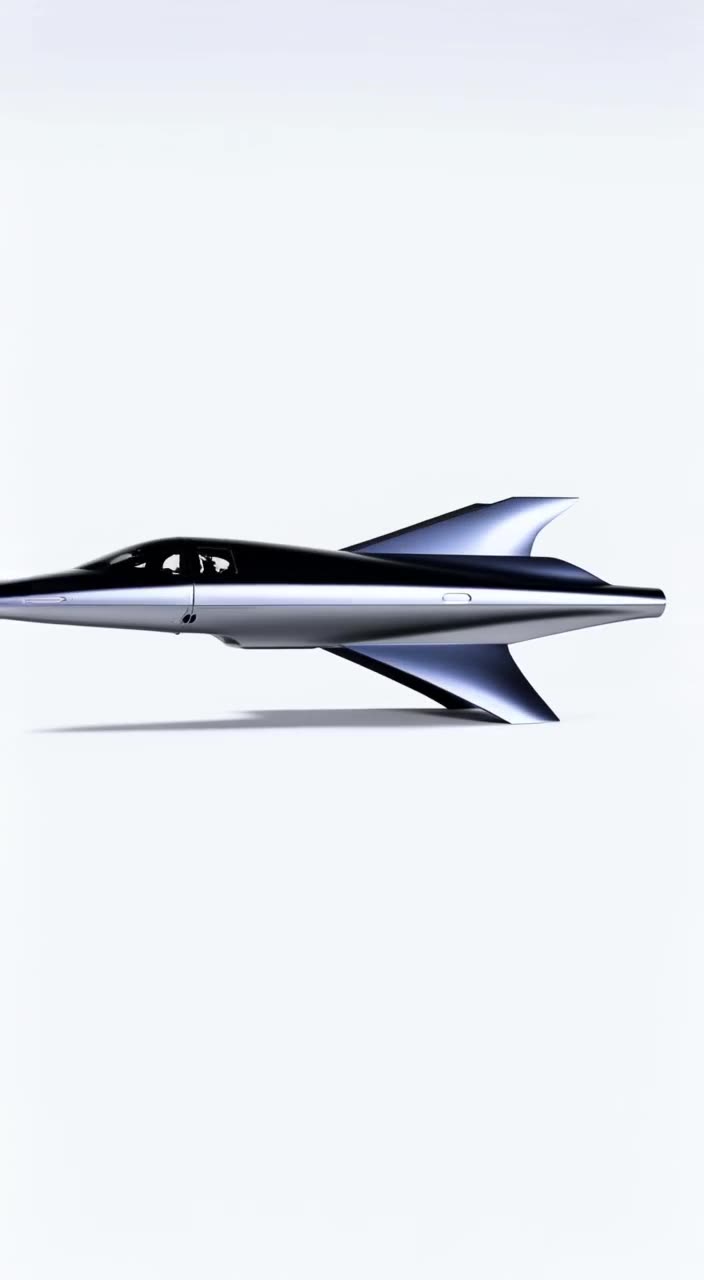
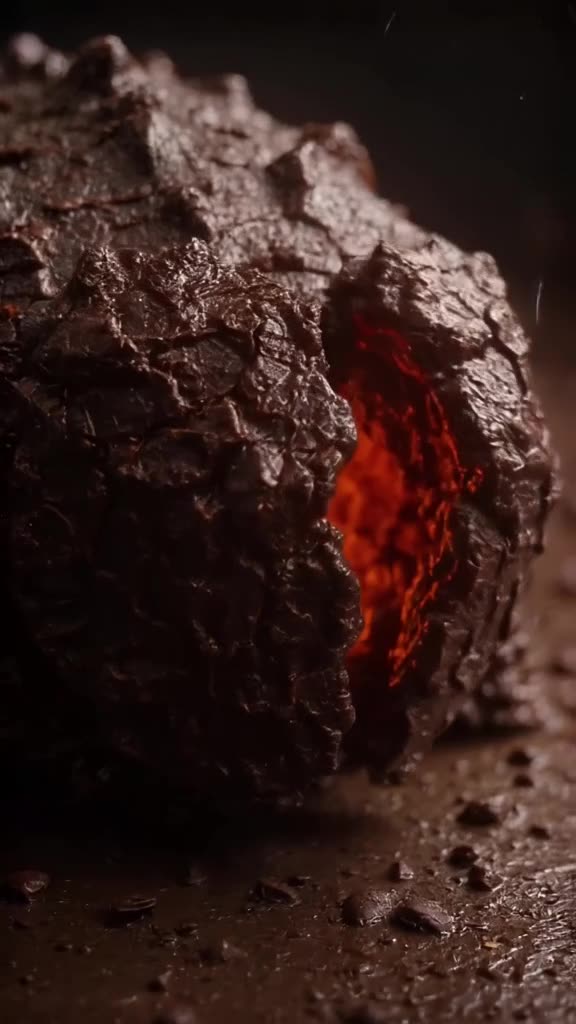
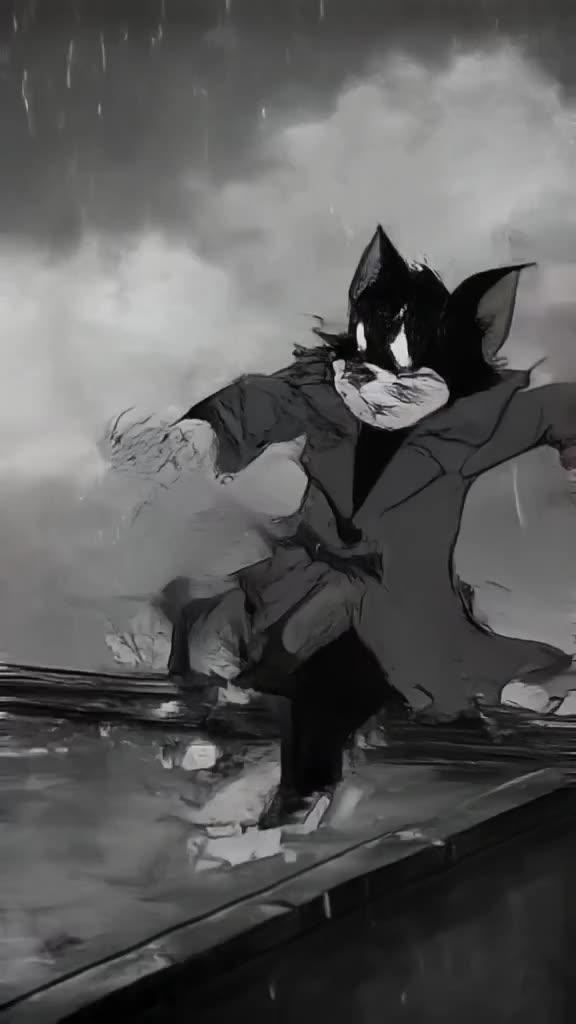
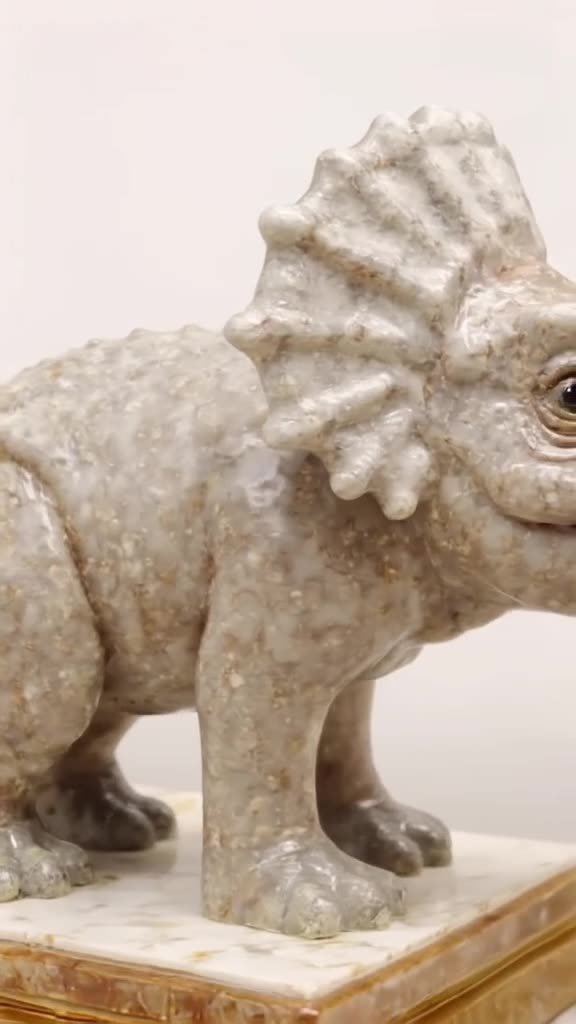
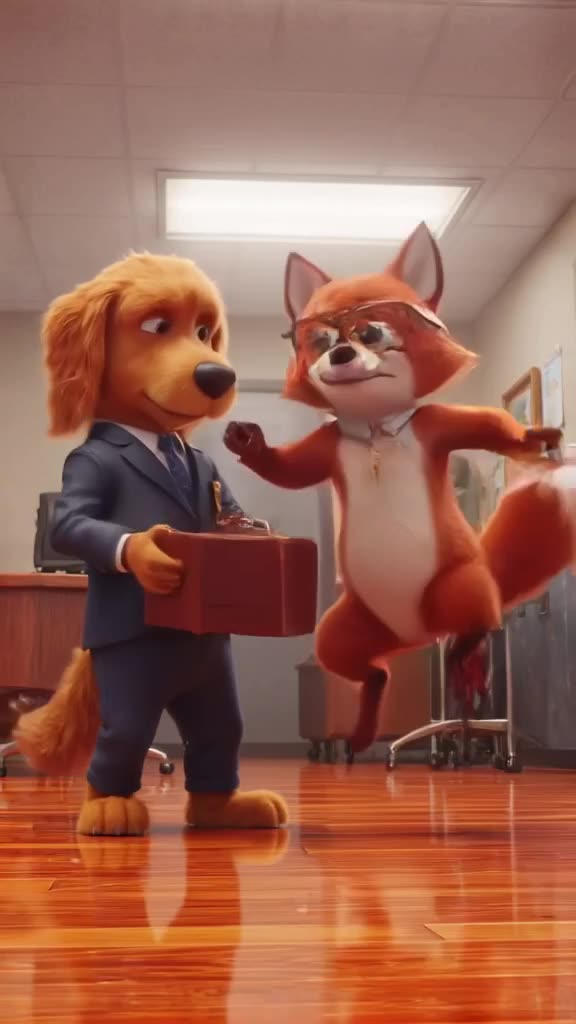
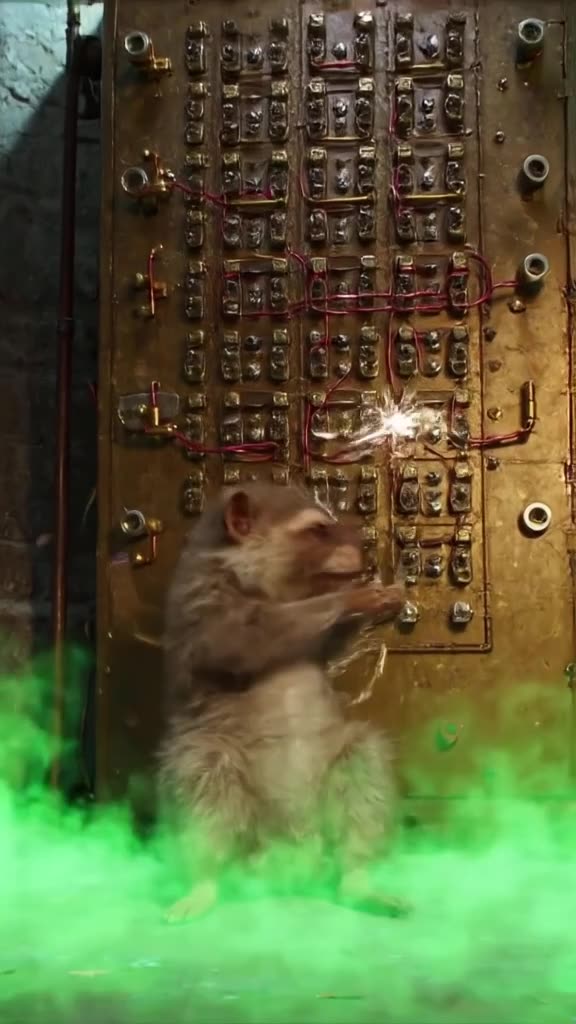
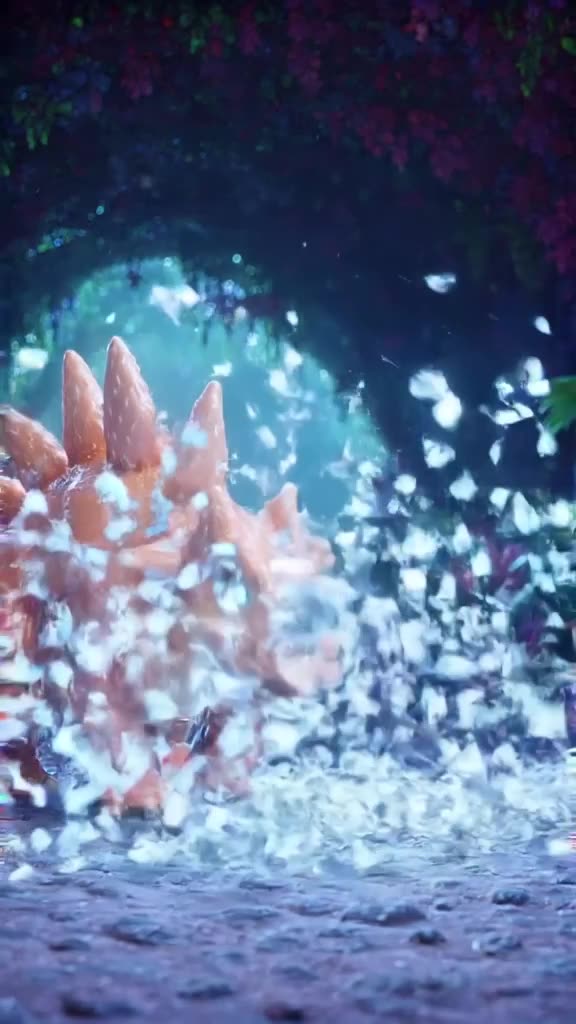
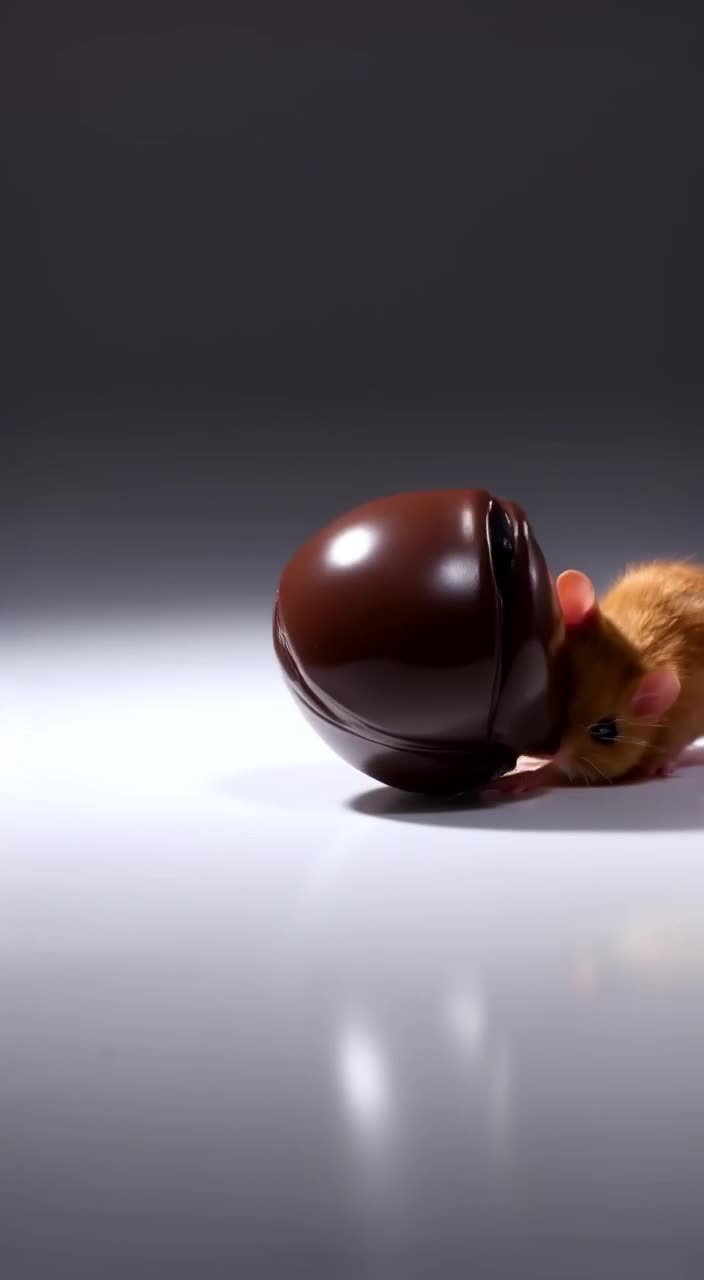
The five-part prompt formula
Strong text-to-video prompts cover five things, in roughly this order:
- Subject: who or what, with a distinctive detail. "An elderly fisherman with a yellow raincoat."
- Action: one clear motion. "Hauling a net onto the deck."
- Setting: place and time. "On a small boat in choppy gray sea at dawn."
- Camera: shot size and movement. "Handheld medium shot, slight sway."
- Light and mood: "Cold blue light with a warm glow on the horizon."
Keep to one action per clip. With 3-30 seconds (free videos: 3, 5 or 8 s), a single strong motion reads better than three rushed ones. If you only have a rough idea, type it and let the prompt enhancer expand it into this structure.
Choosing Turbo or Pro for free text to video AI
There are two modes, and both cost the same:
- Turbo is the fast option. Use it to test whether an idea works, try camera moves, or iterate on wording.
- Pro is the quality option. Use it when the prompt is settled and you want the version you will post.
A sensible way to spend 3 free videos: one Turbo draft to check the concept, then Pro for the final, with one spare for a variation.
Make it now — first 3 videos free
Then $1 per video, no subscription, no watermark.
Create a videoPrompts to copy and adapt
- "A paper boat drifting down a rain-filled city gutter, macro low-angle tracking shot, neon reflections, night." Great as a moody 9:16 hook.
- "A hot air balloon rising over lavender fields at sunrise, slow aerial pull-back, soft pink haze." Works as 16:9 YouTube B-roll.
- "A corgi in sunglasses skateboarding down a boardwalk, side tracking shot, bright midday sun." Built for a funny Reel.
- "Ink drops blooming in a glass of water, extreme close-up, black background, slow motion." A clean 1:1 background loop.
For many more, see our best AI video prompts collection and the step-by-step guide to writing text-to-video prompts.
Common mistakes that waste a free clip
- Asking for text on screen. AI models often garble lettering; add titles later in an editor.
- Forgetting the sound switch. Clips can have generated sound; turn it off if you plan to add your own music or voice in CapCut, Premiere or similar.
- Describing a whole story. Eight seconds fits one moment. Make a sequence from several clips instead.
- Forgetting the format. Pick 9:16 for TikTok or Shorts before generating, not after.
- Stacking adjectives. "Beautiful, stunning, amazing" tells the model nothing. Replace them with concrete details like the time of day, a color or a lens distance.
A shortcut that avoids most of these: scroll the public feed, find a clip close to what you want, and Remix it. You start from a prompt that already produced a good result and change only the subject or setting.
What you get and what it costs
Each clip is 3-30 seconds, downloaded as an MP4 without a watermark, in 9:16, 16:9, 1:1, 4:5 or 2:3 HD presets. The first 3 are free after signup; after that it is $1 per video with a $20 minimum top-up and credits that never expire. Worked example: a creator posting one AI clip a day covers just over three weeks with the free clips plus a $20 top-up. Clips appear in our public feed by default; Unpublish any of them whenever you like. Want to animate a photo instead of writing? Try image to video AI. Ready? Turn your prompt into a clip.
Is there a free text to video AI?
Yes. generatorvideo.ai gives 3 free text-to-video clips after signup, downloadable without a watermark.
How long can a text-to-video clip be?
Up to 30 seconds per clip on paid videos; free videos are 3, 5 or 8 seconds.
Which mode should I use?
Turbo for fast drafts, Pro for the highest-quality final. Both cost the same.
Can the AI write text or captions into the video?
We don't generate captions, and models often render text poorly. Add titles in a video editor.
What happens after the free videos?
Each extra video costs $1 from a prepaid balance (minimum $20). There's no subscription and credits never expire.