50 Best AI Video Prompts, Free to Copy and Try
Good AI video prompts read like a one-line shot description: who or what, doing what, where, how the camera moves and what the light looks like. Below are 50 prompts that follow that pattern, grouped into five categories. Each one is short enough to paste as-is and specific enough to produce a clear 3-30 second clip (free videos: 3, 5 or 8 s). Swap the subject, keep the structure, and you have hundreds more. Paste any of them into the generator, choose an aspect preset, and pick Turbo for a fast draft or Pro for a detailed final. Your first 3 videos are free after signup.
Cinematic and people prompts (1-10)
Realistic scenes with one person and one clear action. Pro usually handles faces and hands better.
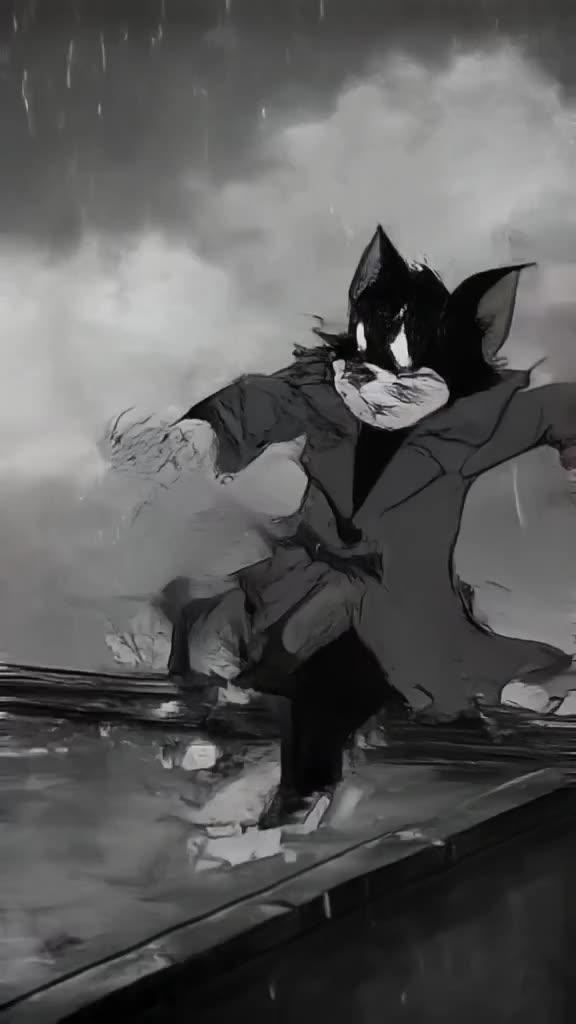
- 1. Detective in a trench coat lights a match in a rainy alley, slow push-in, neon reflections.
- 2. Old man plays chess alone in a park at dawn, static shot, mist, soft light.
- 3. Surfer walks into the sea at sunset, camera follows from behind, silhouettes.
- 4. Chef flambes a pan, flames burst upward, close-up, warm kitchen light.
- 5. Girl on a train looks out the window, countryside blurring past, golden hour.
- 6. Boxer wraps his hands in a dim gym, slow orbit, single hanging bulb.
- 7. Dancer spins in an empty warehouse, dust in sunbeams, wide shot.
- 8. Astronaut removes helmet on a red desert planet, low angle, harsh sunlight.
- 9. Violinist plays on a rooftop at night, city lights bokeh, slow dolly left.
- 10. Couple shares an umbrella crossing a Paris street, overhead shot, rain.
Nature and travel prompts (11-20)
Landscapes and animals. Use 16:9 for vistas, 9:16 for waterfalls and tall trees.
- 11. Drone glides over turquoise fjord between steep cliffs, morning mist.
- 12. Humpback whale breaches in slow motion, spray catching sunlight.
- 13. Lavender field sways in wind at sunset, camera moves low through rows.
- 14. Snow leopard walks along a rocky ridge, telephoto shot, falling snow.
- 15. Time-lapse of clouds rolling over a mountain lake, reflections shifting.
- 16. Hot air balloons rise over Cappadocia valleys at sunrise, wide shot.
- 17. Hummingbird hovers at a red flower, macro, background softly blurred.
- 18. Northern lights ripple over a snowy cabin, static shot, stars.
- 19. Waves crash against black volcanic rocks, slow motion, overcast Iceland.
- 20. Kyoto street in autumn, red maple leaves falling, slow tilt up to a pagoda.
Make it now — first 3 videos free
Then $1 per video, no subscription, no watermark.
Create a videoFood and product prompts (21-30)
Clean, commercial shots. Square and 4:5 presets suit these well.
- 21. Honey drips onto a stack of pancakes, macro, soft morning light.
- 22. Perfume bottle on wet black stone, water ripples, slow orbit, studio light.
- 23. Coffee beans pour into a grinder in slow motion, top-down, dark background.
- 24. Sneaker rotates on a floating platform, pastel background, soft shadows.
- 25. Pizza slice pulled away, cheese stretching, close-up, warm light.
- 26. Wristwatch on a leather strap, light sweeps across the dial, macro.
- 27. Ice cubes drop into a glass of cola, splash frozen, backlit.
- 28. Lipstick twists up from its case, pink satin background, slow push-in.
- 29. Fresh bread torn open, steam rising, rustic wooden table.
- 30. Headphones assemble from floating parts in mid-air, clean white studio.
Funny and meme prompts (31-40)
Short absurd ideas land best at 3-5 seconds. Turbo is fast enough to try several.
- 31. Cat in a tiny chef hat stirs soup, kitchen counter, serious expression.
- 32. Pigeon in sunglasses struts down a runway, flashing cameras.
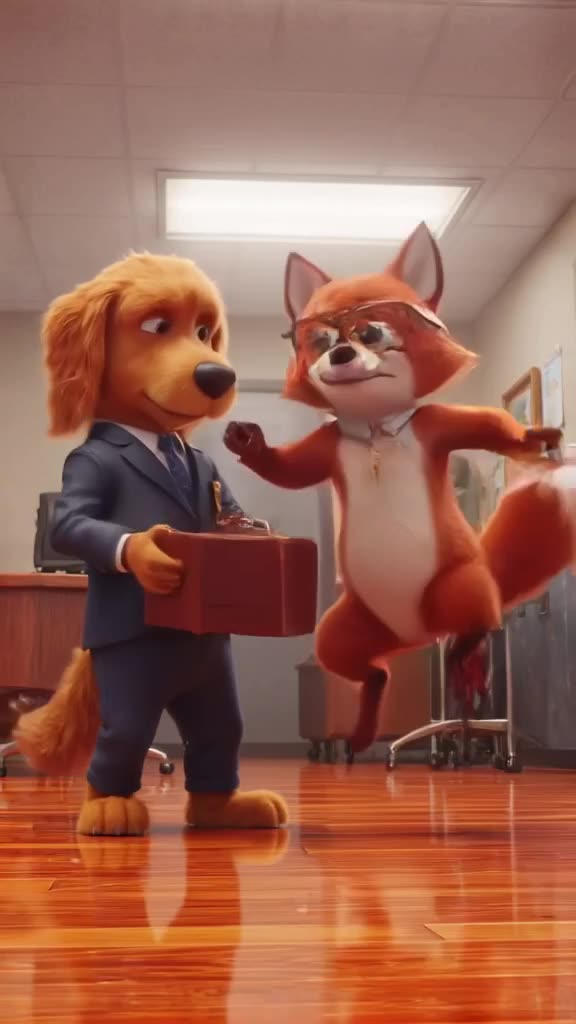
- 33. Dog drives a convertible along the coast, ears flapping, sunny.
- 34. Grandma skateboards through a supermarket aisle, tracking shot.
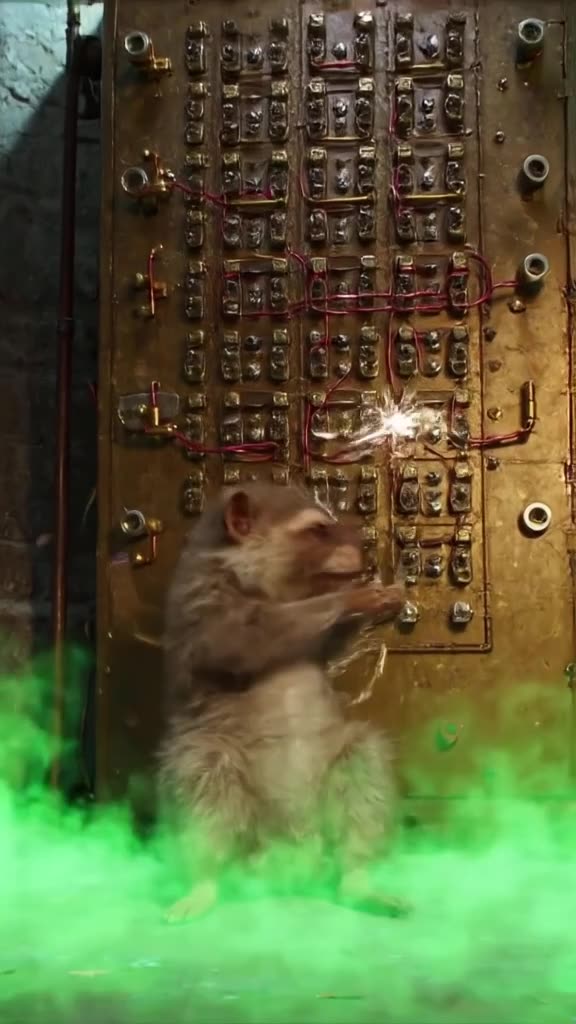
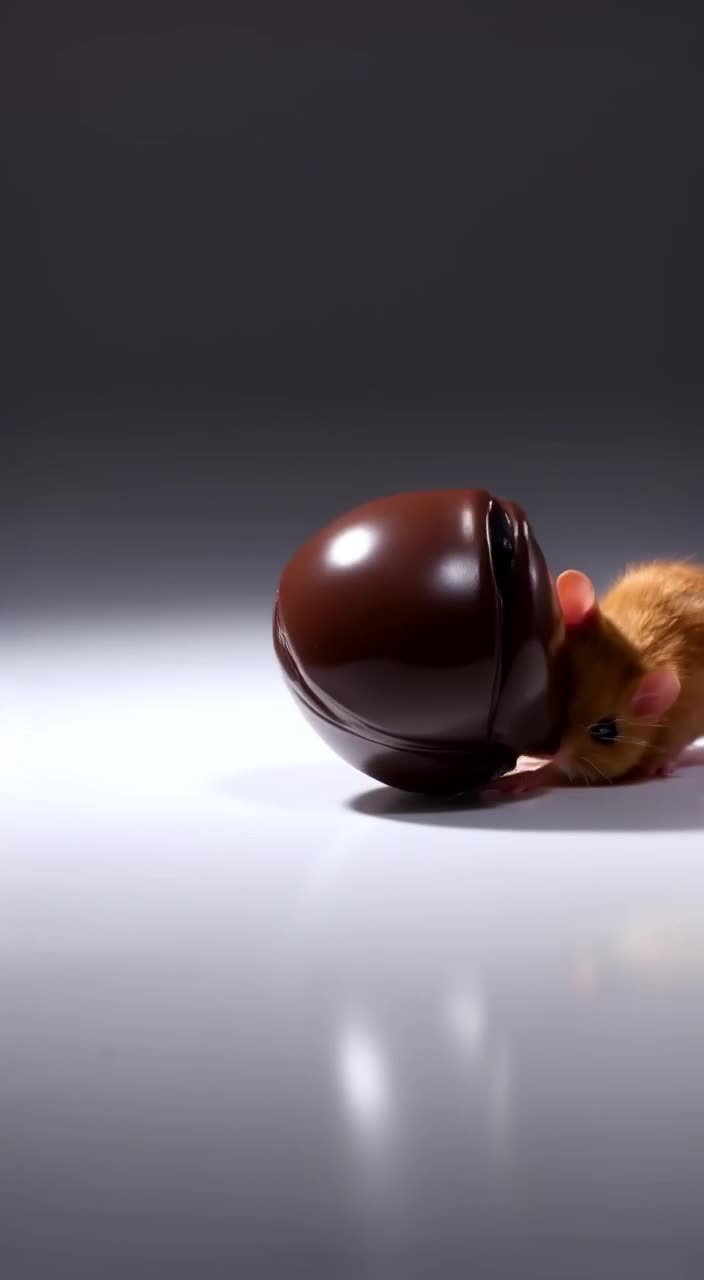
- 35. Hamster lifts a tiny barbell in a gym, dramatic spotlight.
- 36. Penguin slips on ice, then stands up and bows, slow motion.
- 37. Goat sits at an office desk typing on a laptop, fluorescent light.
- 38. Corgi in a superhero cape runs toward the camera, wind, low angle.
- 39. Sloth wins a race, crosses the finish line very slowly, confetti.
- 40. Raccoon wearing a tuxedo steals a cake at a wedding, handheld shot.
Fantasy, sci-fi and anime prompts (41-50)
Stylized worlds forgive small artifacts. Name the style explicitly.
- 41. Dragon circles a snowy castle at dusk, wide shot, embers in the air.
- 42. Anime girl on a hill watches a meteor shower, wind in her hair.
- 43. Floating islands with waterfalls pouring into clouds, slow pan.
- 44. Cyberpunk street market in rain, holograms flicker, camera glides forward.
- 45. Wizard opens an ancient book, glowing runes rise from pages, candlelight.
- 46. Giant robot walks through a foggy city, low angle, searchlights.
- 47. Paper origami birds come alive and fly off a desk, soft light.
- 48. Underwater city with glowing jellyfish lanterns, slow dolly forward.
- 49. Studio Ghibli-style train crosses a flooded meadow, summer clouds.
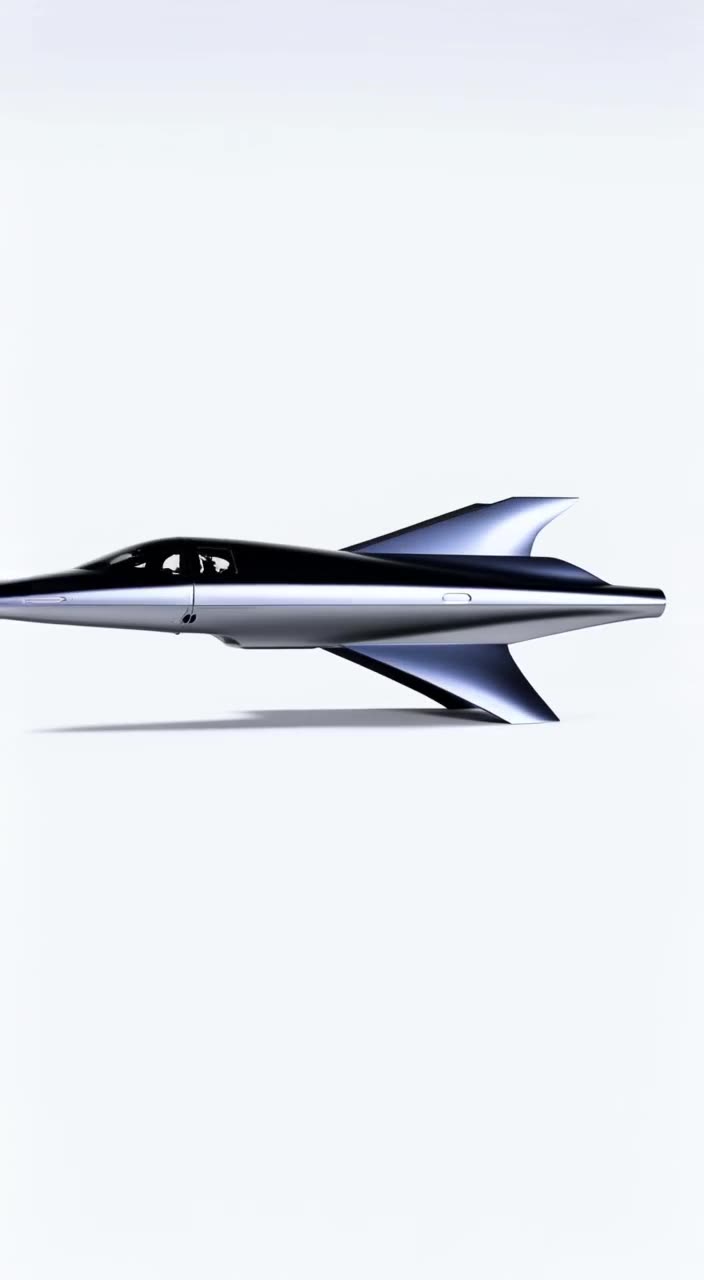
- 50. Spaceship lands on an alien beach with purple sand, two suns setting.
How to get more from these prompts
- Change one thing at a time. Swap the subject but keep the camera and light, so you know what caused a change.
- Match the shape to the shot. Tall subjects in 9:16, landscapes in 16:9.
- Remix from the feed. Every clip in our public feed shows its prompt; Remix one you like.
- Learn the structure in our text to video prompts guide and the camera movement list.
Cost check: trying 20 of these costs one $20 top-up, and unused credits never expire. Start generating.
FAQ
What makes a good AI video prompt?
A clear subject, one action, a setting, a camera move and lighting. Short, concrete descriptions beat long lists of adjectives.
Can I use these prompts for free?
Yes, copy them freely. On generatorvideo.ai the first 3 videos are free after signup, then $1 each.
Do these prompts work in other AI video generators?
Most of them do, since they use plain shot-description language. Results vary by model.
Why doesn't my clip match the prompt exactly?
Video models interpret prompts loosely. Simplify to one action, name the camera move, and try again or switch modes.
Should I use Turbo or Pro with these?
Use Turbo for fast drafts and simple or funny ideas; use Pro for realistic people, textures and final renders.
Related