ข้ามไปยังเนื้อหา

Free AI Video Prompt Generator: From a Few Words to a Full Shot

Most people know what they want to see but not how to describe it in the way video models like. An AI video prompt generator fills that gap: you type "cat astronaut" and get back a full shot description with subject, action, setting, camera and light. generatorvideo.ai has one built in - the prompt enhancer - sitting right next to the generate button. Type a rough idea, enhance it, edit anything you disagree with, and generate a 3-30 second clip (free videos: 3, 5 or 8 s) on Turbo or Pro. Enhancing is part of the generator; the 3 free videos after signup and the $1 per video after that apply to the clips you make. Try the prompt enhancer.

Generation is temporarily paused. Please try again later.
0 / 1500
ฟอร์แมต
ความยาว
ตัวเลือกเพิ่มเติม — กล้อง หลายเทค พรอมต์เชิงลบ ซีด
จำนวนเทค
เพลง

What the prompt enhancer actually does

Video models respond better to a paragraph that reads like a director's note than to a handful of keywords. The enhancer rewrites your short idea into that form. It typically adds:

  • A concrete subject - not "a dog" but "a scruffy terrier with a red bandana".
  • One clear action and how fast it happens.
  • A setting with a few specific details.
  • Camera direction - angle and movement.
  • Lighting and mood - time of day, color, atmosphere.

You stay in control: the enhanced text is editable before you spend a credit.

Before and after: five enhanced prompts

  • "cat astronaut" becomes "A fluffy grey cat in a white astronaut suit floats inside a space station, paws batting at a drifting fish-shaped treat, Earth visible through the round window, soft cabin light, slow push-in."
  • "rainy city" becomes "A cyclist in a yellow jacket rides through a rainy Amsterdam street at dusk, reflections on wet cobblestones, camera tracks alongside, warm shop windows glowing."
  • "coffee ad" becomes "Espresso pours into a white cup on a dark walnut counter, crema forming in slow motion, macro close-up, a single beam of side light."
  • "scary forest" becomes "A lantern sways from a branch in a foggy pine forest at night, something moves between the trees, camera slowly creeps forward, cold blue moonlight."
  • "happy birthday" becomes "Candles flicker on a chocolate cake as confetti drifts down in a cozy living room, close-up, warm fairy lights in the background." (Add the "Happy Birthday" text in an editor; our clips don't render text.)

Make it now — first 3 videos free

Then $1 per video, no subscription, no watermark.

Create a video

How to edit what the generator gives you

The enhancer's version is a starting point. Three quick edits make a big difference:

  • Cut extra actions. If the description has three things happening, keep one. Short clips handle one motion best.
  • Fix the camera to match the platform. For TikTok use a push-in or static close-up; for YouTube, a wide pan or tracking shot. See camera movement prompts.
  • Add your brand details. Colors, product shape, location - the generator can't guess them.

If a result misses, don't rewrite the whole prompt. Change a single element - the camera, the light or the action speed - and generate again. After two or three rounds you'll know which words the model listens to.

Writing prompts yourself vs using a generator

The enhancer is fastest when you have an idea but no vocabulary. Writing by hand is better when you know exactly what you want, because every word is intentional. Many people combine both: enhance, then trim. If you want to learn the craft, our guide on how to write text to video prompts explains the structure, and 50 best AI video prompts gives ready examples. For photos, the approach differs - read image to video prompts.

Remix: another way to get a good prompt

Every clip in our public feed shows the prompt that made it. If you see a shot you like, hit Remix, and the generator opens with that prompt ready to change - swap the subject, the setting or the style. It is a practical way to learn which phrases produce which results.

Cost example: one enhanced prompt, three Turbo drafts and one Pro final is 4 videos - $4 in credits from a $20 top-up that never expires. Open the generator and enhance your first idea.

FAQ

Is the AI video prompt generator free?

The prompt enhancer is built into our generator. You pay only for videos: 3 free after signup, then $1 each.

Can I edit the enhanced prompt?

Yes. The enhanced text is editable before you generate.

Does the enhancer work for image-to-video?

It is most useful for text-to-video. For image-to-video, keep prompts focused on motion and camera, since the image sets the look.

Can I use the enhanced prompts in other tools?

Yes, they are plain text shot descriptions and can be pasted anywhere.

Why are enhanced prompts so long?

Video models usually respond better to specific details about subject, action, camera and light. Trim anything you don't need.

Related
Made with generatorvideo.ai

Explore more →
Create a 20-second hilarious 3D animated cartoon in a colorful African village. CHARACTER…

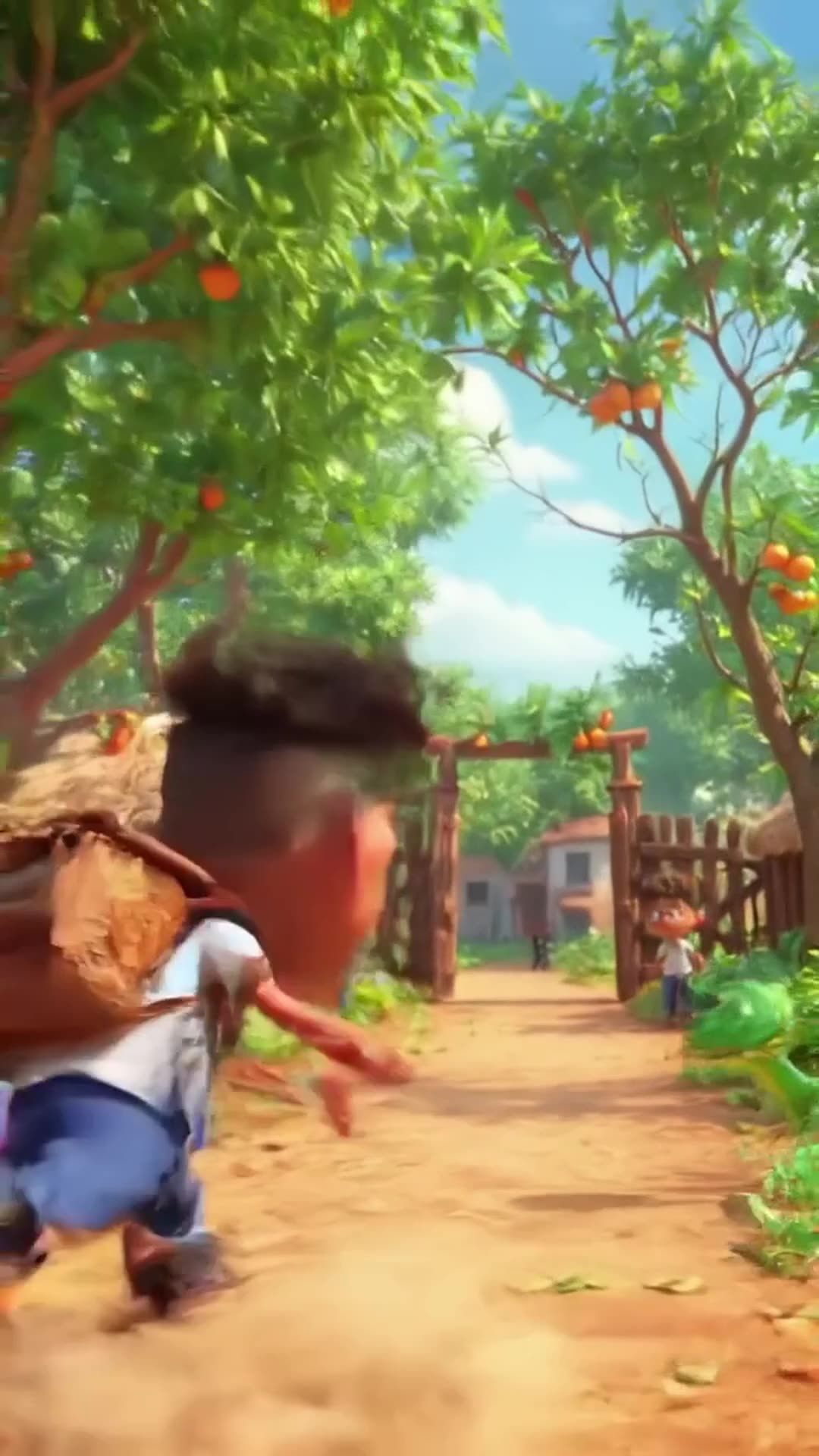
Create a 20-second hilarious 3D animated cartoon in a colorful African village. CHARACTER: Audu is a cheerful African schoolboy wearing a white school shirt, blue trousers, black shoes, and a school backpack. SCENE 1 (0–4 seconds): Audu walks happily along a village path toward school. Suddenly, he spots a beautiful ripe mango hanging from a tree. His eyes widen, and he says, "Wow! What a delicious mango!" SCENE 2 (4–8 seconds): Audu excitedly climbs the tree to grab the mango. Add funny sneaky music and exaggerated cartoon movements. SCENE 3 (8–12 seconds): Audu jumps down from the tree, lands on the ground, and suddenly sees a snake right in front of him. The snake hisses. Audu freezes, his eyes bulge, and his mouth opens in shock. SCENE 4 (12–15 seconds): Audu screams, "SNAKE!" and runs toward school at superhuman cartoon speed, leaving a cloud of dust behind him. Add funny running sounds and energetic comedy music. SCENE 5 (15–18 seconds): Audu reaches the school gate, breathing heavily. His friend asks, "Where is your mango?" Audu replies, "Forget the mango! I'd rather stay alive!" Both characters laugh. VISUAL STYLE: High-quality 3D animated cartoon, expressive faces, exaggerated comedy, vibrant African village scenery, smooth animation, cinematic camera movements, bright natural lighting. AUDIO: Funny background music, birds chirping, a cartoon jump sound, snake hissing, Audu screaming, and hilarious running sound effects. Include clear English dialogue. FORMA

0 · @muhammadsanihassan71
болельщик футбольного клуба милан смешно бьет болельщика футбольного клуба интер

болельщик футбольного клуба милан смешно бьет болельщика футбольного клуба интер

2 · @alexjoin
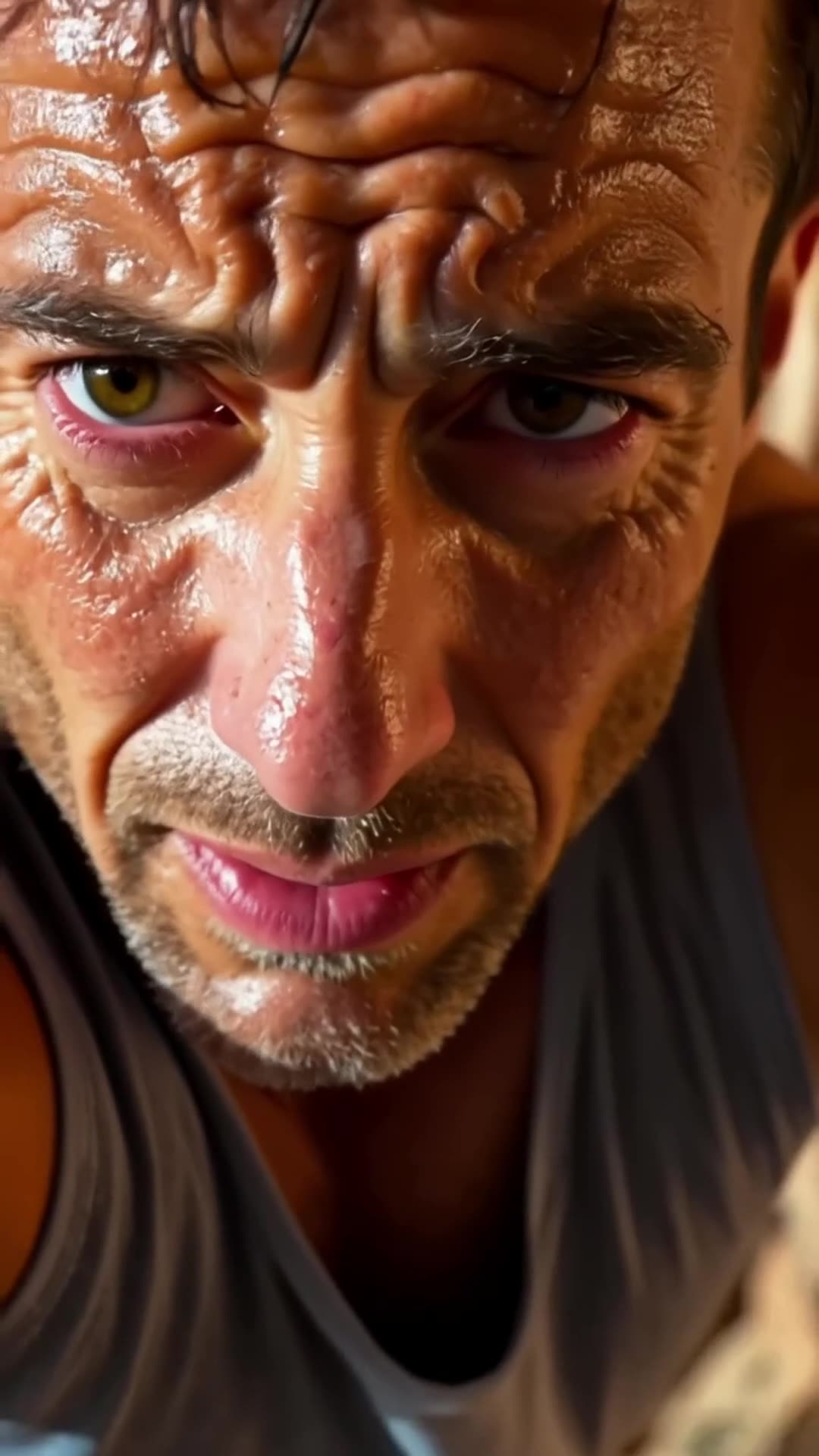
A close-up of a rock climber’s sweaty face. The camera pulls back to reveal the climber s… Pro

A close-up of a rock climber’s sweaty face. The camera pulls back to reveal the climber scaling the rock face. It then pans upward, showing how much ground he still has to cover., fpv drone dive

1 · @bavenko
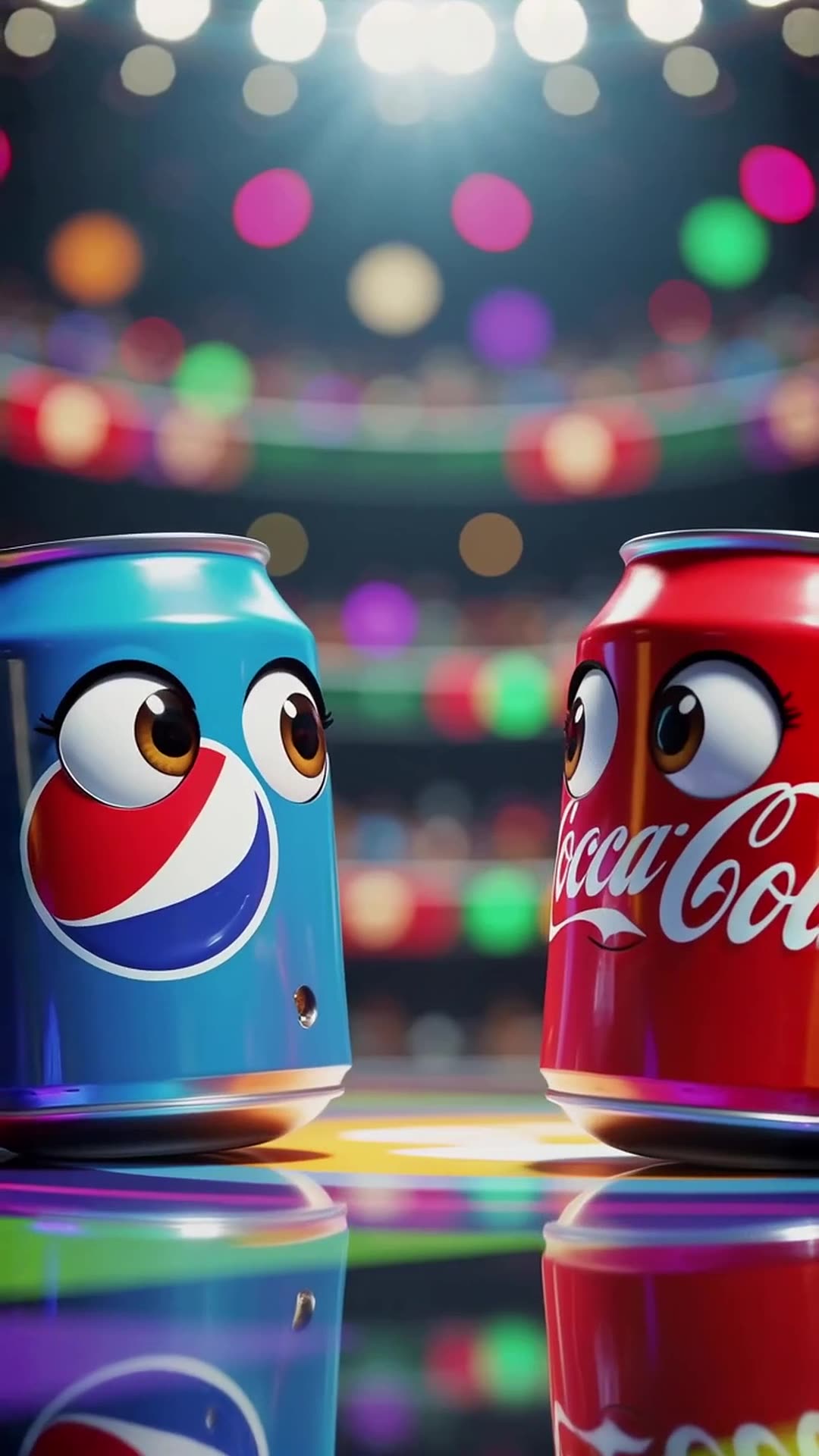
In a vibrant stadium spotlight, a Pepsi can with wide eyes shouts 'I’m gonna win!' while … Pro

In a vibrant stadium spotlight, a Pepsi can with wide eyes shouts 'I’m gonna win!' while dodging Coca-Cola’s playful punches, ending with both cans tumbling together and shouting 'Who won?' at the camera in a bright, energetic 3D cartoon style.

0 · @rohittharu5632
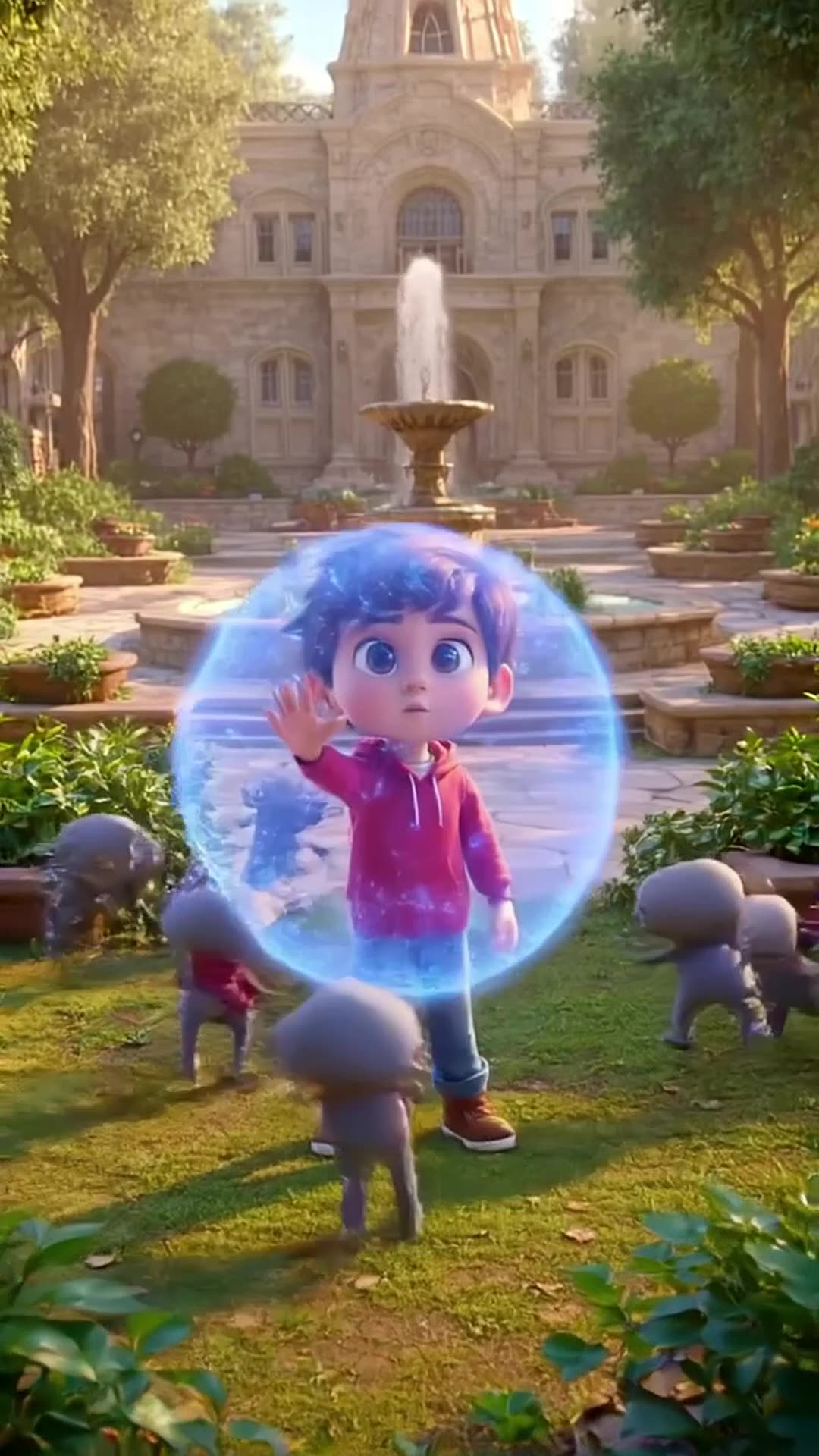
Defending my academy from Evi actors or enemies

Defending my academy from Evi actors or enemies

0 · @muhammadsanihassan71
5-second 3D cartoon animation. A mom chef in a white uniform and red hat and her little d…

5-second 3D cartoon animation. A mom chef in a white uniform and red hat and her little daughter in a red dress are in a kitchen. Flour is spilled on the table with baking tools. The daughter playfully blows on the flour, creating a white cloud that covers the mom. Mom looks shocked but amused, daughter laughs. Glossy 3D style matching the reference image, close-up, dynamic action, comedic moment.

0 · @agrig1982
Сделай мне инопланетный корабль

Сделай мне инопланетный корабль

2 · @adparad
Create an 8-second cinematic 3D cartoon gaming video in vertical 9:16 format. SCENE: A fu…

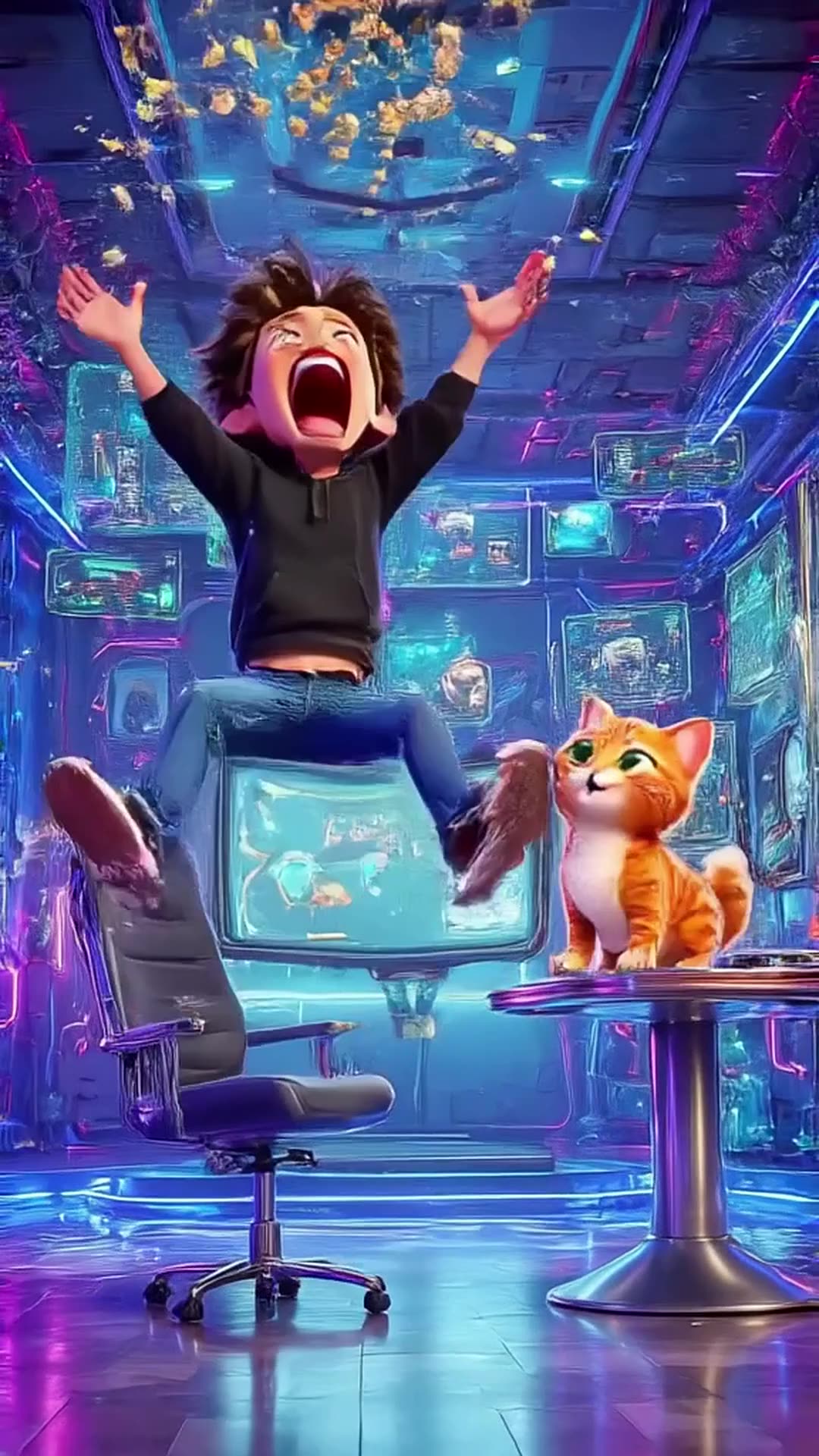
Create an 8-second cinematic 3D cartoon gaming video in vertical 9:16 format. SCENE: A funny young gamer wearing a black hoodie sits in a futuristic gaming room illuminated by electric blue and purple neon lights. He grabs his controller and starts playing an intense video game. Suddenly, his character wins an epic battle! The gamer jumps out of his chair, screams with excitement, and accidentally throws popcorn into the air. A funny cat appears and catches the popcorn in its mouth. DIALOGUE: Gamer: “LET’S GOOOO!” Cat: “MIAOW!” VISUAL STYLE: High-quality cinematic 3D cartoon animation, expressive characters, smooth movements, exaggerated facial expressions, dynamic camera zooms, glowing neon lights, realistic shadows, vibrant colors, funny viral-video energy. SOUND: Energetic gaming music, controller clicks, epic victory sound, funny cartoon boing, popcorn popping, and a cat meow. TIMELINE: 0–2 seconds: Gamer starts playing intensely. 2–4 seconds: Epic victory animation fills the screen. 4–6 seconds: Gamer celebrates and popcorn flies everywhere. 6–8 seconds: Cat catches popcorn and looks proudly at the camera. ENDING: Display glowing electric-blue text: “PSZoneGR 🎮 PLAY • LAUGH • REPEAT”. FORMAT: Exactly 8 seconds, vertical 9:16, 1080x1920, fast-paced editing, smooth animation, family-friendly comedy, optimized for YouTube Shorts, Instagram Reels, and TikTok. Use original characters and generic gaming visuals. Do not copy official game characters or logos.

0 · @pszonegr