Ir para o conteúdo

Wan 2.2 vs generatorvideo.ai: Self-Host or Start Free Online?

Wan 2.2 is the follow-up to Wan 2.1, released by Alibaba's Wan team in mid-2025, again with open weights. It kept text-to-video and image-to-video and aimed for better motion and more cinematic results, which made it one of the most searched open video models. generatorvideo.ai does not offer Wan 2.2. We are a browser-based generator that can also add synchronized sound, with two modes: Turbo for fast drafts and Pro for the best detail. Below is an honest look at when Wan 2.2 is the right tool and when our generator is. Signup includes 3 free videos; after that each clip is a flat $1. Try it in the browser.

Generation is temporarily paused. Please try again later.
0 / 1500
Formato
Duração
Mais opções — câmera, vários takes, prompt negativo, seed
Takes
Música

Wan 2.2 in one paragraph

Wan is a family of open video generation models from Alibaba's Wan team. Wan 2.1 arrived in early 2025; Wan 2.2 followed in mid-2025 as an upgrade to the same open line. Because the weights are public, Wan 2.2 can be self-hosted, fine-tuned and built into tools like ComfyUI, and many online services offer it. People use it for realistic scenes, stylized animation and animating still images.

Wan 2.2 vs generatorvideo.ai at a glance

Wan 2.2generatorvideo.ai
What it isOpen-weight model (Alibaba, mid-2025)Browser generator, nothing to install
ModesText-to-video, image-to-videoText-to-video, image-to-video; Turbo (fastest) or Pro (best detail)
SoundVideo onlySynchronized sound, on or off
How you run itSelf-host or a third-party serviceIn the browser, no install
LoRAs and custom workflowsYesNo
Clip lengthDepends on setup3-30 seconds (free videos: 3, 5 or 8 s)
PriceHardware, GPU rental or the host's plan3 free, then $1 per video; no subscription, credits never expire
Formats, feed, APIDepends on setup9 social formats, optional public feed (private by default), Remix, REST API

Make it now — first 3 videos free

Then $1 per video, no subscription, no watermark.

Create a video

Should you self-host Wan 2.2 or generate online?

Self-hosting Wan 2.2 makes sense if you already own a strong GPU, want LoRAs and custom workflows, or generate hundreds of clips and prefer paying for hardware rather than per clip.

generatorvideo.ai makes sense if you want a few good clips without learning a node graph, managing VRAM or downloading large model files - and especially if you want sound. What you get:

  • Text-to-video and image-to-video, in Turbo or Pro
  • Synchronized sound you can switch on or off
  • 9 social formats, including TikTok/Reels/Shorts (9:16), YouTube and X (16:9), Instagram (1:1, 4:5) and Pinterest (2:3)
  • 3-30 second clips, watermark-free MP4
  • 3 free videos, then $1 each - failed renders are refunded
  • Remix and a REST API

Every clip is private by default; you can Publish your own to our public feed in one click and Unpublish at any time.

What Wan 2.2 does well, and where it struggles

Strengths people usually notice in Wan 2.2:

  • Natural body motion - walking, dancing, turning heads
  • Detailed textures: fabric, skin, water, foliage
  • Cinematic lighting when the prompt names it
  • A large ecosystem of LoRAs and community workflows

Weak spots, shared with most current models: fast complex action (fights, sports), readable text on signs, many small characters interacting, and exact physics. And it produces no audio, so you add sound in an editor. Our Pro mode targets the same detail, lighting and motion, and can add sound in the same pass.

Prompts that work on both

A reliable template for Wan 2.2 and generatorvideo.ai alike: subject + action + setting + camera + light + style - and on generatorvideo.ai, add the sound.

  • "A ballerina spins on a rooftop at dusk, city lights below, slow orbit camera, soft pink sky, film grain, soft piano music."
  • "A steaming bowl of ramen placed on a wooden counter, chopsticks lift noodles, close-up, warm tungsten light, gentle slurping and kitchen clatter."
  • "A knight in battered armor walks through a misty forest, camera tracks alongside, shafts of light through trees, armor clanking."

Tips: use one camera move, name the light, avoid long lists of unrelated objects, and describe motion speed ("slowly", "gently", "suddenly"). Short on ideas? Let the prompt enhancer write the full description, or grab one from our best AI video prompts. Animating photos? Read the image-to-video prompts guide.

A four-step workflow on generatorvideo.ai

  • 1. Pick the shape first. Choose the format for where the clip will be posted, so the model composes for it.
  • 2. Write or enhance the prompt. One subject, one action, one camera move, named light, and the sound you want.
  • 3. Draft on Turbo. It is the fastest way to check the idea; 5 seconds is a good default length.
  • 4. Final on Pro. Re-run the keeper on Pro for the best detail, lighting and motion. Use Remix and change one phrase at a time if a detail is off.

Both modes cost $1: 20 clips from a $20 top-up could be 14 Turbo drafts and 6 Pro finals. Generate your first clip free.

FAQ

Does generatorvideo.ai run Wan 2.2?

No. generatorvideo.ai is its own browser-based generator, with Turbo for speed and Pro for quality. For Wan 2.2 you would self-host it or use another service.

What is Wan 2.2?

Wan 2.2 is an open-weight video generation model released by Alibaba's Wan team in mid-2025, the successor to Wan 2.1.

Is Wan 2.2 free to use?

The weights are openly available for self-hosting. On generatorvideo.ai you get 3 free videos after signup, then $1 per clip.

Does Wan 2.2 generate sound?

No, it generates video only. generatorvideo.ai generates synchronized sound, which you can turn on or off.

How long are the clips on generatorvideo.ai?

You choose 3 to 30 seconds per generation. Join several clips in an editor for longer videos.
Related

Made with generatorvideo.ai

Explore more →
Create a 20-second hilarious 3D animated cartoon in a colorful African village. CHARACTER…

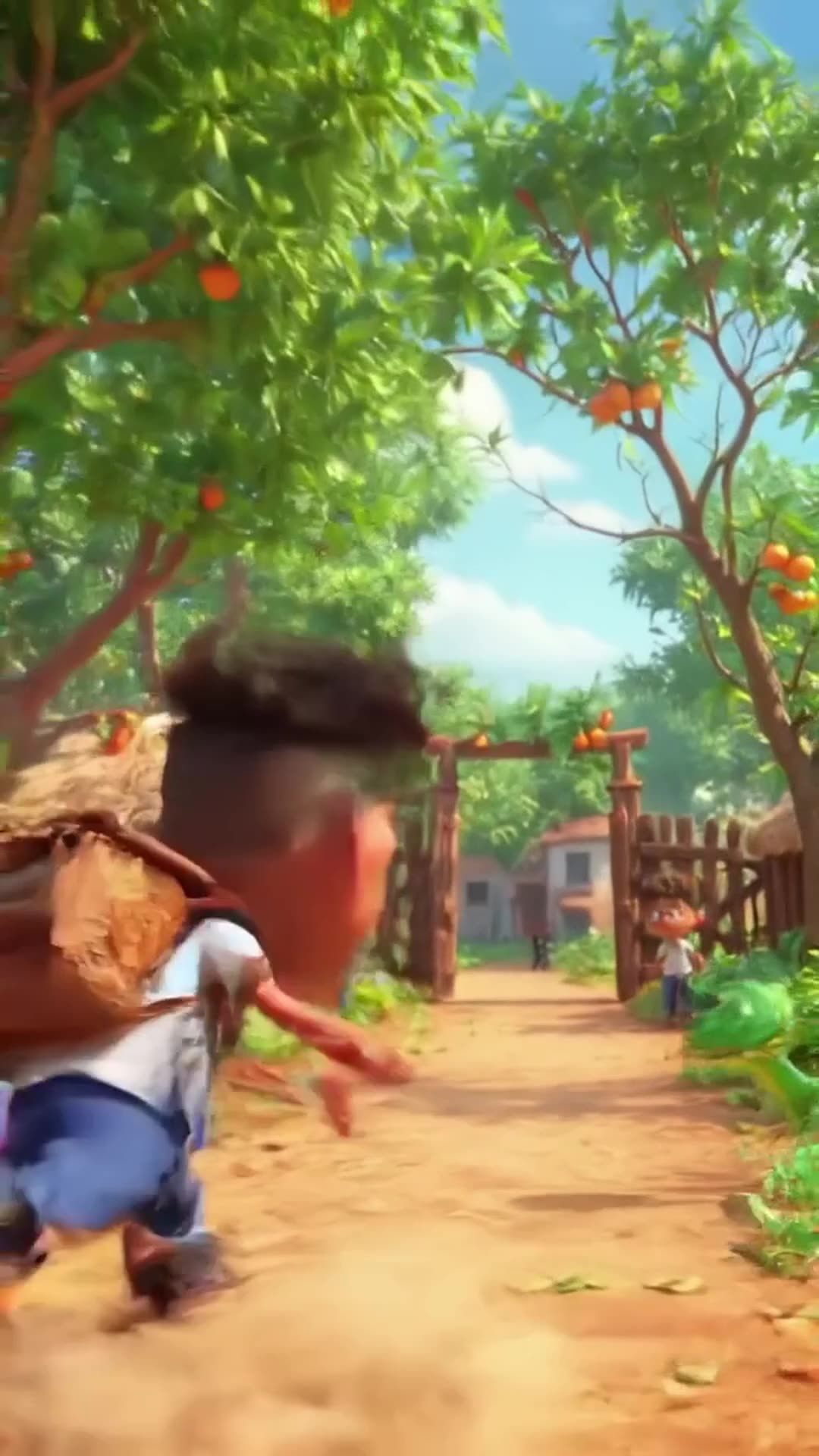
Create a 20-second hilarious 3D animated cartoon in a colorful African village. CHARACTER: Audu is a cheerful African schoolboy wearing a white school shirt, blue trousers, black shoes, and a school backpack. SCENE 1 (0–4 seconds): Audu walks happily along a village path toward school. Suddenly, he spots a beautiful ripe mango hanging from a tree. His eyes widen, and he says, "Wow! What a delicious mango!" SCENE 2 (4–8 seconds): Audu excitedly climbs the tree to grab the mango. Add funny sneaky music and exaggerated cartoon movements. SCENE 3 (8–12 seconds): Audu jumps down from the tree, lands on the ground, and suddenly sees a snake right in front of him. The snake hisses. Audu freezes, his eyes bulge, and his mouth opens in shock. SCENE 4 (12–15 seconds): Audu screams, "SNAKE!" and runs toward school at superhuman cartoon speed, leaving a cloud of dust behind him. Add funny running sounds and energetic comedy music. SCENE 5 (15–18 seconds): Audu reaches the school gate, breathing heavily. His friend asks, "Where is your mango?" Audu replies, "Forget the mango! I'd rather stay alive!" Both characters laugh. VISUAL STYLE: High-quality 3D animated cartoon, expressive faces, exaggerated comedy, vibrant African village scenery, smooth animation, cinematic camera movements, bright natural lighting. AUDIO: Funny background music, birds chirping, a cartoon jump sound, snake hissing, Audu screaming, and hilarious running sound effects. Include clear English dialogue. FORMA

0 · @muhammadsanihassan71
болельщик футбольного клуба милан смешно бьет болельщика футбольного клуба интер

болельщик футбольного клуба милан смешно бьет болельщика футбольного клуба интер

2 · @alexjoin
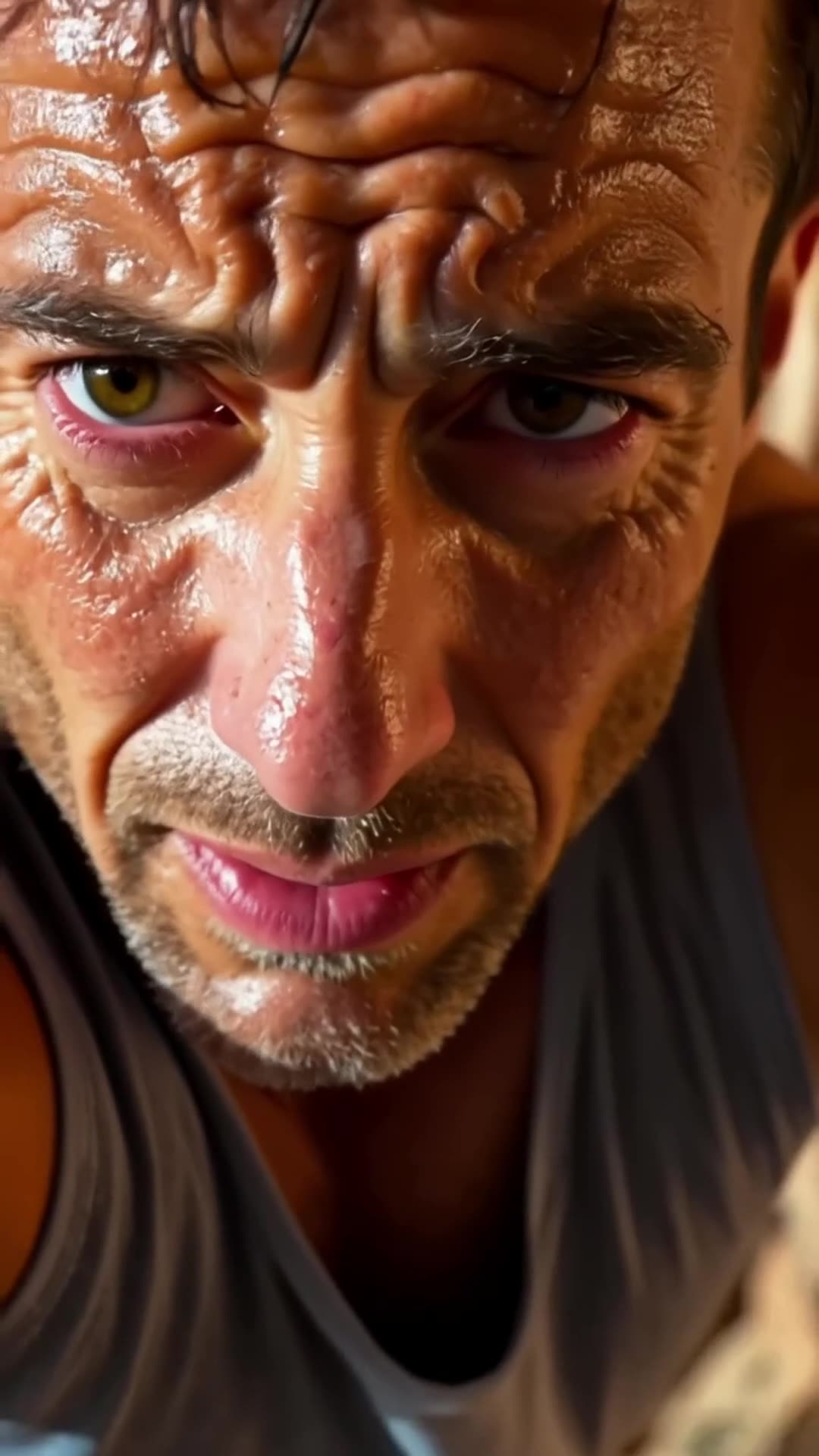
A close-up of a rock climber’s sweaty face. The camera pulls back to reveal the climber s… Pro

A close-up of a rock climber’s sweaty face. The camera pulls back to reveal the climber scaling the rock face. It then pans upward, showing how much ground he still has to cover., fpv drone dive

1 · @bavenko
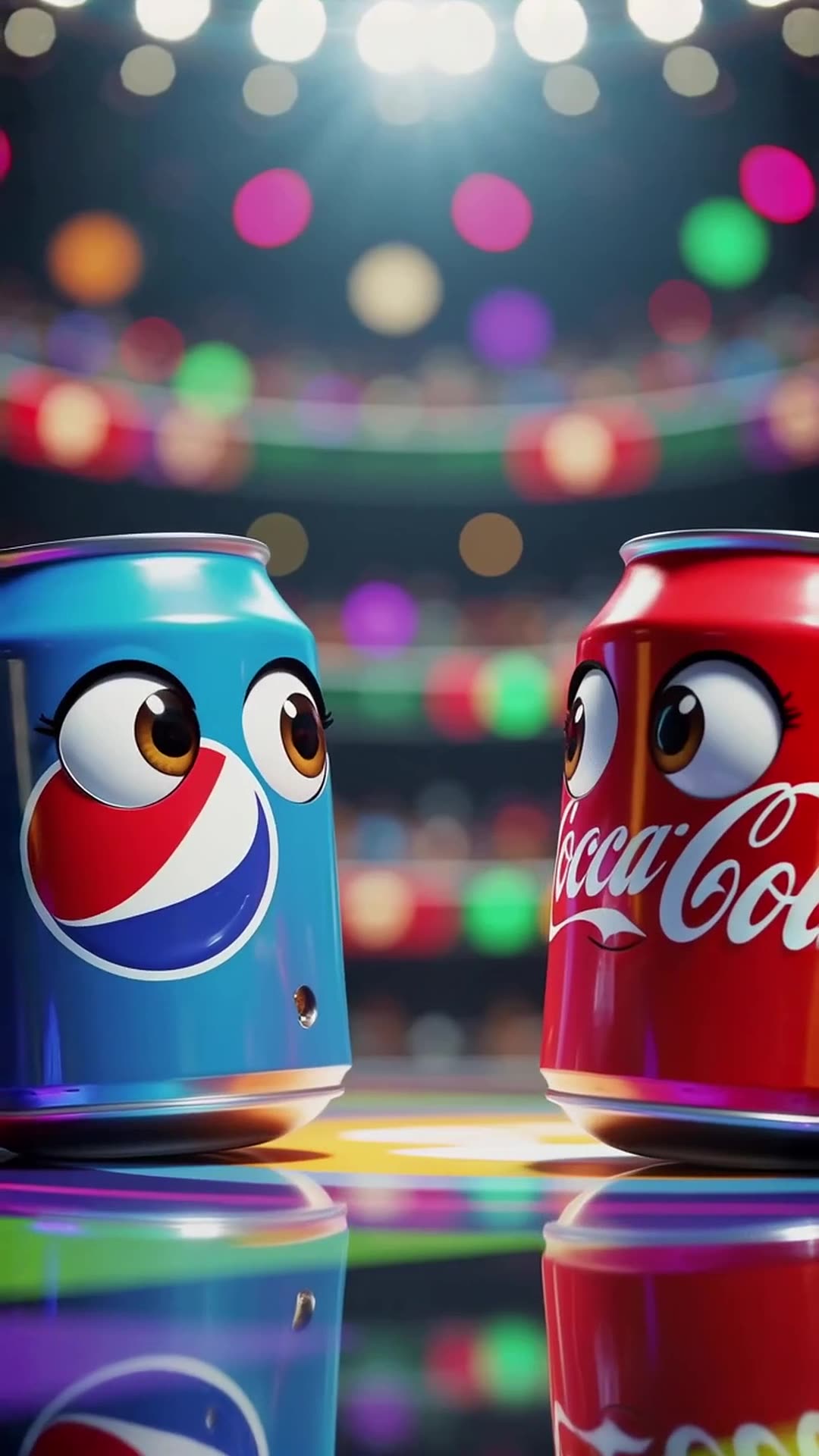
In a vibrant stadium spotlight, a Pepsi can with wide eyes shouts 'I’m gonna win!' while … Pro

In a vibrant stadium spotlight, a Pepsi can with wide eyes shouts 'I’m gonna win!' while dodging Coca-Cola’s playful punches, ending with both cans tumbling together and shouting 'Who won?' at the camera in a bright, energetic 3D cartoon style.

0 · @rohittharu5632
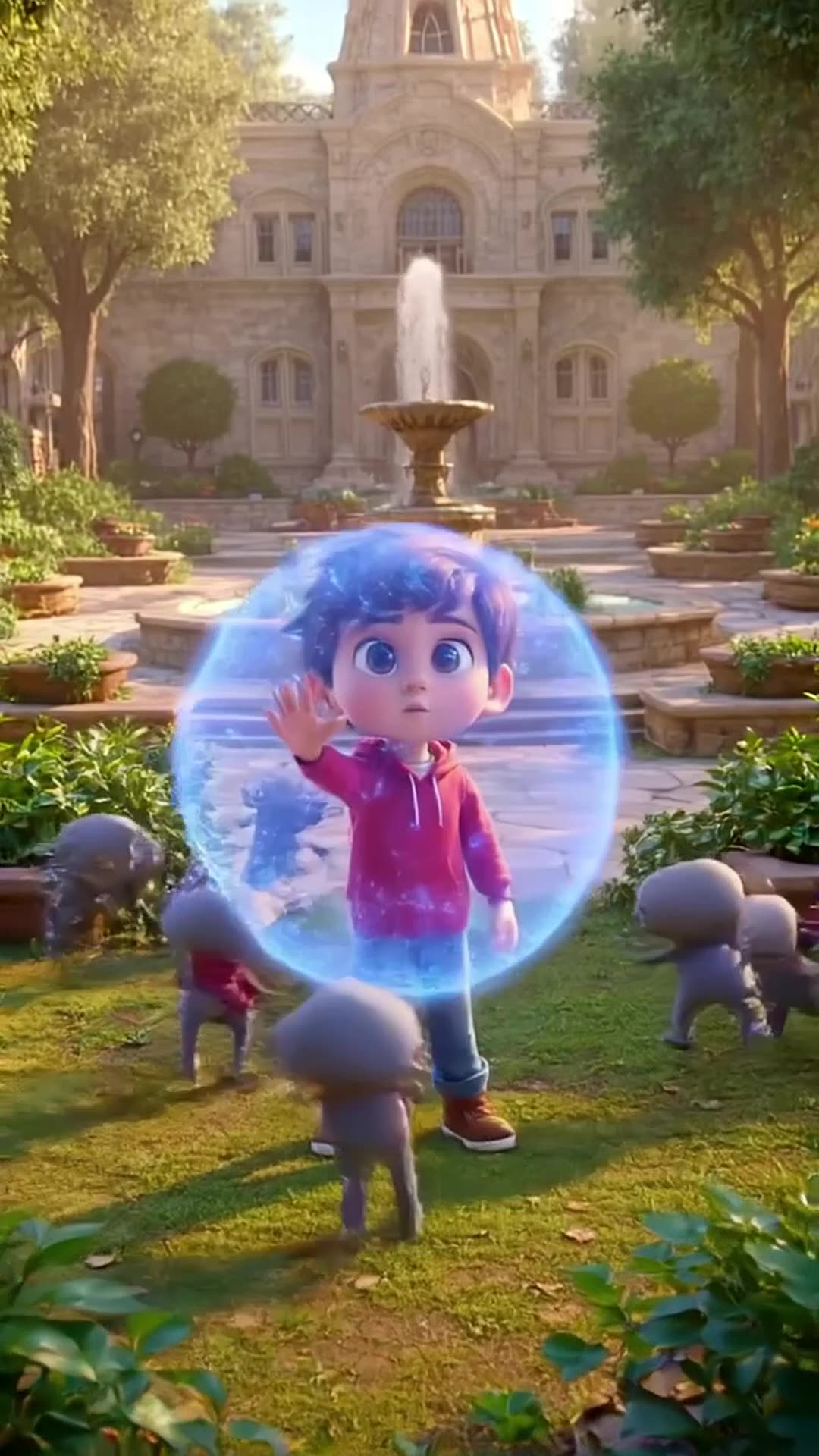
Defending my academy from Evi actors or enemies

Defending my academy from Evi actors or enemies

0 · @muhammadsanihassan71
5-second 3D cartoon animation. A mom chef in a white uniform and red hat and her little d…

5-second 3D cartoon animation. A mom chef in a white uniform and red hat and her little daughter in a red dress are in a kitchen. Flour is spilled on the table with baking tools. The daughter playfully blows on the flour, creating a white cloud that covers the mom. Mom looks shocked but amused, daughter laughs. Glossy 3D style matching the reference image, close-up, dynamic action, comedic moment.

0 · @agrig1982
Сделай мне инопланетный корабль

Сделай мне инопланетный корабль

2 · @adparad
Create an 8-second cinematic 3D cartoon gaming video in vertical 9:16 format. SCENE: A fu…

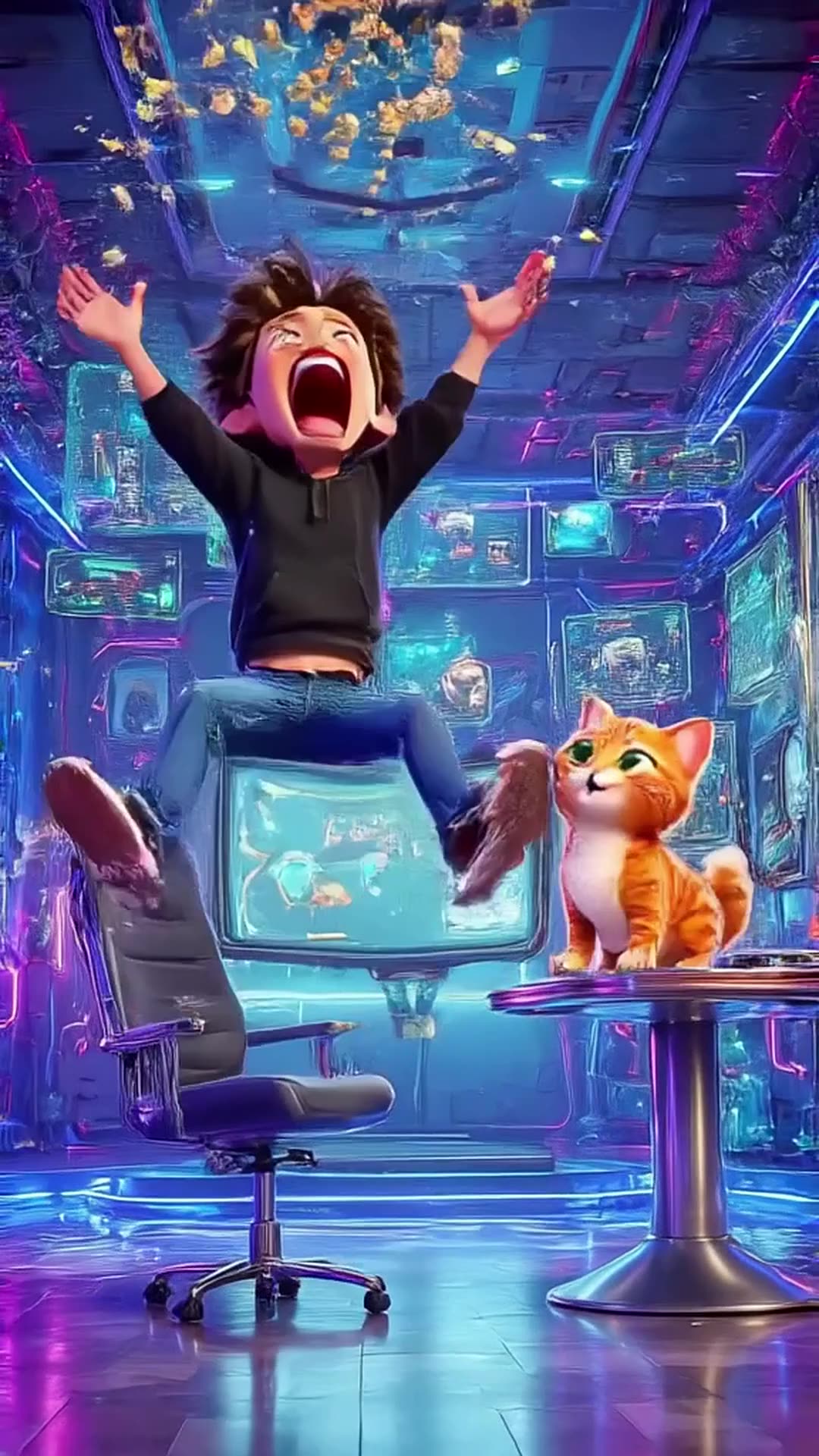
Create an 8-second cinematic 3D cartoon gaming video in vertical 9:16 format. SCENE: A funny young gamer wearing a black hoodie sits in a futuristic gaming room illuminated by electric blue and purple neon lights. He grabs his controller and starts playing an intense video game. Suddenly, his character wins an epic battle! The gamer jumps out of his chair, screams with excitement, and accidentally throws popcorn into the air. A funny cat appears and catches the popcorn in its mouth. DIALOGUE: Gamer: “LET’S GOOOO!” Cat: “MIAOW!” VISUAL STYLE: High-quality cinematic 3D cartoon animation, expressive characters, smooth movements, exaggerated facial expressions, dynamic camera zooms, glowing neon lights, realistic shadows, vibrant colors, funny viral-video energy. SOUND: Energetic gaming music, controller clicks, epic victory sound, funny cartoon boing, popcorn popping, and a cat meow. TIMELINE: 0–2 seconds: Gamer starts playing intensely. 2–4 seconds: Epic victory animation fills the screen. 4–6 seconds: Gamer celebrates and popcorn flies everywhere. 6–8 seconds: Cat catches popcorn and looks proudly at the camera. ENDING: Display glowing electric-blue text: “PSZoneGR 🎮 PLAY • LAUGH • REPEAT”. FORMAT: Exactly 8 seconds, vertical 9:16, 1080x1920, fast-paced editing, smooth animation, family-friendly comedy, optimized for YouTube Shorts, Instagram Reels, and TikTok. Use original characters and generic gaming visuals. Do not copy official game characters or logos.

0 · @pszonegr