What an AI clip is actually good for on TikTok
A 3-30 second generated clip won't replace you talking to camera, and it shouldn't try to. It works best in a few specific jobs:
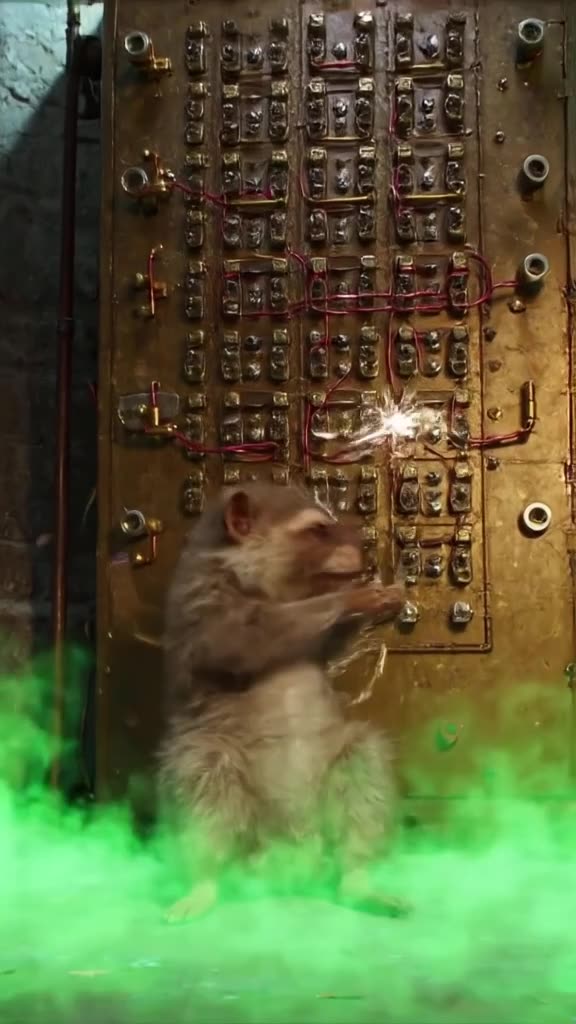
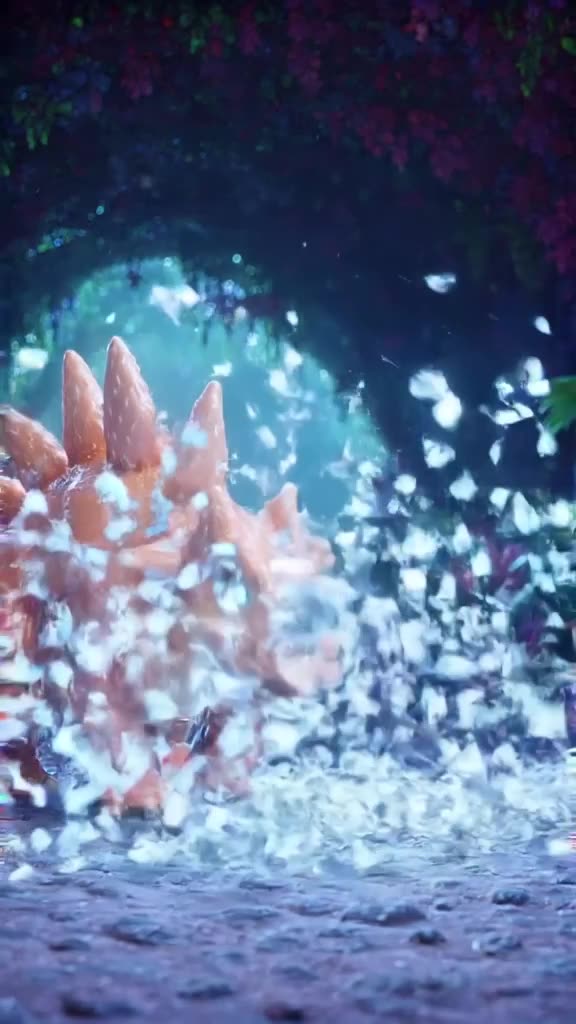
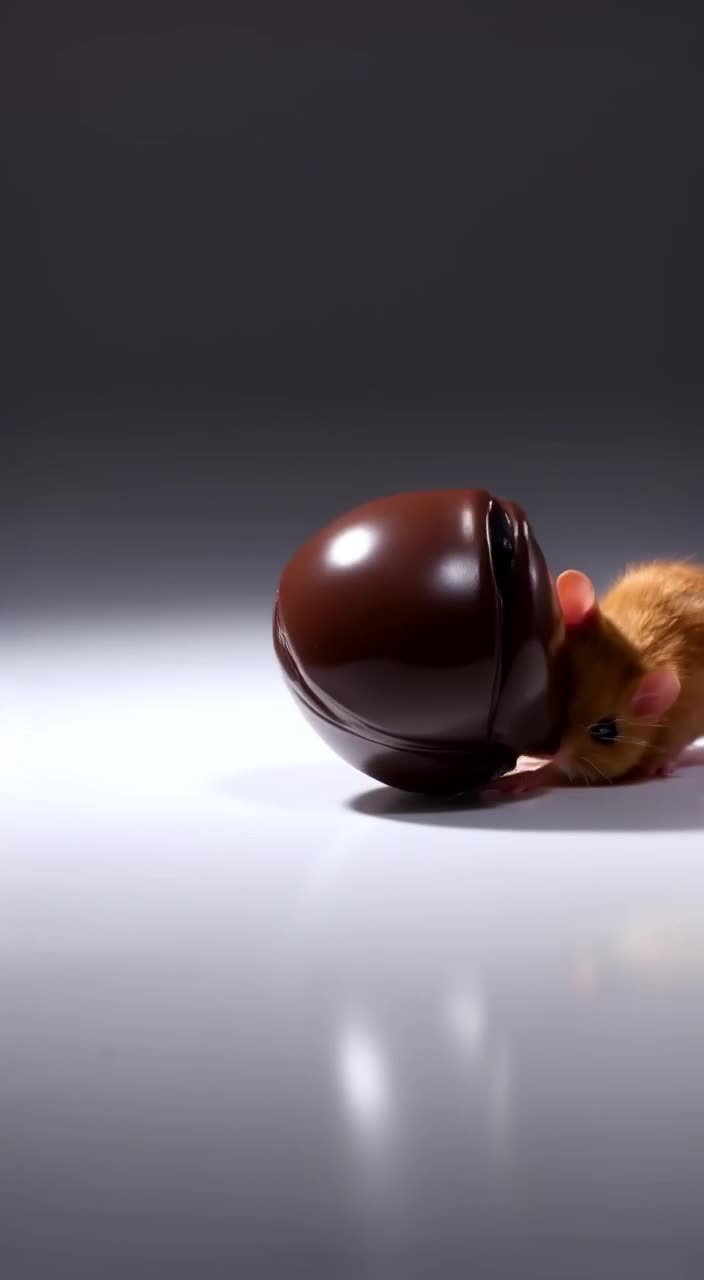
- The hook frame. A surreal or impossible opening (a whale swimming through a subway car) buys you the first two seconds, then you cut to your real content.
- Loops for text posts. Many TikToks are a sentence of on-screen text over moving background footage. A generated clip is that background.
- Faceless series. Accounts built on "facts you didn't know" or "POV" formats need a fresh visual per post, often several a day.
- Reaction bait. Absurd, oddly specific scenes people want to stitch or duet.
Think in hooks and backgrounds, not full stories. Chaining four or five clips in an editor gives you a 20-30 second post.
Workflow: from idea to posted TikTok
- 1. Write the hook as a scene. Not "a cool video about coffee" but "a tiny astronaut climbing out of a steaming espresso cup, macro lens, morning window light."
- 2. Run the prompt enhancer if your idea is only a few words. It expands it into a fuller shot description you can then edit.
- 3. Draft on Turbo. It's the fast mode, so use it to check whether the concept reads at phone size.
- 4. Re-run the winner on Pro. Pro is the quality mode: better textures, steadier motion, more believable detail.
- 5. Keep the TikTok 9:16 preset and download the MP4.
- 6. Finish in TikTok or CapCut: add the trending sound (or keep the generated one), text and captions there, then post.
Your result also appears in our public feed right away. It's public by default, and you can Unpublish it at any time if you'd rather it lived only on your TikTok.
Make it now — first 3 videos free
Then $1 per video, no subscription, no watermark.
Create a videoSix prompts built for the For You page
- A golden retriever in a tiny chef's hat flipping a pancake in a sunlit kitchen, handheld phone camera, slight wobble, warm morning light.
- POV walking through a neon night market in the rain, steam rising from food stalls, reflections on wet pavement, slow forward dolly.
- A houseplant slowly turning its leaves to follow a cat walking across a windowsill, static shot, soft afternoon light, cozy apartment.
- Extreme close-up of a cracked egg revealing a miniature glowing galaxy inside, dark background, slow push-in.
- A 1990s camcorder shot of a grandma skateboarding down a suburban driveway, overexposed summer light, VHS color.
- Top-down shot of paint colors swirling in water and forming the shape of a koi fish, vivid colors, slow rotation.
Notice the pattern: one subject, one clear action, a setting, a camera instruction and a light source. Short prompts with all five parts beat long prompts with none of them. For more patterns, see our AI video prompts library.
Mistakes that make AI TikToks flop
- Too much happening. Three characters doing three things in 5 seconds turns to mush. One subject, one action.
- Generating in 16:9 and cropping. You lose the top and bottom of the scene and the subject drifts off-center. Generate natively in 9:16.
- Ignoring the safe zones. TikTok's buttons cover the right edge and the caption covers the bottom. Ask for the subject "centered in frame" so nothing important hides under the UI.
- Posting the raw clip with no context. A generated clip plus one line of on-screen text ("when the coffee finally kicks in") usually does better than the clip alone.
- Spending quality runs on untested ideas. Draft fast first, then re-render the hook that works.
What a month of TikTok visuals costs
Say you post once a day and want one generated hook per post, plus a couple of discarded drafts for each. That's about 3 generations per post: roughly 90 videos a month, or $90 at $1 each. If you only need backgrounds for text posts and nail the prompt first try more often, 30-40 videos covers the month.
Start small: the 3 free videos show whether AI hooks fit your niche. After that, the minimum top-up is $20 for 20 videos, and those credits never expire, so a slow month doesn't burn money. A fully used subscription elsewhere can be cheaper per clip if you generate every day; the case for us is no monthly commitment. See AI video without a subscription for the comparison.
Make your first TikTok clip
Pick one hook you've been meaning to post this week, write it as a scene with a camera and a light source, and generate it in 9:16. If you want the same clip for Reels or Shorts too, the vertical video generator page covers how the presets overlap.
Can it add music or a trending sound?
Not a trending sound. Clips can have generated sound in sync with the action, or you switch it off and add the trending sound inside TikTok when you post, or in an editor like CapCut.
How long are the clips?
Each generation is 3 to 30 seconds. For a longer TikTok, generate several clips and stitch them in an editor.
Is there a watermark on the download?
No. The MP4 download has no watermark, including the 3 free videos.
Will other people see my video?
Yes, results appear in our public feed by default. You can Unpublish any video at any time.
Which mode should I use for TikTok?
Use Turbo to test ideas quickly and Pro for the final version you actually post.