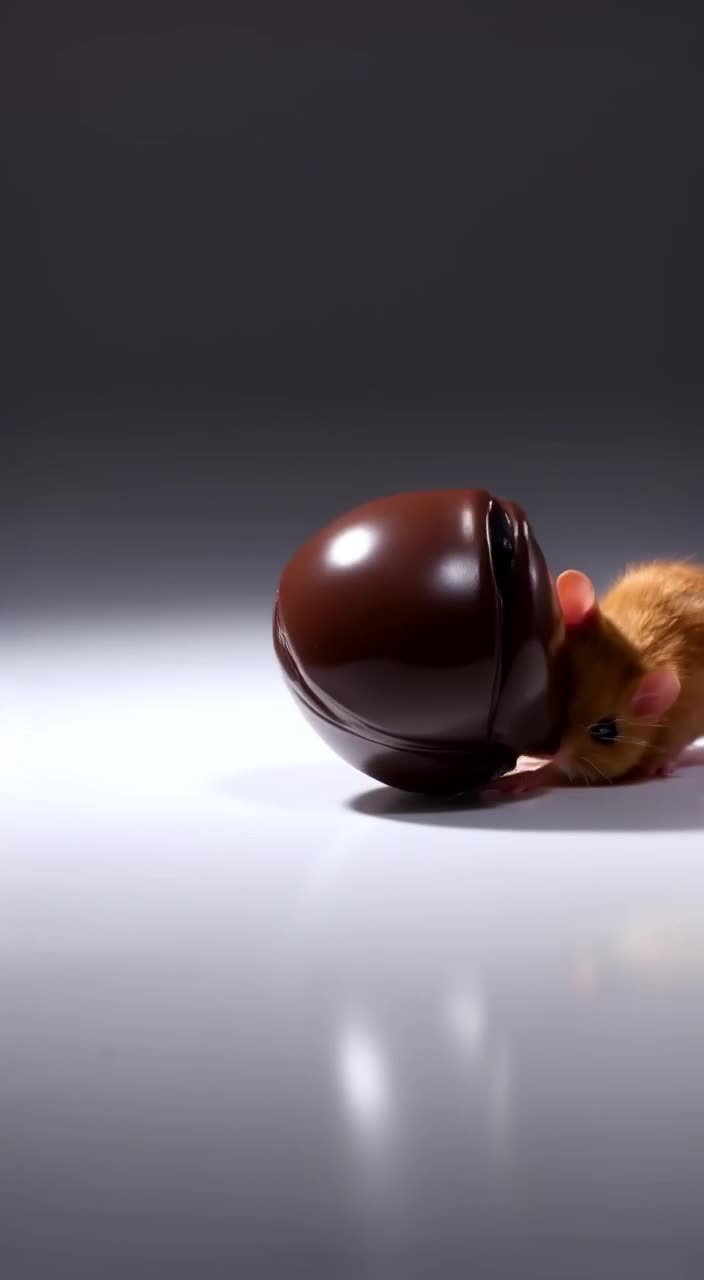
Free AI Reel Generator for Instagram Creators
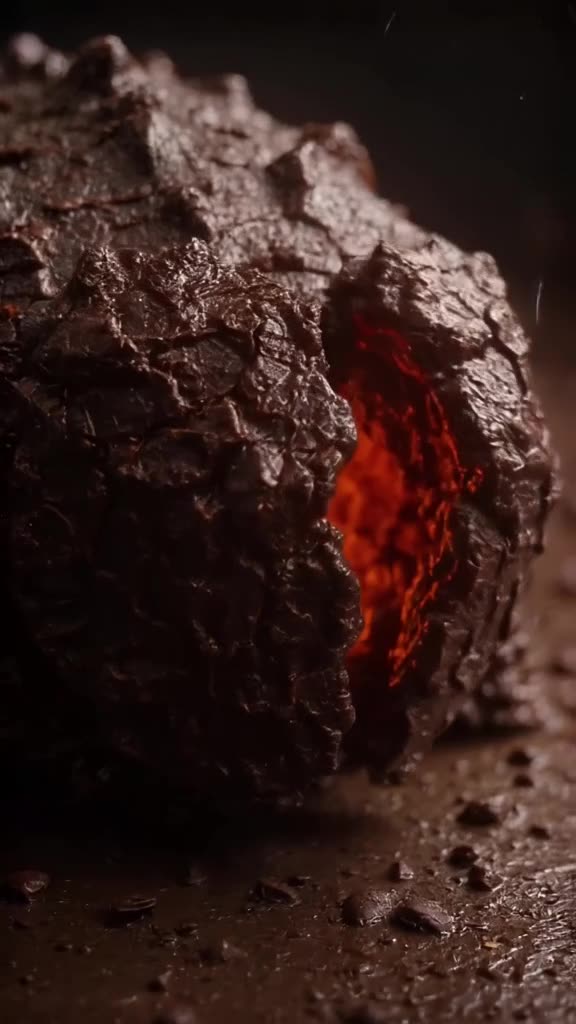
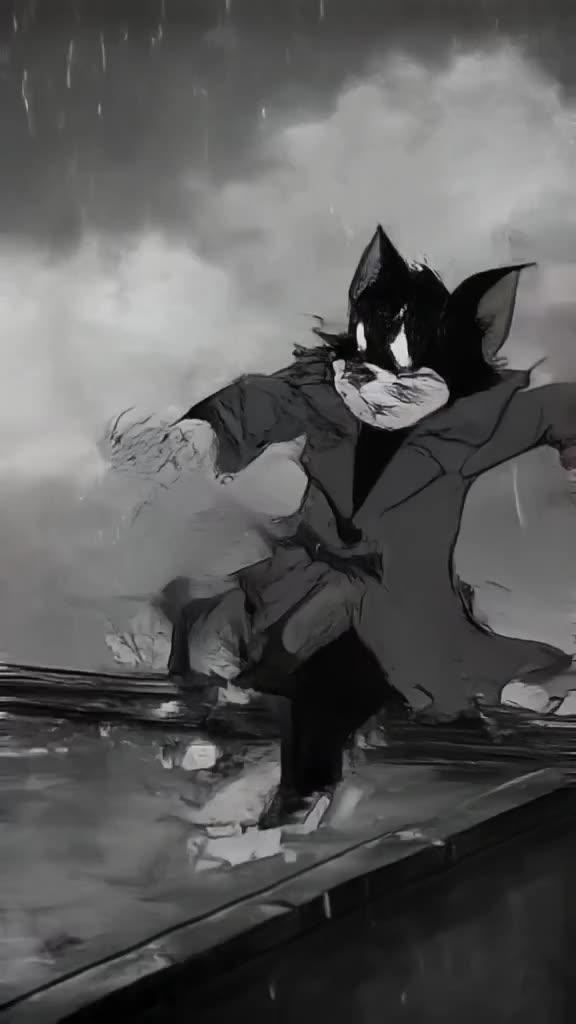
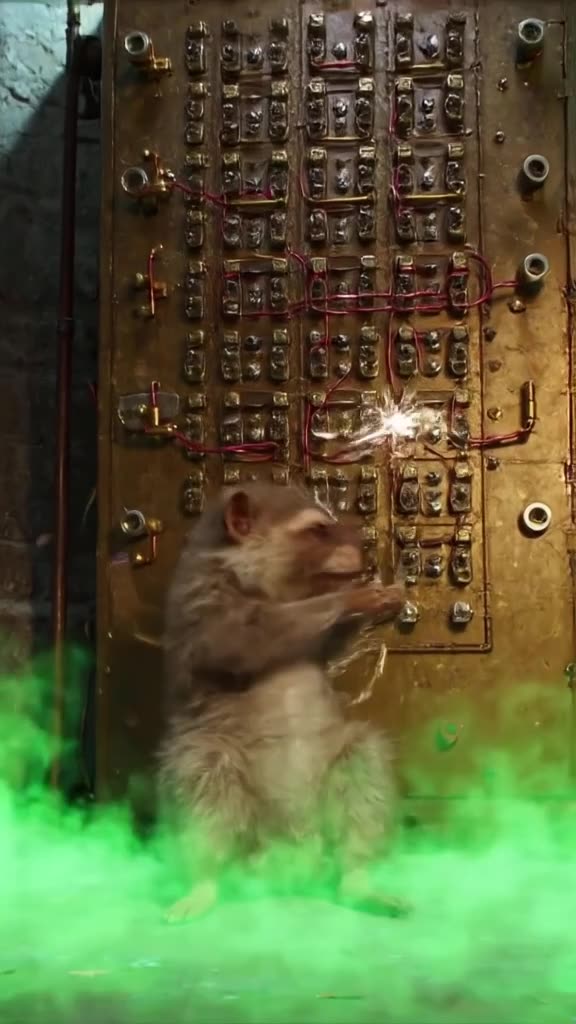
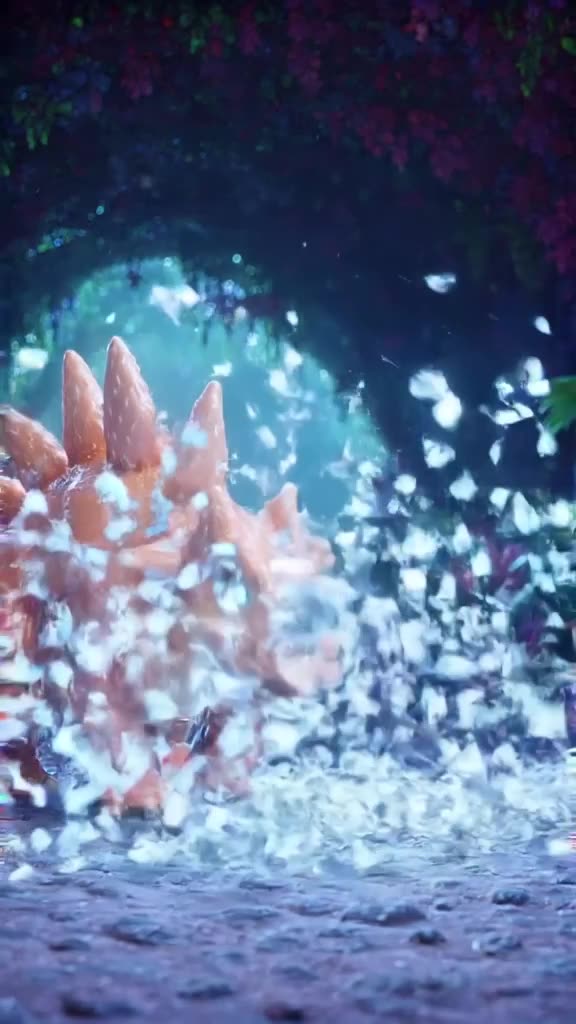
An AI reel generator is useful when your Reels need visuals you cannot easily film: a product floating in a dreamy set, a cinematic travel shot of a place you have not been yet, a surreal hook that stops the scroll. generatorvideo.ai creates 3 to 30 second clips (free videos: 3, 5 or 8 s) from text or from your own photo, exports them in 9:16 for Reels (plus 4:5 and 1:1 for the feed), and gives you a clean MP4 with no third-party watermark in the corner. You add music, text and transitions in Instagram's own editor or CapCut. The first 3 clips are free, then $1 each, no subscription. Create a Reel clip.
Where AI clips fit inside a Reel
Few Reels are one AI clip from start to finish. Generated clips work best as parts of a Reel:
- The hook (first 1-2 seconds): an unexpected image, like a giant coffee cup in a city square, grabs attention before your message.
- Visual metaphors: a stressed calendar bursting into confetti for a productivity tip.
- Product moments: animate your product photo with a slow orbit and soft light.
- Transitions and backgrounds behind text-based Reels.
Reel-ready prompts by niche
- Beauty: a glass serum bottle rotates slowly on a wet black stone, water droplets, soft pink rim light, macro close-up, vertical frame.
- Travel: a woman in a straw hat walks through a narrow white-and-blue alley in a Greek village, bougainvillea above, gimbal follow shot from behind, golden hour.
- Fitness: slow-motion close-up of chalk dust exploding from hands clapping in a dark gym, single spotlight, vertical.
- Food: honey drizzles over a stack of pancakes, steam rising, top-down slow motion, warm morning light.
- Motivation: a lone runner on a mountain ridge at sunrise, clouds below, drone orbit, epic scale.
Let the prompt enhancer flesh out any of these, then trim what you do not need. Browse the feed and Remix Reels that fit your niche.
Make it now — first 3 videos free
Then $1 per video, no subscription, no watermark.
Create a videoSettings that suit Reels
- Aspect: 9:16 for Reels. For a feed post version, generate 4:5 separately; see the Instagram 4:5 video page.
- Safe zone: Instagram covers the bottom of the frame with captions and buttons. Ask for the subject in the center or upper two thirds.
- Length: 5-6 seconds per clip is a good default; a Reel of three clips lands around 15-18 seconds.
- Mode: Turbo to test hooks quickly; Pro for the hero clip with people or products.
Assembling the Reel
Download the MP4s, open Instagram's Reels editor or CapCut, and:
- Place the strongest clip first; the hook decides retention.
- Add a trending audio track from Instagram's library.
- Put your text overlay in the upper part of the frame.
- Cut each clip on the beat and keep the total under 30 seconds for most niches.
Posting to TikTok too? The AI TikTok video generator page covers the differences.
Mistakes that hurt AI Reels
- A slow opening. A calm 8-second establishing shot as the first clip loses viewers. Save it for the middle.
- Mismatched looks. Three clips in three different styles feel like a random compilation. Reuse one style line (for example soft pastel light, film grain) in every prompt.
- Cropping a 16:9 clip to vertical. You lose most of the frame. Generate in 9:16 from the start.
- Text generated inside the clip. AI lettering is often misspelled; add text in the editor instead.
- Posting the raw clip alone. Without music, a caption and a clear point, a pretty clip rarely holds attention.
Monthly cost for a Reels calendar
Three Reels a week with three AI clips each is about 36 clips a month, plus maybe 10 test generations. That is 46 generations: 3 free, then about $60 in top-ups the first month, with credits left over that roll into the next month because they never expire. In a slow month you spend nothing. Remember that clips appear in the public feed by default; Unpublish anything tied to an unreleased launch. Generate your first Reel clip.
FAQ
Can it make a complete Reel with music?
Not a complete one. It generates 3-30 second clips, optionally with generated sound. Combine them, add music and text in Instagram's editor or CapCut.
What aspect ratio should I use for Reels?
9:16. Use 4:5 or 1:1 for feed posts.
Will Instagram see a watermark?
No. Downloads are clean MP4s without a watermark.
Can I animate my product photo?
Yes. Upload the photo and describe the motion with image-to-video, such as a slow orbit or light sweep.
How much does it cost?
3 free videos after signup, then $1 per clip from a $20 top-up. No subscription, and credits never expire.
Related