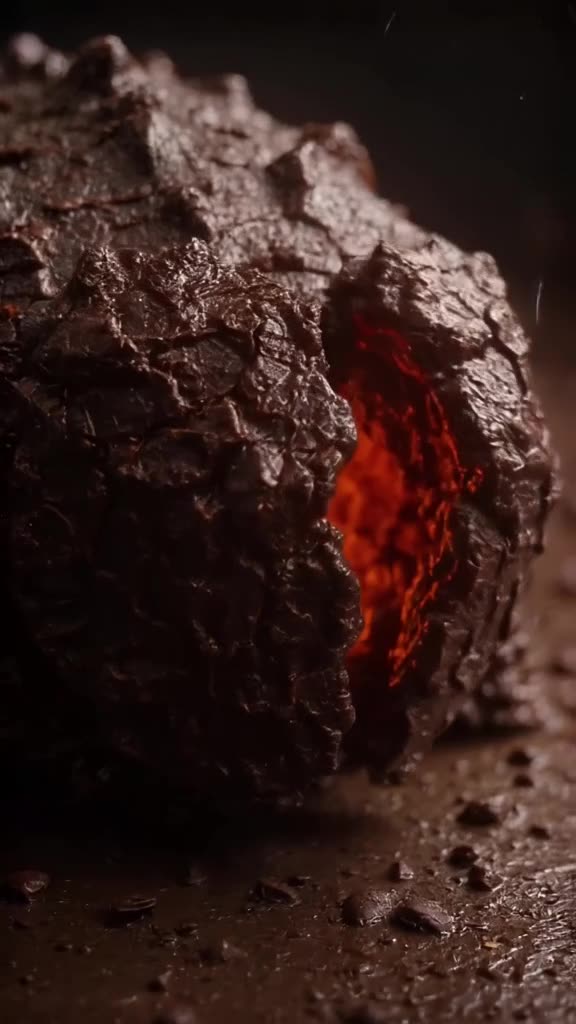
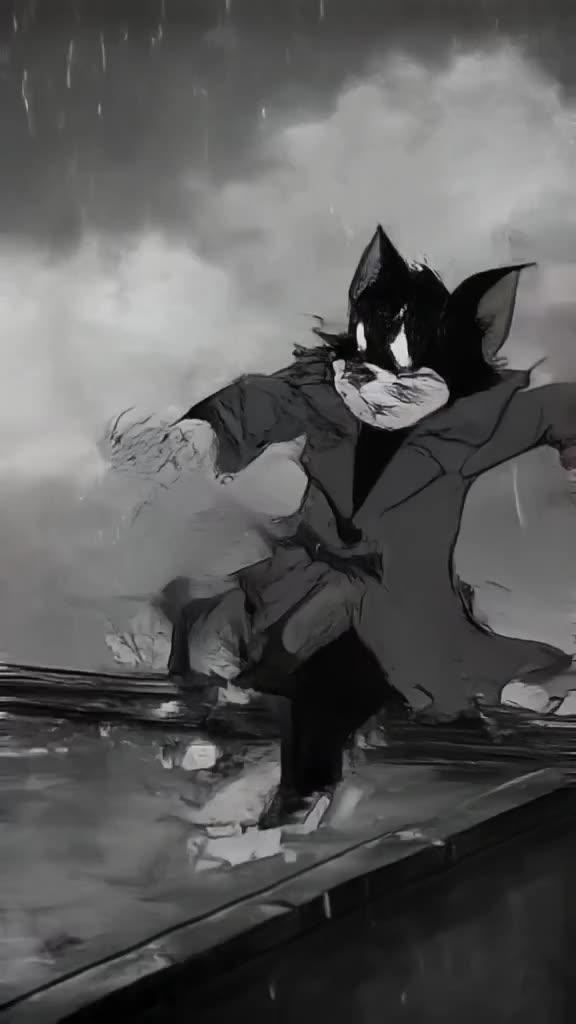
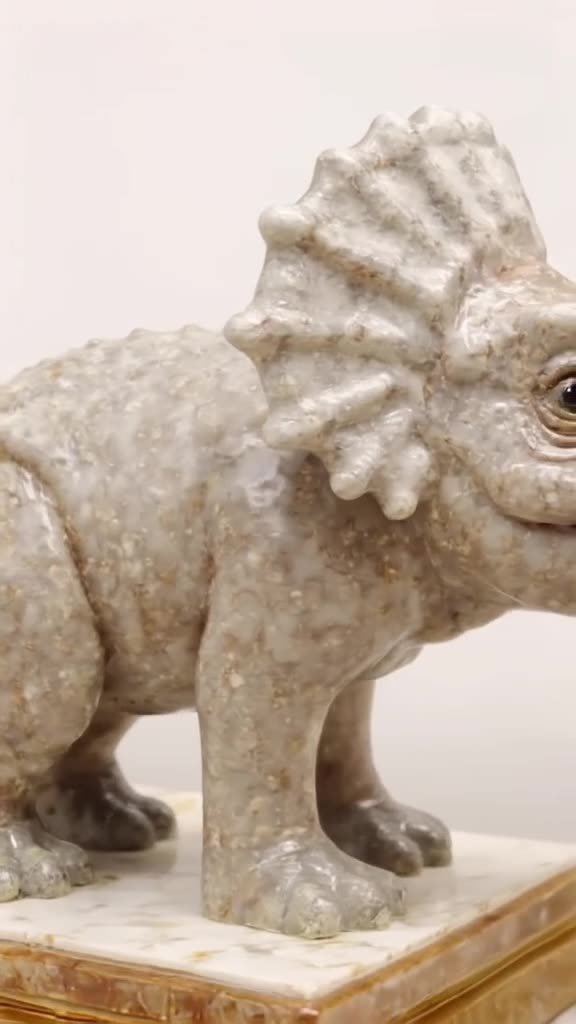
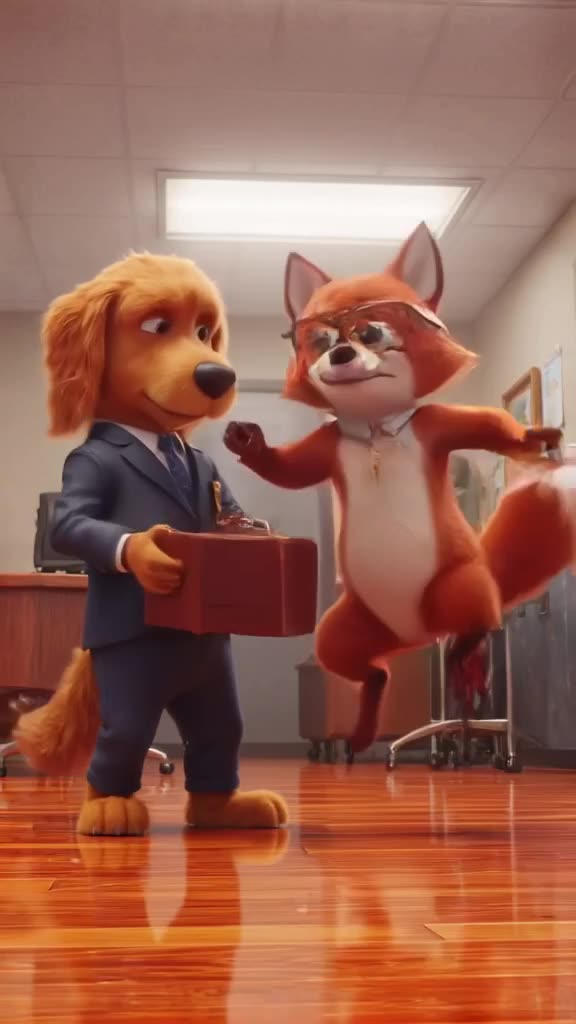
Plan the Short before you generate anything
The expensive mistake is generating first and scripting later. Work the other way round:
- Write the script and read it aloud. A 40-second script is roughly 100 words.
- Split it into beats of 5-8 seconds each. Each beat gets one clip. A 40-second Short needs about 6 clips.
- Write one visual per beat, literal enough that a viewer connects it to the sentence being spoken.
- Decide on a consistent look for the whole Short: "soft documentary lighting, muted colors" appended to every prompt keeps clips from looking like six different channels.
Now you know you need 6 final clips plus a few retries, which is the number you budget for.
Choosing between Turbo and Pro for Shorts
You pick the mode per generation, and for Shorts production it makes sense to use both.
- Turbo (fast): use it for the storyboard pass. Generate all six beats quickly, watch them in sequence, and spot the ones that don't read.
- Pro (quality): re-generate the beats that will carry the Short, especially the opening hook and anything with detailed textures, faces or water.
Background beats under a talking point (a slow pan over a city at dusk) are often fine as the fast draft. The first clip viewers see is worth the quality run.
Make it now — first 3 videos free
Then $1 per video, no subscription, no watermark.
Create a videoPrompts for common Shorts formats
- History explainer: A Roman legionary marching along a dusty road at sunrise, low angle tracking shot, cinematic documentary lighting.
- Science fact: A slow macro shot of a water droplet landing on a leaf and splitting into tiny spheres, backlit, dark green background.
- Finance or tech explainer: A glass jar slowly filling with gold coins on a wooden desk, soft studio light, slow push-in.
- Space channel: A spacecraft drifting past a ringed planet, sunlight glinting off its hull, slow lateral camera move.
- Nature and animals: An octopus changing color as it crawls over coral, underwater light rays, close-up tracking shot.
Starting from a still? Upload it and use image-to-video with a gentle camera move. The image to video AI page explains how to prompt motion onto a photo.
Editing the clips into a finished Short
- Drop the clips on your timeline in script order, under the voiceover track.
- Trim each clip to its beat; the 8-second clips give you room to cut the cleanest few seconds.
- Add burned-in captions in your editor. Many viewers start Shorts muted.
- Add background music at a low level under the narration.
- Export vertical, upload, and write a title that matches the hook clip.
Keep in mind that each generated clip also appears in our public feed by default. If a channel depends on its footage being exclusive, Unpublish the clips after downloading.
Budget: a week of Shorts
One Short with 6 beats, plus about 4 retries and fast drafts that didn't work, lands around 10 generations, or $10. Publishing two Shorts a week: roughly $20, exactly the minimum top-up of 20 videos. Channels that reuse background loops across episodes spend less.
Credits never expire, so if you batch-produce a month of Shorts in one weekend and then pause, nothing is lost. For a daily-upload channel a subscription tool used to its limit may come out cheaper per clip; weigh that against paying only for what you use. Compare in cheap AI video generators.
Generate your first Shorts beat
Take the opening line of your next script, turn it into a one-sentence scene, and render it in Shorts 9:16. If your channel also publishes long-form, the same prompt can be run in the YouTube 16:9 preset for B-roll; see AI B-roll.
Can it make a full 60-second Short automatically?
No. Each generation is a 3-30 second clip. You combine several clips with your voiceover in an editor to make the full Short.
Does it generate voiceover or captions?
No. Clips can have generated ambience and effects, but no voiceover or captions. Record or generate your voiceover elsewhere and add captions in your editor.
Are the downloads watermarked?
No, every MP4 downloads without a watermark.
How much does a Short cost to make?
Usually 6 to 10 clips including retries, so about $6 to $10 at $1 per video. The first 3 videos are free.
Can I remix a clip I saw in the feed?
Yes. Remix opens that video's prompt so you can change it and generate your own version.