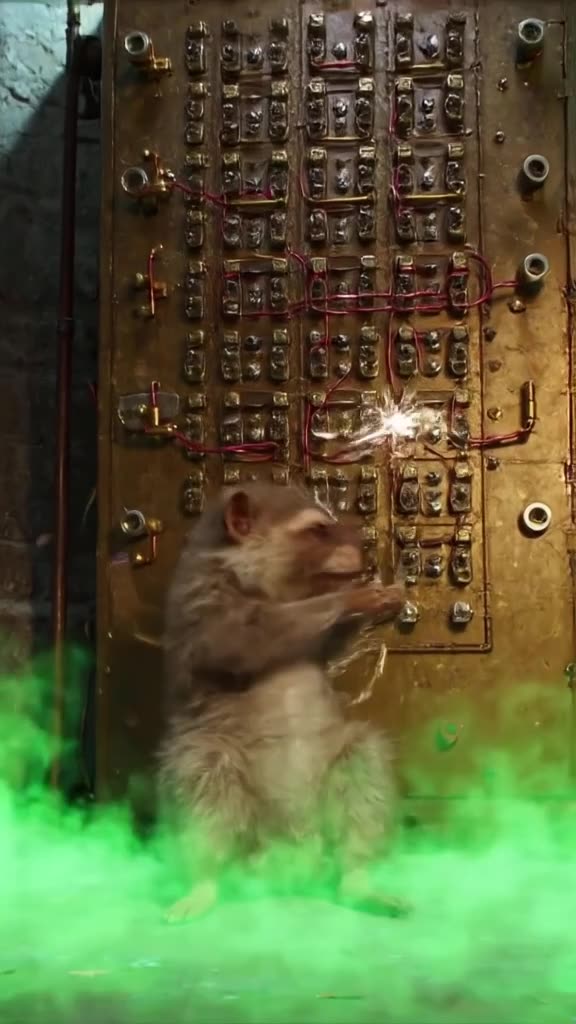
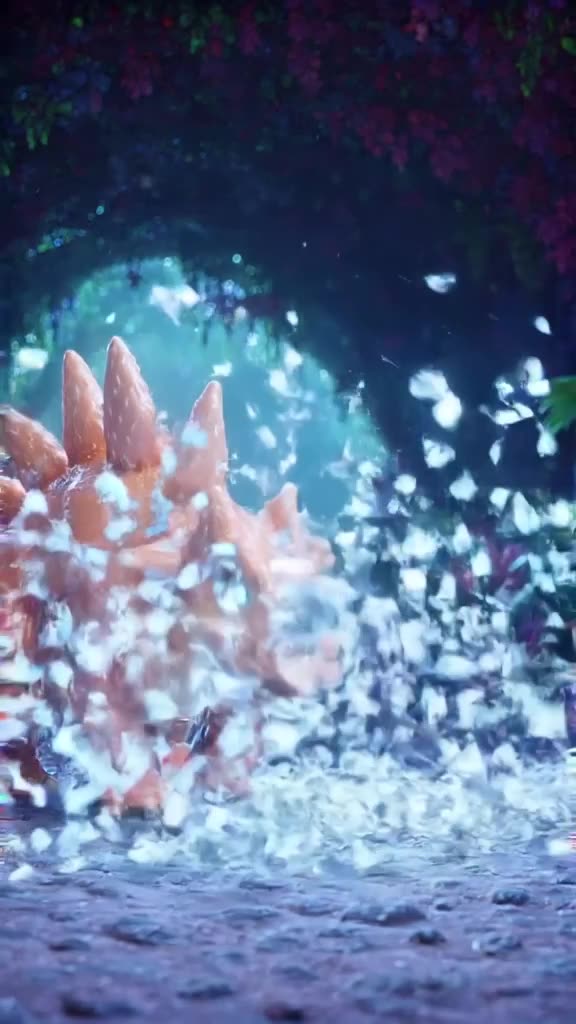
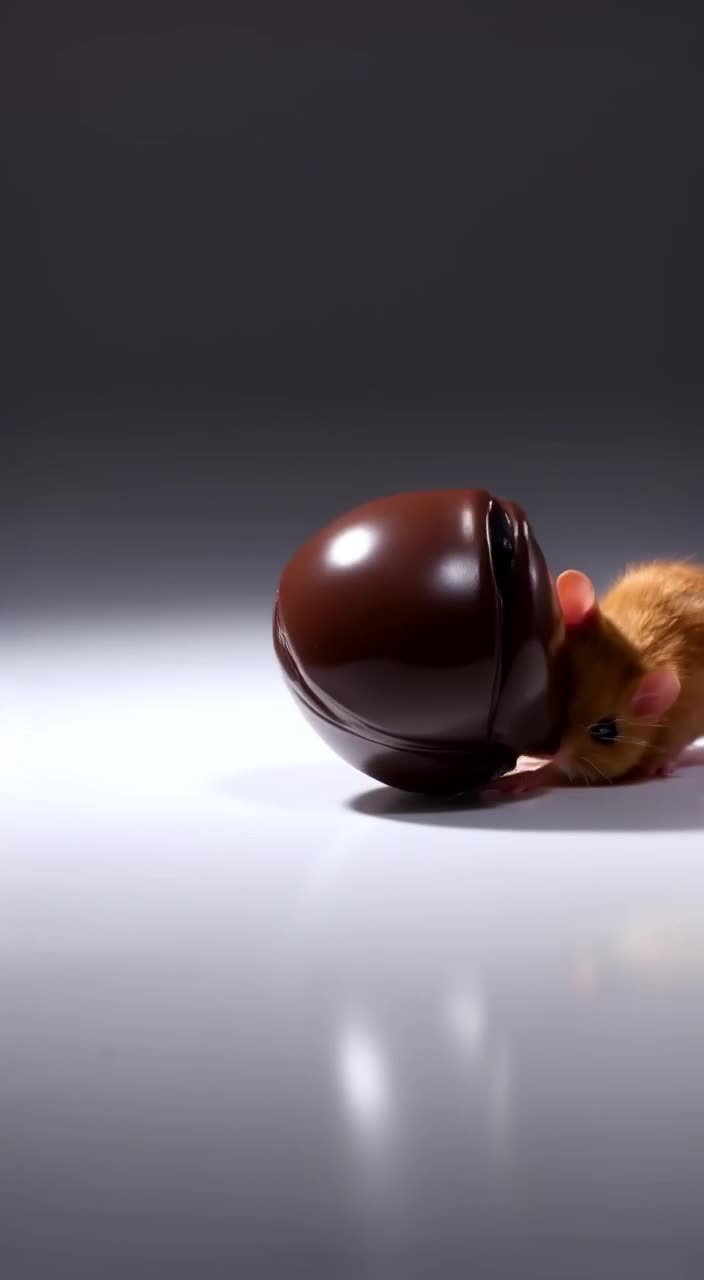
Three steps from idea to MP4
- 1. Describe it or upload it. Text-to-video from a prompt, or image-to-video from a photo you want to bring to life.
- 2. Pick mode and format. Turbo is fast; Pro takes more care with detail. Choose 9:16, 16:9, 1:1, 4:5 or 2:3.
- 3. Download. A clean MP4, no watermark, ready to post or edit.
Not sure what to type? The prompt enhancer turns "dog on a beach" into a full shot description with camera movement and lighting. Or open the feed, find a clip you like, and Remix its prompt.
What this free AI video generator includes, and what it doesn't
Included in the 3 free videos: both modes (Turbo and Pro), sound, all export presets, the prompt enhancer, Remix and watermark-free downloads. There's no reduced "free quality".
Not included anywhere on the site: lip-synced voices, your own music, captions or clips longer than 30 seconds. Generate the clip here, with synchronized sound if you want it, and add voice-over or text in CapCut, Premiere or any editor.
Good to know: clips appear in our public TikTok-style feed by default. You can Unpublish any of them at any time.
Make it now — first 3 videos free
Then $1 per video, no subscription, no watermark.
Create a videoHow other free tiers compare
Several well-known tools have free options, each with trade-offs, as of September 2026:
- Kling: free daily credits (reportedly about 66 a day) that expire in 24 hours, with watermark and lower resolution.
- Runway: 125 one-time credits, about two 5-second Gen-4.5 clips.
- Hailuo: 200 trial credits that expire 3 days after registration, watermarked.
- PixVerse: 60 initial plus 30 daily credits on its free Basic plan, per a third-party review.
Kling's daily refill is generous if you log in every day; our 3 free clips are fewer but carry no watermark and no deadline. Check each official site for current terms.
Text or photo: which to start with
Text-to-video gives the model full creative freedom, which is great for fantasy scenes, surreal hooks and anything you can't photograph. Image-to-video starts from your own picture, so the result keeps your product, pet or place recognizable; the model adds motion such as a camera push, drifting clouds or a turning head. If your free clips are for a business, image-to-video is usually the safer first try because the subject is already right. If they are for fun, start with text and see what the model imagines.
Ideas for your 3 free clips
- A scroll-stopping hook: a surreal 3-second opener for your next TikTok.
- A product loop: upload a product photo and animate a slow turntable spin.
- A pet in a movie scene: your cat as a tiny knight crossing a drawbridge.
- A mood background: rain on a window at night, for a lo-fi music post.
Each of these works in 9:16 for vertical platforms, or 16:9 for YouTube.
After the free videos
If you want more, top up $20 for 20 videos. There is no monthly bill and the balance never expires, so a slow month costs nothing. Worked example: 20 clips for a week of Shorts is exactly one $20 top-up; if you only use 12, the other 8 are still there next month. Want details on pricing? See AI video generator with no subscription. Prefer to start from text only? Read free text-to-video AI, or animate a still with image to video AI. Otherwise, make your first free clip.
Is generatorvideo.ai really free?
You get 3 free videos after signup, with no watermark. After that, videos cost $1 each with a $20 minimum top-up and no subscription.
Do I need an account?
You can browse the public feed without one. Generating requires a free signup.
Do free videos have a watermark?
No. Free and paid videos download as MP4 files without a watermark.
How long are the videos?
Each clip is 3-30 seconds (free videos: 3, 5 or 8 s).
Can I make a video from a photo for free?
Yes. Image-to-video is included in your 3 free videos.
Does it add music or voice?
Clips can have generated sound (ambience, effects, music) that you switch on or off, but no voice-over. Add your own music or voice in any video editor.