Lewati ke konten

Free Cartoon Video Generator for Short Animated Gags

A cartoon video generator is handy when you need a quick animated moment without drawing a single frame: a grumpy cloud raining on one person, a bouncing mascot for a channel intro, a cat chasing a laser dot across a kitchen. generatorvideo.ai creates 3 to 30 second cartoon clips (free videos: 3, 5 or 8 s) from a text prompt or from a character drawing you upload. You get 3 free videos after signup, then $1 per video from a $20 top-up, no subscription, and downloads have no watermark. Cartoons are forgiving to generate because exaggerated shapes hide small glitches, but they depend heavily on naming the style clearly. Open the generator and start with one of the styles below.

Generation is temporarily paused. Please try again later.
0 / 1500
Format
Durasi
Opsi lain — kamera, beberapa take, prompt negatif, seed
Take
Musik

Name the cartoon style in the first words

Models decide the look early in the prompt. Start with the style, then the subject. Styles that tend to render cleanly:

  • Flat 2D vector: bold outlines, solid colors, simple backgrounds. Good for explainers and mascots.
  • Classic rubber-hose: 1930s bendy limbs, black-and-white or sepia, bouncy walk cycles.
  • Saturday-morning TV cartoon: bright colors, thick outlines, squash-and-stretch.
  • Claymation / stop-motion: fingerprint textures, slightly jerky motion, miniature sets.
  • Paper cutout: layered cardboard shapes moving on flat planes.
  • 3D family-film look: soft lighting, rounded characters. See also the AI 3D animation generator page.

Avoid naming specific studios or copyrighted characters; describe the visual traits you like instead.

Cartoon prompts that work

  • Flat 2D vector cartoon, a small grumpy raincloud follows a man in a business suit down a sunny street, raining only on him, side-scrolling camera, bright pastel colors.
  • 1930s rubber-hose cartoon, a cheerful teapot dances on a kitchen counter, arms bending like noodles, black-and-white film grain, static camera.
  • Claymation style, a nervous snail races a tortoise on a garden path, tiny dust puffs, low camera at ground level, warm afternoon light.
  • Saturday-morning cartoon, an orange cat skids across a polished floor chasing a red laser dot, crashes into a stack of pillows, exaggerated squash and stretch.
  • Paper cutout animation, a paper rocket wobbles up past cardboard clouds and a smiling paper moon, vertical frame.

Make it now — first 3 videos free

Then $1 per video, no subscription, no watermark.

Create a video

One gag per clip

A cartoon joke needs a setup and a payoff, but a 3-30 second clip only fits one beat. Build a sequence instead:

  • Clip 1: the setup (the cat spots the laser dot).
  • Clip 2: the action (the chase and skid).
  • Clip 3: the payoff (the crash into pillows).

Generate each as its own clip with the same style words and character description, then join them in an editor like CapCut. With sound on, generatorvideo.ai generates boings and splats in sync with the action; switch it off if you'd rather use your editor's sound library. To keep the character consistent, draw or generate one reference image and use image-to-video for every clip; the character then starts each shot looking the same. The image to video page covers that workflow.

Model and format choices for cartoons

Turbo handles simple flat cartoons well and is the right choice while you test gags. Pro is worth using for claymation, 3D-look characters and anything with several moving parts, because it keeps shapes more stable.

Format: 9:16 for TikTok, Reels and Shorts; 16:9 for a YouTube intro; 1:1 for a looping sticker-style post. For kids' channels or classroom material, keep motion slow and backgrounds simple so the main action reads on a phone screen.

Fixing the usual cartoon glitches

  • Style drifts to realistic halfway: repeat the style word at the end (...flat cartoon style throughout) and simplify the background.
  • Extra limbs during fast motion: slow the action down or shorten the clip to 4 seconds.
  • Character changes between clips: use the same reference image with image-to-video rather than regenerating from text.
  • Speech bubbles or signs are gibberish: leave text out of the prompt and add it in the editor.

Cost of a 30-second cartoon short

A 30-second piece is about six 5-second clips. With two tries per clip on average, that is 12 generations: 3 free, then 9 from a $20 top-up, leaving 11 credits for the next episode. Credits never expire, so a monthly series does not burn money in quiet weeks. Clips are private by default; Publish the ones you want in the public feed, where others can remix them. Make your first cartoon clip.

FAQ

Can I use my own cartoon character?

Yes. Upload a drawing of the character and describe the motion with image-to-video. The upload becomes the first frame, which keeps the design consistent.

Does the cartoon video have sound?

No. It can. Sound is on or off per clip, and with it on you get synchronized cartoon effects and ambience. Add voices and music in any video editor.

How long can a cartoon clip be?

3 to 30 seconds per generation. Longer cartoons are built from several clips joined in an editor.

Which mode is better for cartoons?

Turbo for fast tests and simple flat styles, Pro for claymation, 3D-look characters and busier scenes.

Is it free?

Your first 3 videos are free after signup. After that each video costs $1, with no subscription and no expiring credits.
Related

Made with generatorvideo.ai

Explore more →
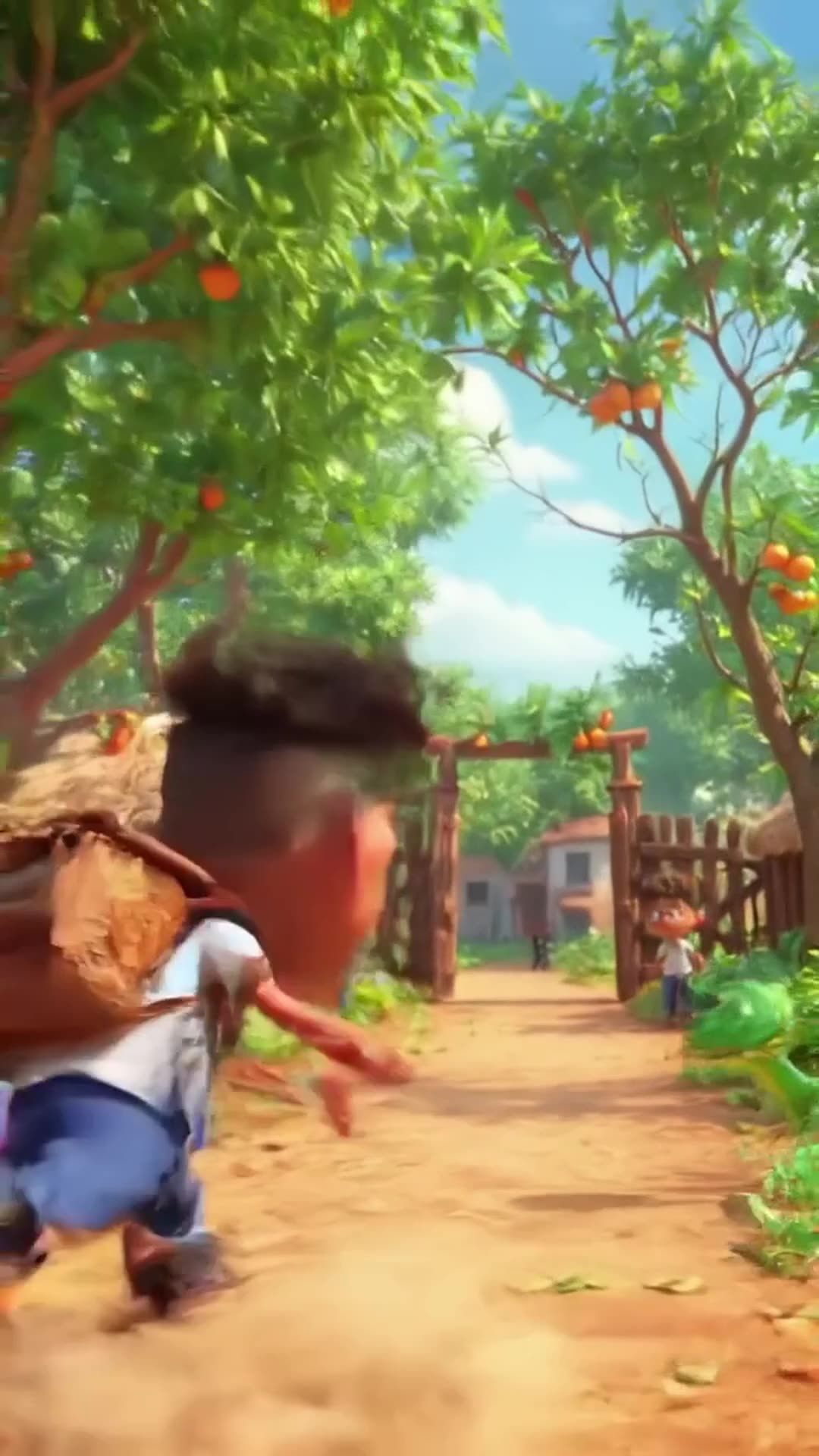
Create a 20-second hilarious 3D animated cartoon in a colorful African village. CHARACTER…

Create a 20-second hilarious 3D animated cartoon in a colorful African village. CHARACTER: Audu is a cheerful African schoolboy wearing a white school shirt, blue trousers, black shoes, and a school backpack. SCENE 1 (0–4 seconds): Audu walks happily along a village path toward school. Suddenly, he spots a beautiful ripe mango hanging from a tree. His eyes widen, and he says, "Wow! What a delicious mango!" SCENE 2 (4–8 seconds): Audu excitedly climbs the tree to grab the mango. Add funny sneaky music and exaggerated cartoon movements. SCENE 3 (8–12 seconds): Audu jumps down from the tree, lands on the ground, and suddenly sees a snake right in front of him. The snake hisses. Audu freezes, his eyes bulge, and his mouth opens in shock. SCENE 4 (12–15 seconds): Audu screams, "SNAKE!" and runs toward school at superhuman cartoon speed, leaving a cloud of dust behind him. Add funny running sounds and energetic comedy music. SCENE 5 (15–18 seconds): Audu reaches the school gate, breathing heavily. His friend asks, "Where is your mango?" Audu replies, "Forget the mango! I'd rather stay alive!" Both characters laugh. VISUAL STYLE: High-quality 3D animated cartoon, expressive faces, exaggerated comedy, vibrant African village scenery, smooth animation, cinematic camera movements, bright natural lighting. AUDIO: Funny background music, birds chirping, a cartoon jump sound, snake hissing, Audu screaming, and hilarious running sound effects. Include clear English dialogue. FORMA

0 · @muhammadsanihassan71
болельщик футбольного клуба милан смешно бьет болельщика футбольного клуба интер

болельщик футбольного клуба милан смешно бьет болельщика футбольного клуба интер

2 · @alexjoin
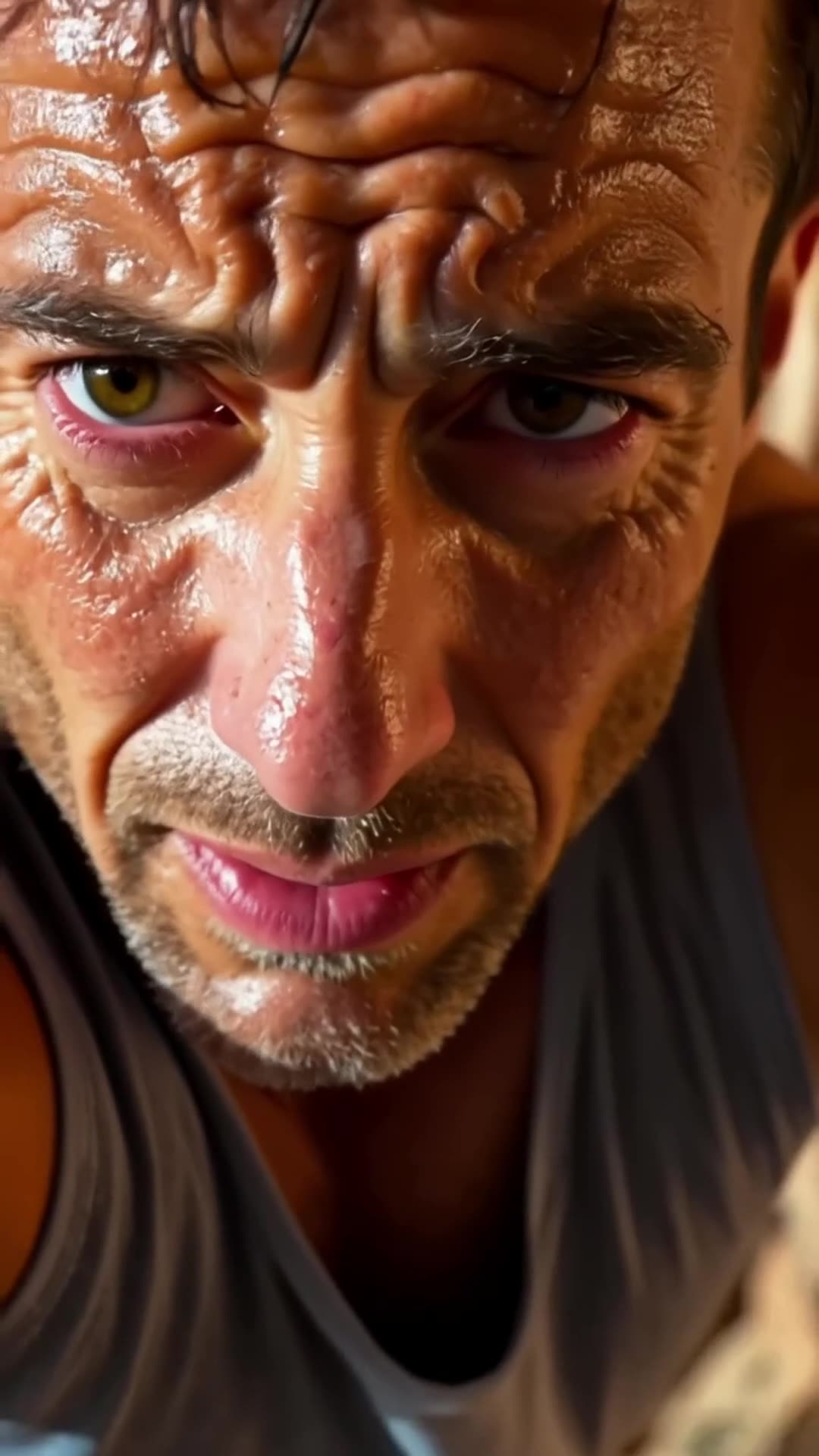
A close-up of a rock climber’s sweaty face. The camera pulls back to reveal the climber s… Pro

A close-up of a rock climber’s sweaty face. The camera pulls back to reveal the climber scaling the rock face. It then pans upward, showing how much ground he still has to cover., fpv drone dive

1 · @bavenko
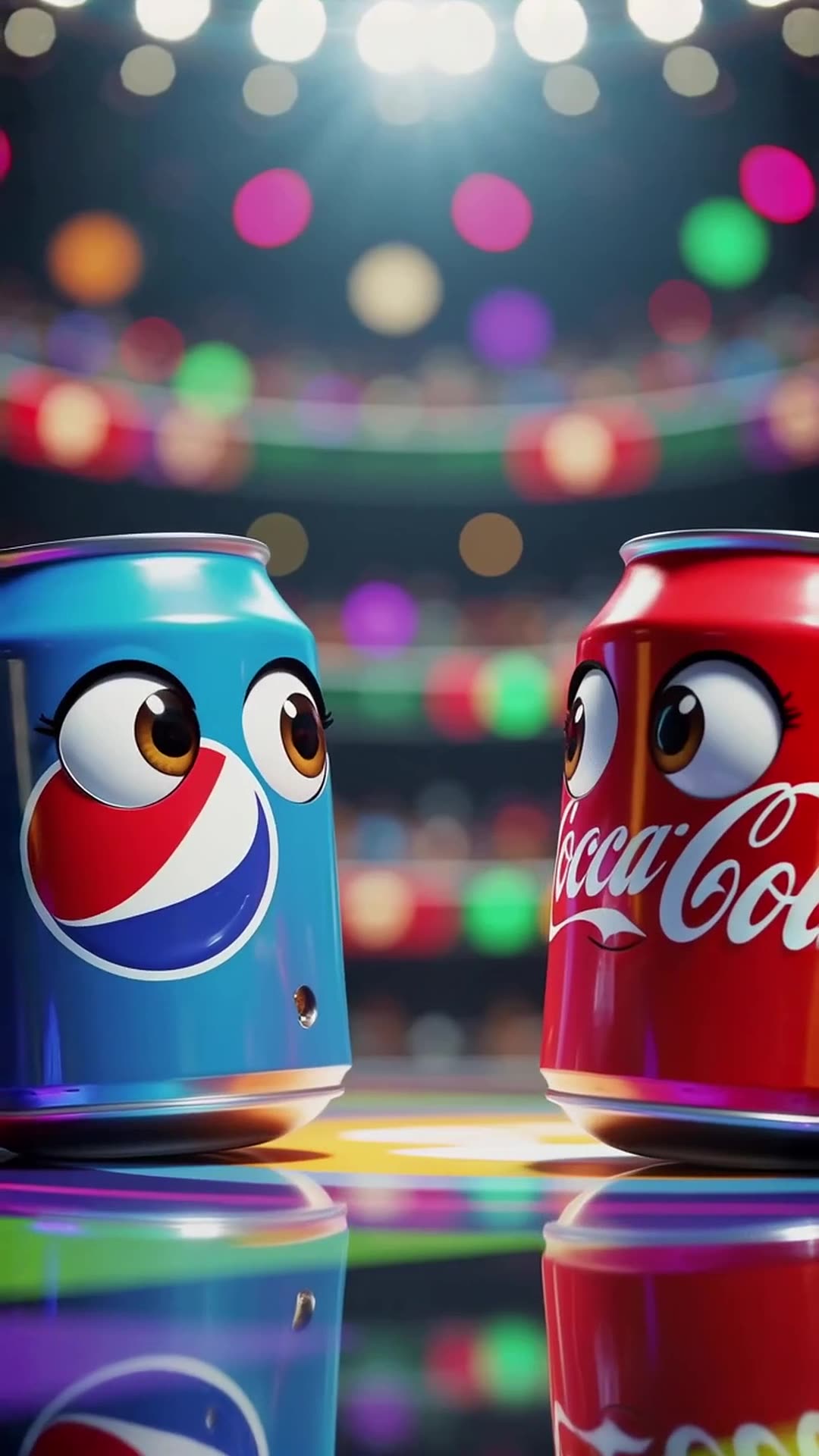
In a vibrant stadium spotlight, a Pepsi can with wide eyes shouts 'I’m gonna win!' while … Pro

In a vibrant stadium spotlight, a Pepsi can with wide eyes shouts 'I’m gonna win!' while dodging Coca-Cola’s playful punches, ending with both cans tumbling together and shouting 'Who won?' at the camera in a bright, energetic 3D cartoon style.

0 · @rohittharu5632
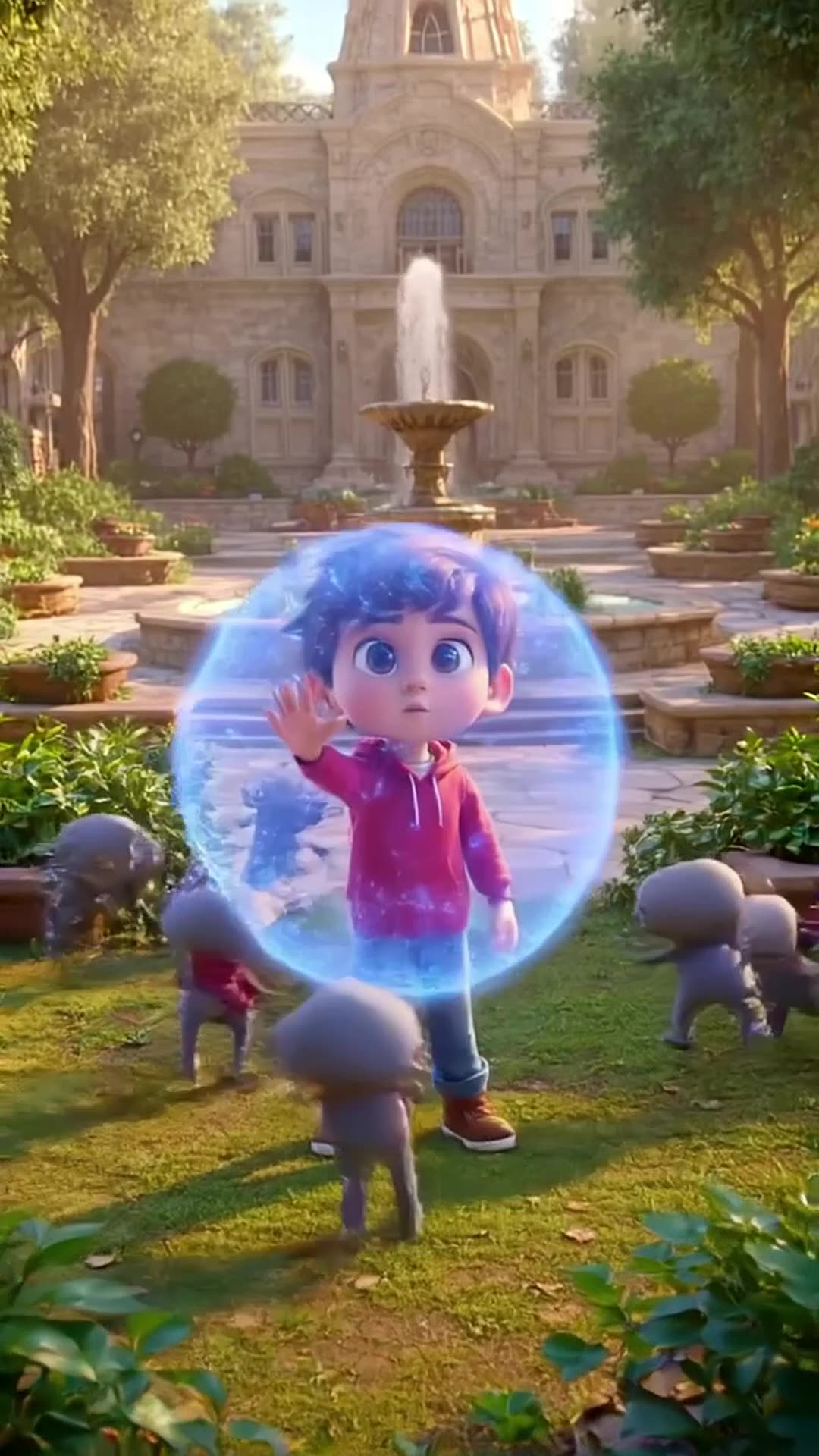
Defending my academy from Evi actors or enemies

Defending my academy from Evi actors or enemies

0 · @muhammadsanihassan71
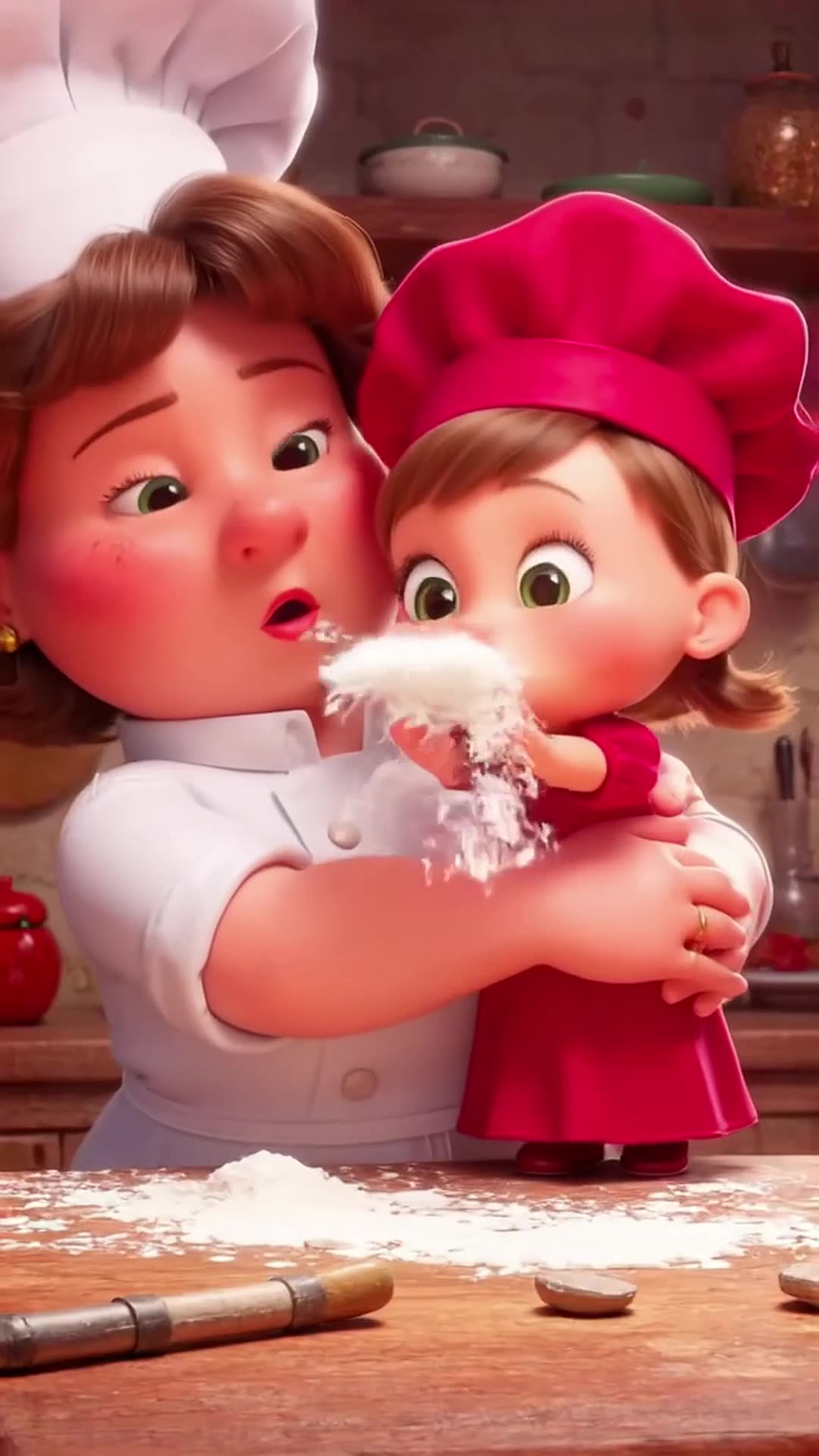
5-second 3D cartoon animation. A mom chef in a white uniform and red hat and her little d…

5-second 3D cartoon animation. A mom chef in a white uniform and red hat and her little daughter in a red dress are in a kitchen. Flour is spilled on the table with baking tools. The daughter playfully blows on the flour, creating a white cloud that covers the mom. Mom looks shocked but amused, daughter laughs. Glossy 3D style matching the reference image, close-up, dynamic action, comedic moment.

0 · @agrig1982
Сделай мне инопланетный корабль

Сделай мне инопланетный корабль

2 · @adparad
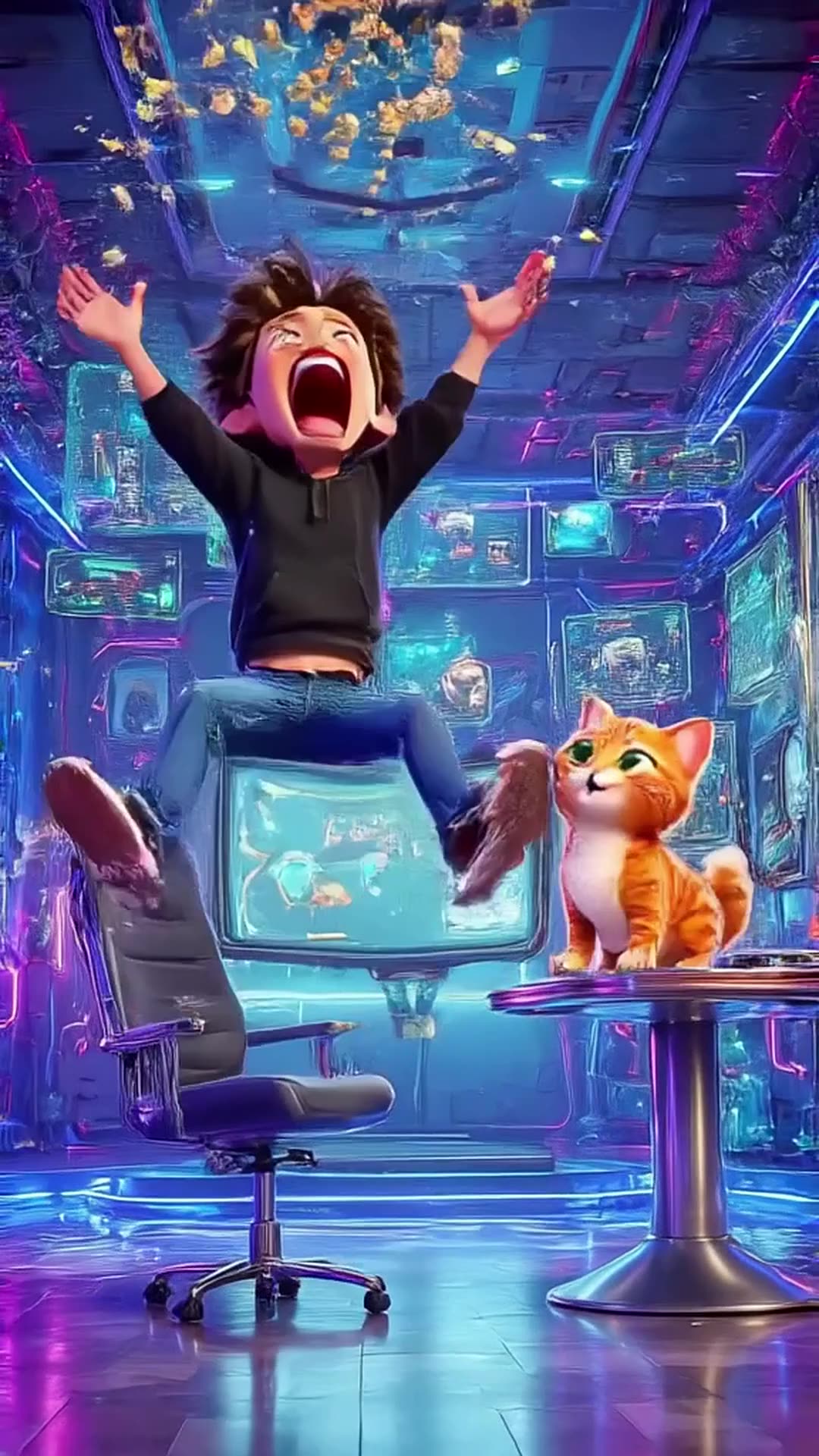
Create an 8-second cinematic 3D cartoon gaming video in vertical 9:16 format. SCENE: A fu…

Create an 8-second cinematic 3D cartoon gaming video in vertical 9:16 format. SCENE: A funny young gamer wearing a black hoodie sits in a futuristic gaming room illuminated by electric blue and purple neon lights. He grabs his controller and starts playing an intense video game. Suddenly, his character wins an epic battle! The gamer jumps out of his chair, screams with excitement, and accidentally throws popcorn into the air. A funny cat appears and catches the popcorn in its mouth. DIALOGUE: Gamer: “LET’S GOOOO!” Cat: “MIAOW!” VISUAL STYLE: High-quality cinematic 3D cartoon animation, expressive characters, smooth movements, exaggerated facial expressions, dynamic camera zooms, glowing neon lights, realistic shadows, vibrant colors, funny viral-video energy. SOUND: Energetic gaming music, controller clicks, epic victory sound, funny cartoon boing, popcorn popping, and a cat meow. TIMELINE: 0–2 seconds: Gamer starts playing intensely. 2–4 seconds: Epic victory animation fills the screen. 4–6 seconds: Gamer celebrates and popcorn flies everywhere. 6–8 seconds: Cat catches popcorn and looks proudly at the camera. ENDING: Display glowing electric-blue text: “PSZoneGR 🎮 PLAY • LAUGH • REPEAT”. FORMAT: Exactly 8 seconds, vertical 9:16, 1080x1920, fast-paced editing, smooth animation, family-friendly comedy, optimized for YouTube Shorts, Instagram Reels, and TikTok. Use original characters and generic gaming visuals. Do not copy official game characters or logos.

0 · @pszonegr