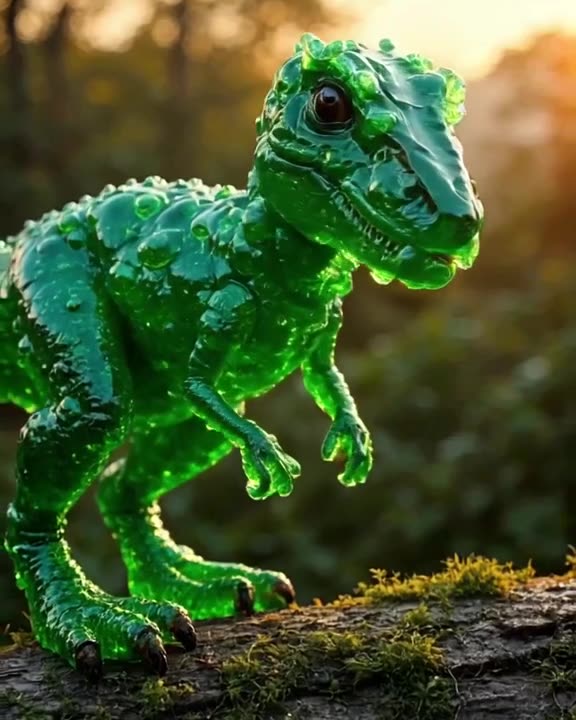
What you actually download
Each generation gives you a 3-30 second MP4 (free videos: 3, 5 or 8 s) with no logo burned into the frame. You pick the export preset before generating:
- 9:16 for TikTok, Instagram Reels and YouTube Shorts
- 16:9 for YouTube and X/Twitter
- 1:1 square and 4:5 portrait for Instagram feed
- 2:3 for Pinterest
Every preset is an HD preset for its aspect ratio, so you don't need to crop away a corner logo or rescale the video afterwards.
Why removing watermarks afterwards is a bad idea
Watermark-remover tools blur or inpaint the corner of the frame. On AI video, where motion already varies from frame to frame, that patch usually flickers and is obvious on a phone screen. It can also break the terms of the tool that generated the clip. Starting from a clean file is simpler and more honest. If you like another platform's output better, the clean route there is its paid plan; for example, Runway's paid plans have no watermark according to its pricing page.
Make it now — first 3 videos free
Then $1 per video, no subscription, no watermark.
Create a videoWhich free tiers add a watermark elsewhere
Based on official pricing pages and third-party guides as of September 2026:
- Kling: free daily credits, output watermarked and lower resolution per third-party guides.
- Hailuo: 200 trial credits that expire 3 days after registration, watermarked per third-party data.
- HeyGen: free plan of 3 videos a month up to 1 minute, watermarked.
- Synthesia: free Basic plan with 10 minutes a month, watermarked.
- Runway: paid plans export without a watermark.
These tools do different jobs, and several are excellent at them. The point is only that a clean file on the free tier is unusual, so check before you plan a campaign around free output.
Watermark-free does not mean private
One thing we want to be upfront about: every video made here appears in our public TikTok-style feed by default. That is how people discover prompts and use Remix to build on each other's ideas. If a clip is for a client or a surprise, you can Unpublish it at any time; the download stays watermark-free either way. So the logo is gone from your file, but the clip is public until you choose otherwise.
A clean-clip workflow for social posts
- Write or enhance the prompt. Type a short idea and let the prompt enhancer expand it into a detailed shot: subject, action, setting, camera, light.
- Choose the mode. Turbo for quick drafts, Pro when quality matters more.
- Pick the preset that matches where you will post.
- Download the MP4 and add captions, text or your own music in CapCut, Premiere or your usual editor; sound in the clip itself is optional.
Worked example: a café wants a week of Reels. Seven clips of latte art and steaming cups use 3 free videos plus 4 from a $20 top-up. The other 16 videos stay in the account with no expiry, ready for next week.
Free to start, $1 after that
The first 3 videos are free after signup. After that each clip costs $1, with a $20 minimum top-up and no subscription. Nothing expires. If you are specifically hunting for free options, see our free AI video generator guide or free text-to-video AI. Comparing prices? Cheap AI video generator lines them up. When you are ready, create your first clean clip.
Is there an AI video generator without a watermark for free?
Yes. generatorvideo.ai gives 3 free videos after signup, and they download as MP4 files with no watermark.
Do paid videos have a watermark?
No. Neither free nor paid downloads have a watermark.
Are my videos private?
No, they are public in our feed by default. You can Unpublish any video at any time.
Can I add my own logo or text?
We don't add text or captions. Download the clean MP4 and add your logo or captions in any video editor.
How long are the clips?
Up to 30 seconds on paid videos (10, 15, 20 or 30 s); free videos are 3, 5 or 8 seconds.