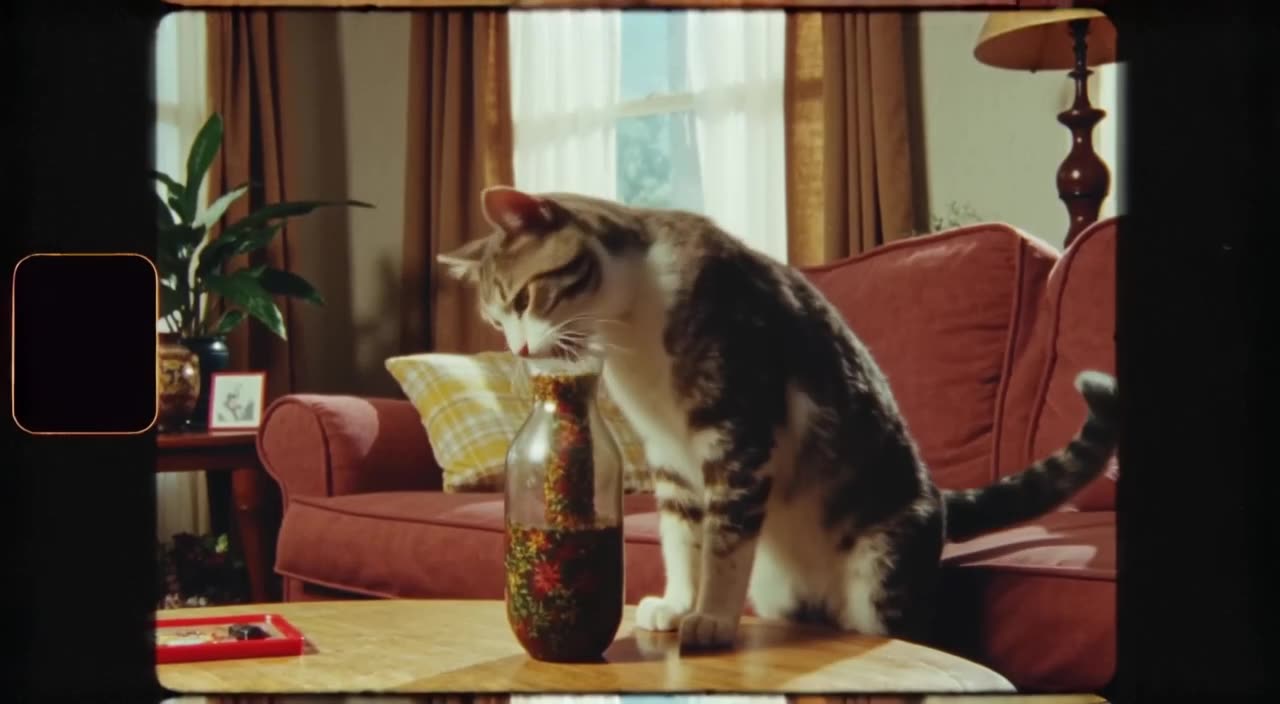
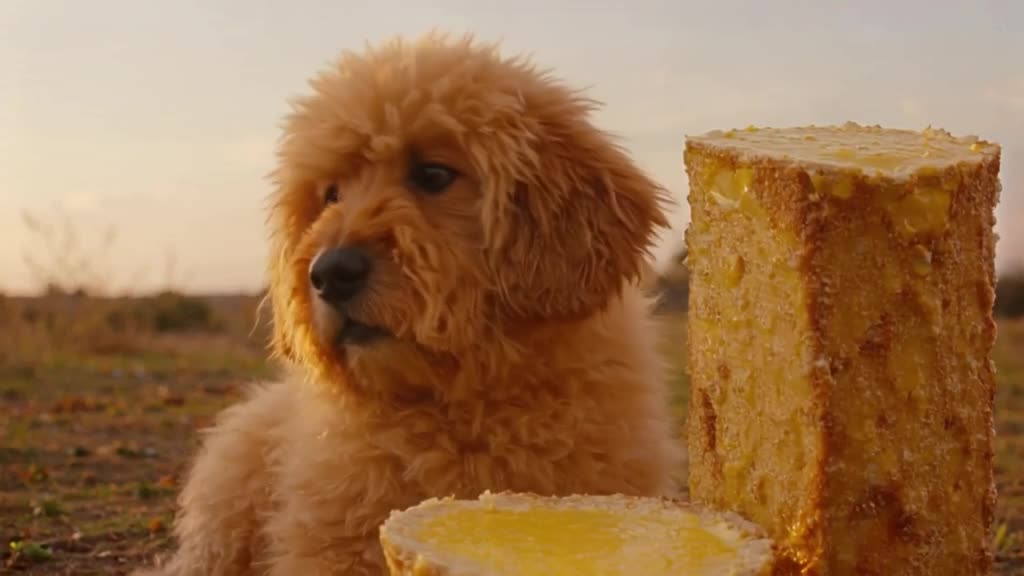
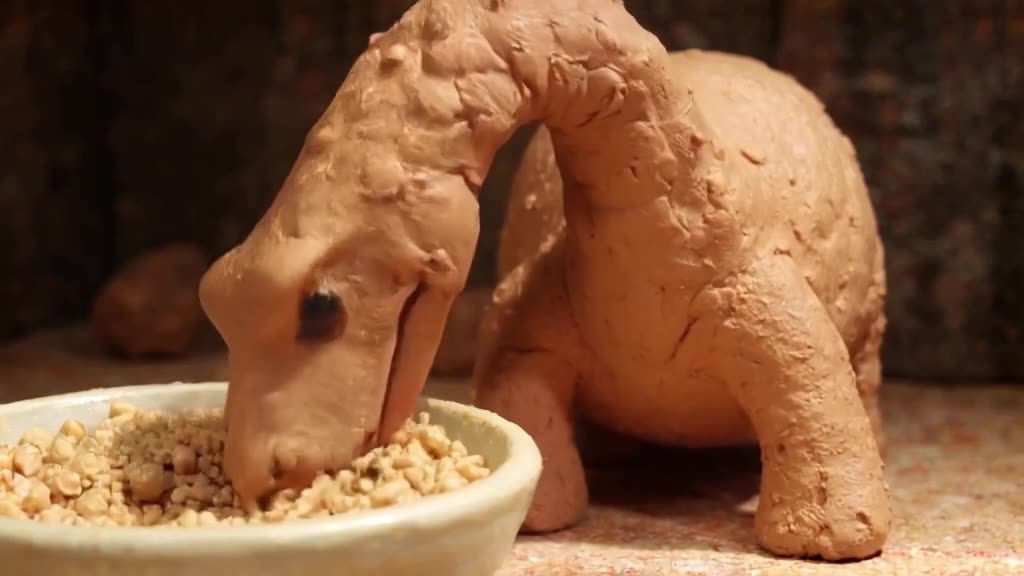
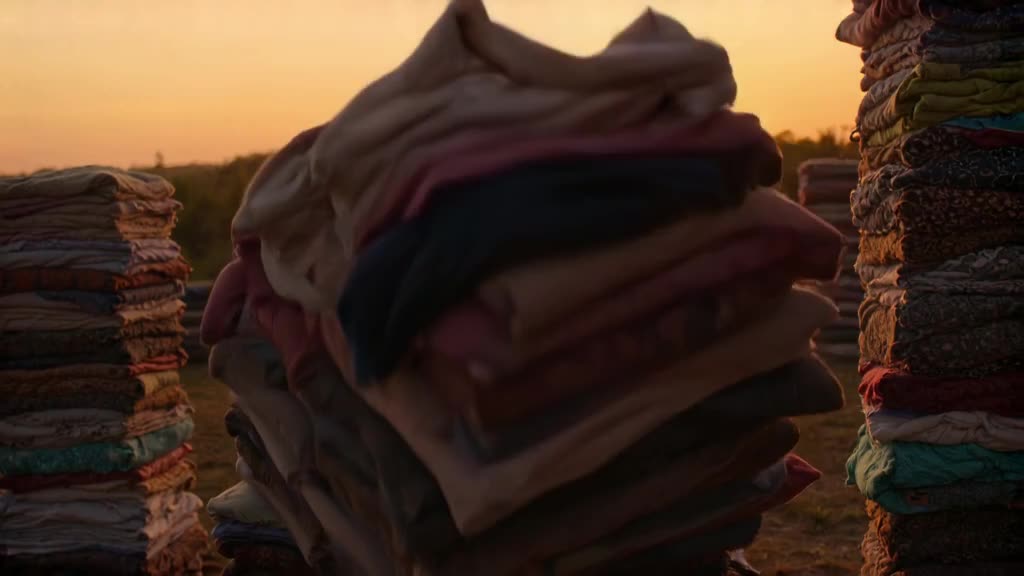
Clip types editors generate most
- Establishing shots: city skylines, mountain valleys, office exteriors. They set the scene before a talking segment.
- Cutaways: hands typing, coffee pouring, a page turning. They hide jump cuts in interviews.
- Transitions: ink blooming in water, light leaks, clouds rushing past the camera.
- Backgrounds: abstract gradients, bokeh lights, slow particles behind titles.
- Concept visuals: an idea that is hard to film, like a glowing brain, a paper plane made of dollar bills, a clock melting.
For more on filler footage specifically, see AI B-roll.
Prompts written like a shot list
Write prompts the way you would brief a camera operator: shot size, subject, action, camera, light.
- Wide aerial shot slowly flying over a dense city at blue hour, lights turning on in office windows, smooth forward motion.
- Close-up of hands typing on a mechanical keyboard, warm desk lamp light, shallow depth of field, slight handheld movement.
- Macro shot of blue ink blooming in clear water against a white background, slow motion.
- Stormy ocean waves crashing against black rocks, overcast sky, static camera on a tripod, spray in the air.
- A paper airplane folded from a banknote glides across a clean white studio, slow tracking shot, soft shadows.
For the camera part, the camera movement prompts guide lists moves that models follow reliably.
Make it now — first 3 videos free
Then $1 per video, no subscription, no watermark.
Create a videoMatching clips to your existing footage
An AI clip only works in an edit if it looks like it belongs. Before generating, note three things about your footage:
- Aspect ratio: choose the same preset (9:16, 16:9, 1:1, 4:5 or 2:3).
- Color and light: warm indoor, cold daylight, night neon. Put that in the prompt.
- Camera style: if your video is handheld, ask for slight handheld movement; if it is locked-off, ask for a tripod shot.
A final color grade in your editor across all clips blends generated and filmed shots further.
Choosing between Turbo and Pro
For backgrounds, textures and transitions, Turbo is usually enough and lets you try several variations fast. For clips with people, hands, animals or recognizable objects, use Pro; it keeps anatomy and detail steadier. Keep length close to what the edit needs: a 3-second cutaway does not need an 8-second render.
When a generated clip is the wrong tool
Be realistic about what an AI clip generator can replace. It is great for generic, atmospheric or impossible shots. It is a poor fit when the shot must show a specific real place exactly as it is, a real person, your actual product packaging with readable text, or an event that happened. Viewers notice when a named landmark looks slightly wrong. In those cases, film it, license real footage, or animate a real photo you own with image-to-video so the details come from the photo rather than the model.
Per-clip pricing in practice
Say a YouTube explainer needs 12 cutaways. With a few retries, that is about 16 generations: 3 free, then 13 from a $20 top-up, leaving 7 credits for the next video. There is no monthly fee, and credits never expire, so the balance simply waits between projects. If you need hundreds of clips every month, a large subscription somewhere else may cost less per clip when fully used; for irregular projects, paying $1 per clip avoids buying credits you never use.
Each clip is posted to the public feed by default, and you can Unpublish any of them. Generate your missing shot.
Can it cut clips out of my long video?
No. generatorvideo.ai generates new clips from a text prompt or an image. It does not edit or trim existing footage.
How long are the clips?
3 to 30 seconds each. Choose the length that fits your edit.
Can I use clips alongside real footage?
Yes. Match the aspect preset, lighting and camera style in the prompt, then grade everything together in your editor.
What file do I get?
A watermark-free MP4 in the aspect preset you selected.
Do I need a subscription?
No. You get 3 free videos after signup, then pay $1 per video from top-ups starting at $20 that never expire.