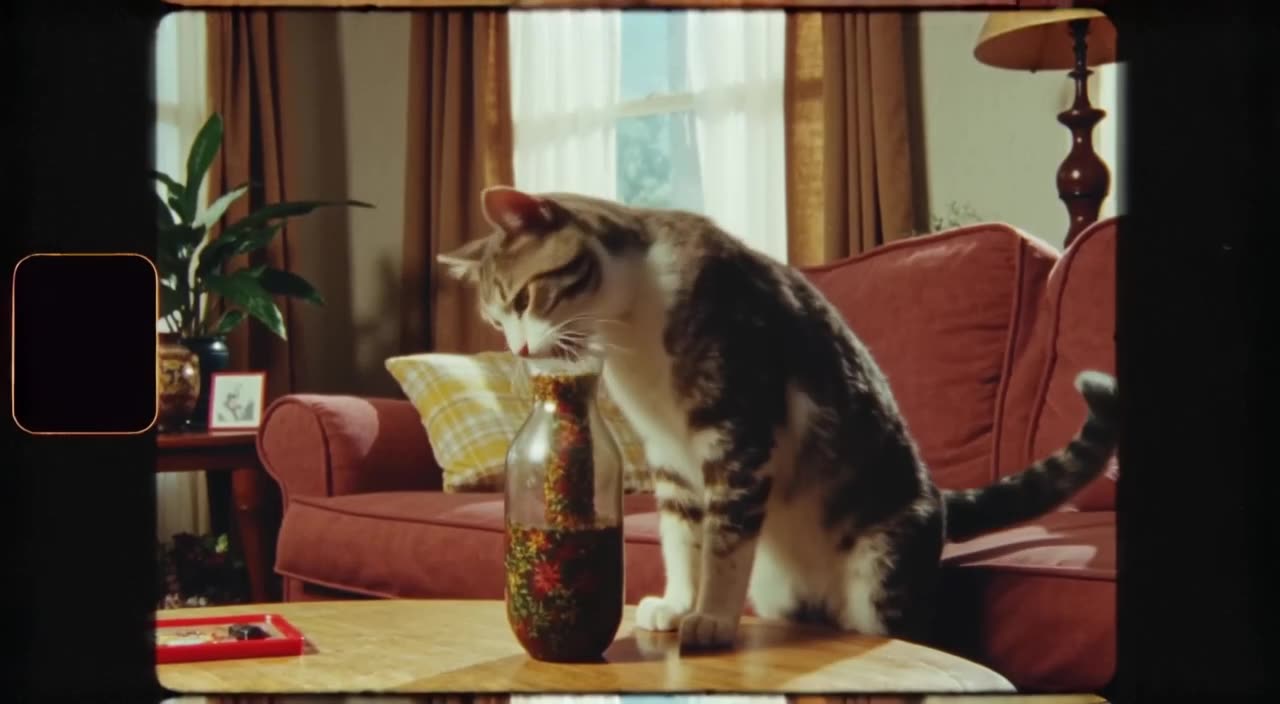
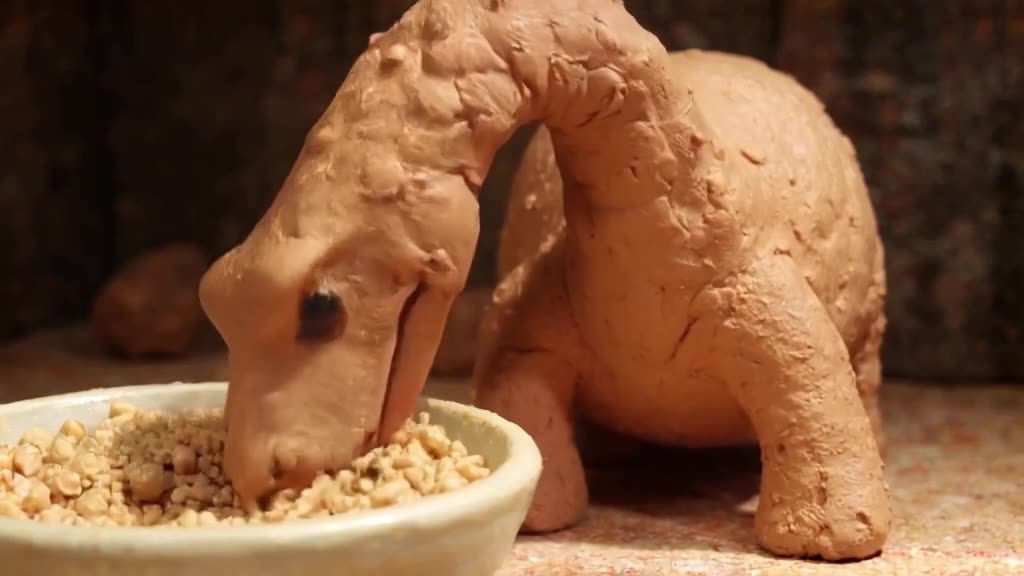
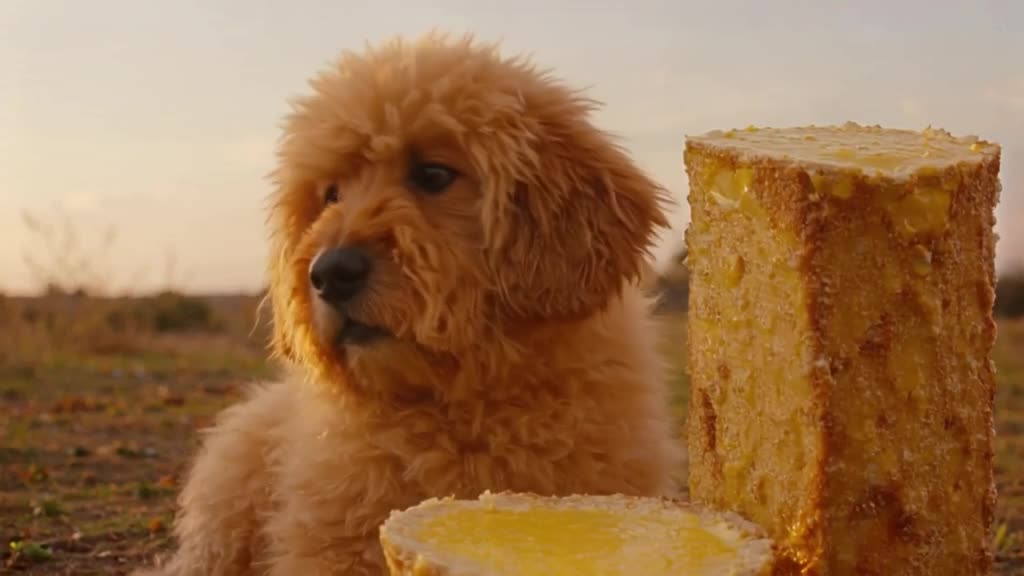
Where 16:9 is the right format
Choose landscape when the viewer is likely watching on a laptop, TV or an embedded player:
- YouTube long-form videos - intros, cutaways, chapter transitions and B-roll.
- X/Twitter timeline posts - widescreen displays well in the feed.
- Websites and landing pages - hero loops and background clips.
- Slides and pitch decks - a short moving shot behind a title.
- Short film experiments - see the AI short film generator page for storytelling tips.
Composing a cinematic widescreen shot
The wide frame rewards the things a tall frame can't show well:
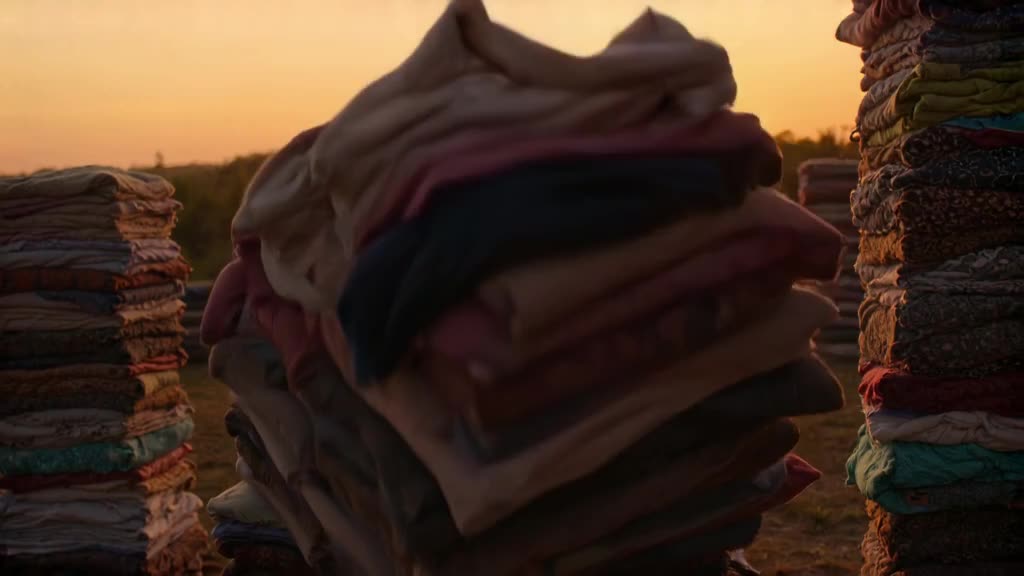
- Horizon lines and landscapes. Deserts, coastlines, city skylines and roads that stretch to the edge of frame.
- Two subjects in conversation. Place them on the left and right thirds with space between them.
- Lateral movement. A car driving across frame, a tracking shot beside a runner, a slow pan across a room.
- Negative space for text. Put the subject on one third and leave the other side empty if you plan to add a title in your editor.
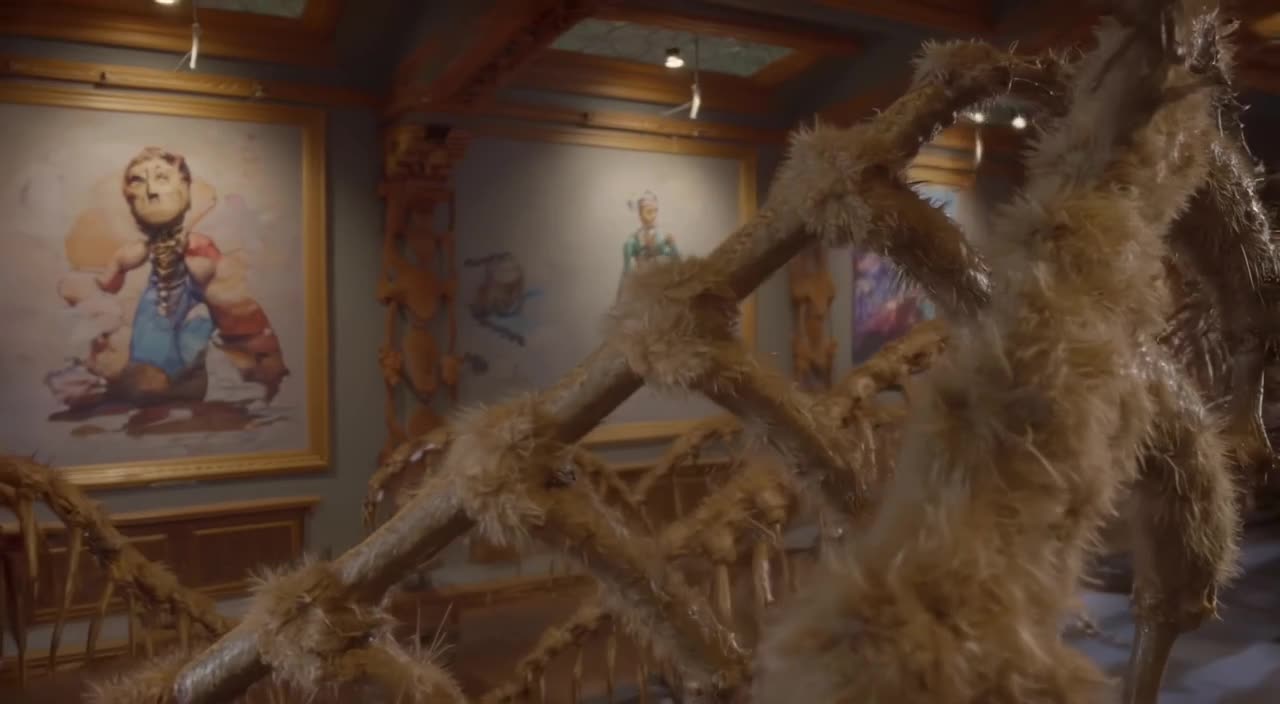
- Depth layers. Foreground grass, a midground rider, background mountains - it makes a short clip feel like film.
One trap to avoid: a single small subject in the middle of a huge empty landscape can look static in a 5-second clip. Give the shot one clear source of motion, such as drifting fog, a moving vehicle or a camera move, so the widescreen frame never feels like a still photo with a timer.
Make it now — first 3 videos free
Then $1 per video, no subscription, no watermark.
Create a videoPrompt phrases for landscape video
Film vocabulary maps well to 16:9. Useful phrases:
- "wide establishing shot", "extreme wide shot", "anamorphic look"
- "slow pan left to right across the valley"
- "tracking shot alongside the subject"
- "subject on the left third, empty sky on the right"
- "golden hour backlight, long shadows, light haze"
Example: "Wide establishing shot of a lone lighthouse on a cliff at dusk, waves crashing below, slow pan right, warm window light against a deep blue sky." Our guide to camera movement prompts lists more moves that read well in widescreen.
How the YouTube 16:9 preset behaves
Selecting the 16:9 preset renders the clip in a landscape HD frame from the start; nothing is cropped from another shape. Both modes support it. Turbo is the quick choice for testing compositions; Pro is a bit slower and generally better for fine texture, lighting and smoother, more coherent motion, which matters more on large screens where flaws are easier to see.
Clips are 3-30 seconds and download as MP4 without a watermark. Every result also shows up in our public feed by default, and you can Unpublish it whenever you want.
Cost example: ten B-roll cutaways for one YouTube video cost $10 in credits. Top up $20 and the other ten credits stay on your account for the next video - they don't expire.
Reusing widescreen clips on other platforms
Landscape clips can be posted as-is to YouTube, X and websites. For phone-first apps, a 16:9 clip looks small with bars above and below. Instead of cropping:
- Remix the same prompt with the 9:16 preset and describe a tighter framing.
- For Instagram feed posts, generate a 1:1 or 4:5 version.
- Keep the prompt in a notes file so each version stays consistent.
Upload limits and recommended specs differ by platform and change over time, so check each site's help pages. When you're ready, generate a 16:9 clip.
What is a 16:9 video?
16:9 is the standard widescreen shape: the frame is 16 units wide for every 9 units tall. It is used by YouTube, TVs, laptops and most video players.
Which preset should I use for X/Twitter?
The X/Twitter preset is also 16:9, so a clip made for YouTube works on X too.
Can I make cinematic B-roll with this?
Yes. Short 3-30 second widescreen shots are well suited to B-roll, establishing shots and transitions. Use Pro mode when detail matters.
Does the video have a watermark?
No. You download a clean MP4. Note that videos appear in the public feed by default; you can Unpublish them.
How much does a 16:9 clip cost?
The first 3 videos are free after signup. Then each clip is $1, with a $20 minimum top-up and no subscription.