B-roll that AI handles well, and what to keep real
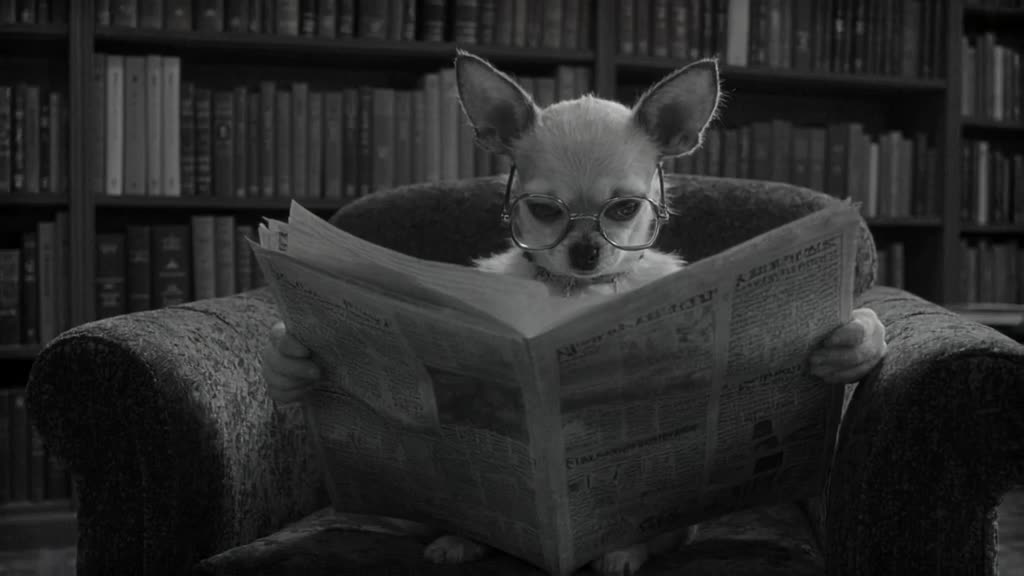
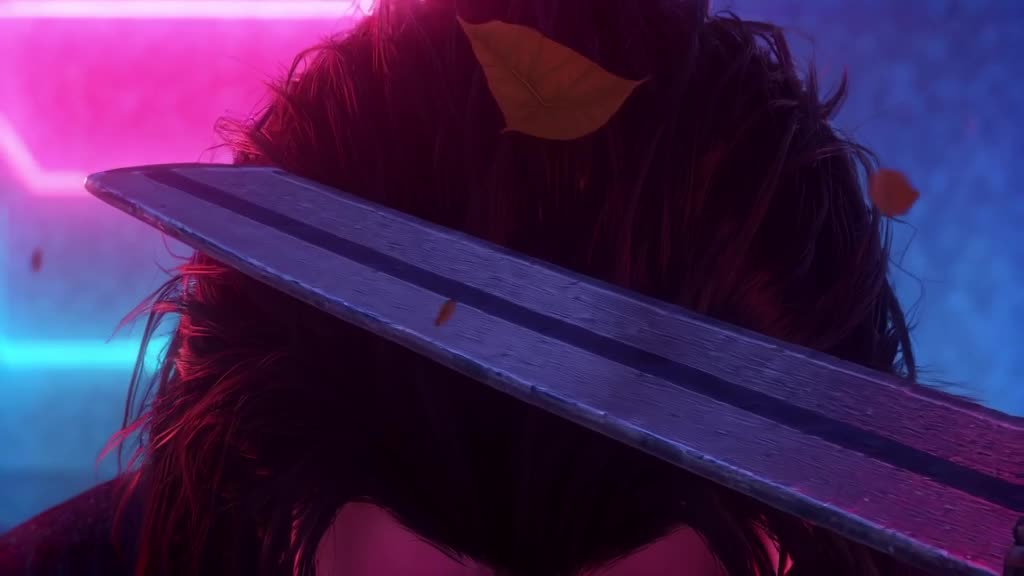
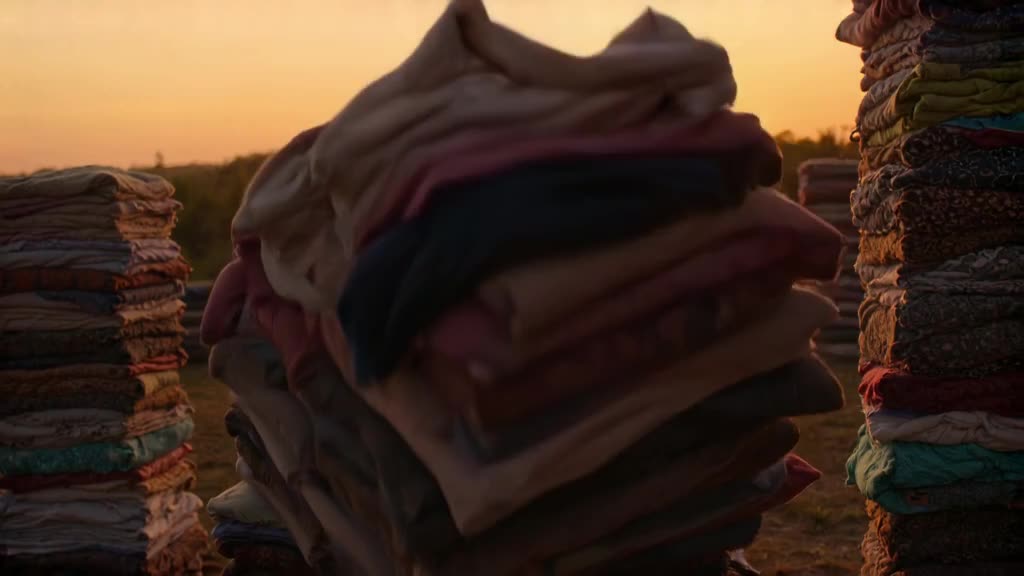
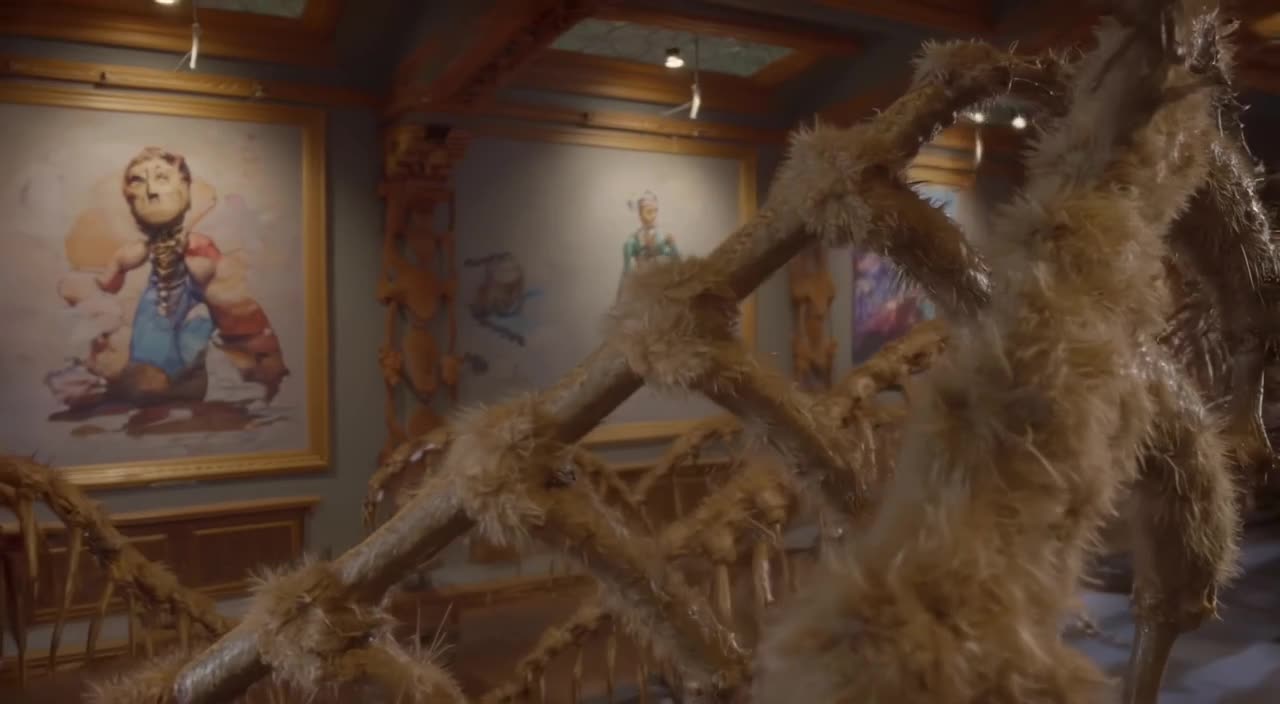
AI b-roll is strongest when the shot is atmospheric or conceptual, and weakest when it has to show a specific real thing.
- Great fits: city timelapses, weather, nature, abstract textures (ink in water, light leaks), generic hands-at-work shots, conceptual metaphors (a tower of coins wobbling), historical-looking scenes for storytelling.
- Poor fits: real named places that viewers will recognize, real products, real people, screens with readable text, and anything presented as documentary evidence of an actual event.
If a viewer could reasonably take a clip as real footage of a real event, it needs to be real footage, or clearly labeled.
Matching b-roll to the script
Good b-roll illustrates the sentence being spoken, often one step removed. Some script-to-shot pairings:
- "Prices kept climbing all year": A close-up of a supermarket receipt printer spitting out a long receipt, fluorescent light, slow push-in.
- "Nobody noticed the problem at first": A single domino slowly tipping in a long line on a dark table, shallow depth of field.
- "We started the company in a tiny apartment": Morning light through a small kitchen window, laptop on a cluttered table, steam from a mug, static shot.
- "The data center runs day and night": Slow dolly down an aisle of server racks with blinking lights, cool blue tones.
- "Then the storm hit": Dark clouds rolling over a wheat field, wind bending the stalks, wide shot, timelapse feel.
- "It took years of practice": Close-up of hands sanding a wooden chair in a dusty workshop, warm window light.
Make it now — first 3 videos free
Then $1 per video, no subscription, no watermark.
Create a videoMaking AI b-roll match your A-roll
The giveaway of cheap b-roll is a mismatch in look. A few ways to blend it in:
- Describe your camera style in every prompt: "handheld, natural light, slightly desaturated" if that's how your channel is shot.
- Use slow, simple camera moves. Slow push-ins and lateral dollies cut cleanly against a static talking head. See camera movement prompts for vocabulary.
- Grade everything together in your editor so AI clips and camera footage share one color treatment.
- Trim hard. Most b-roll is on screen for 2-4 seconds; cut the cleanest part of each clip.
Turbo or Pro?
B-roll is one of the places where Turbo mode often suffices. A slow pan across clouds sitting behind a lower-third for three seconds doesn't need maximum detail, so Turbo is a fine final for that. Switch to Pro for close-ups, anything with water, fabric, hands or faces, and any shot that holds the screen alone for a while.
Aspect: use the YouTube 16:9 preset for long-form, and generate a separate 9:16 version if you cut the same moment into a Short. Don't crop 16:9 to vertical; you lose most of the frame.
Cost versus a stock subscription
A 12-minute YouTube video typically uses 15-25 cutaways. If you generate 10 custom clips (the rest from your own footage) with a couple of retries, that's about 14 generations, or $14 per episode. A $20 top-up covers an episode with room to spare, and credits don't expire if you publish irregularly.
Stock libraries give you huge catalogs and real locations, and for channels publishing daily a subscription (stock or AI) used to its limit may cost less per clip. The advantage here is specificity: the shot matches your sentence, and nobody else's video uses the same one. More on that in AI video without a subscription.
Try the domino shot or write the cutaway your current edit is missing.
Can I use AI b-roll in monetized YouTube videos?
Many creators do, but check YouTube's current policies on AI-generated and altered content, including disclosure requirements for realistic synthetic footage.
Can it generate b-roll of a real city landmark?
It may produce something that resembles it, but not an accurate record. Use real footage when viewers need to see the actual place.
How long is each b-roll clip?
3 to 30 seconds, which is usually more than a cutaway needs.
Does the footage include sound?
Only if you want it. Sound is on or off per clip; with it on, the clip gets matching ambience such as wind, traffic or waves. For B-roll under narration, many editors switch it off. Add ambience or music in your editor.
Will my b-roll be public?
Generated clips appear in our public feed by default; you can Unpublish any of them at any time.