What works on X as a short AI clip
The timeline moves fast, and clips autoplay silently for many users. That favors visual ideas that land without sound:
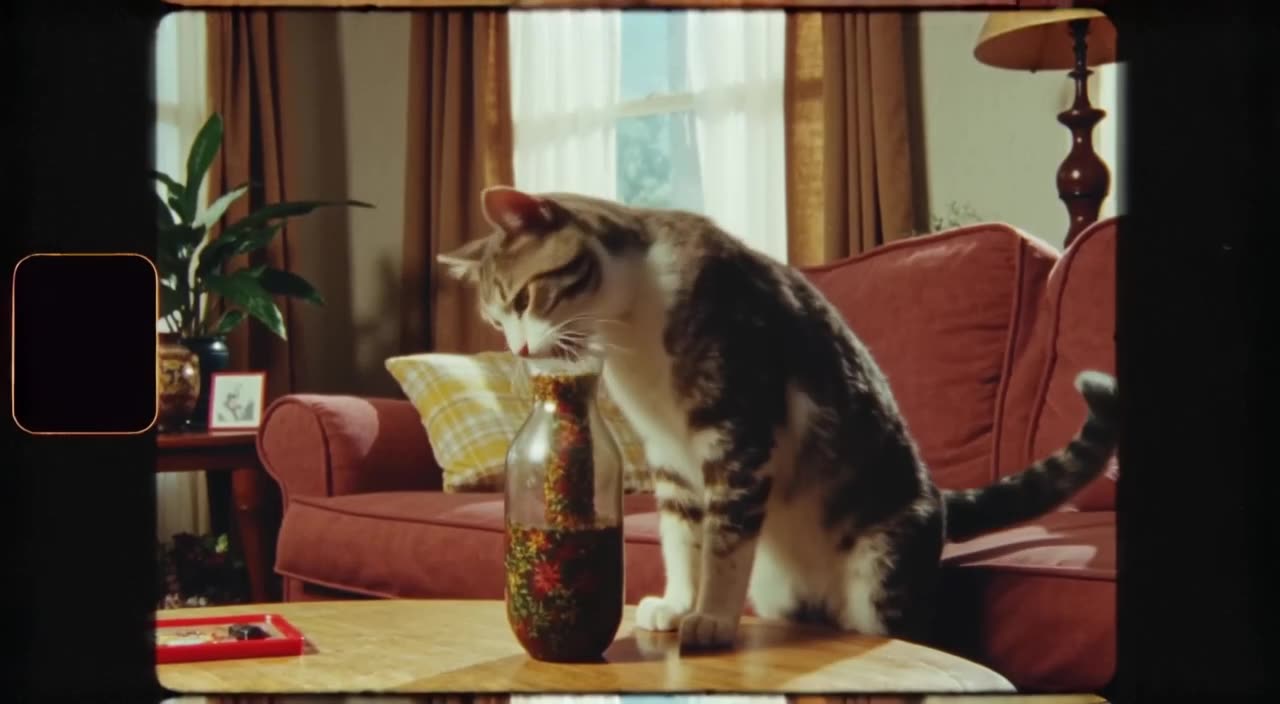
- Reaction clips: a cat slowly turning to stare at the camera, a llama rolling its eyes.
- Announcements: a product slowly revealed from under a cloth, confetti falling on a desk.
- Visual jokes: a tiny astronaut mowing a lawn on the moon. See our meme video generator page for more ideas.
- News-thread illustrations: an abstract visual for a thread about markets, weather or tech.
- Loops: seamless motion that repeats naturally while people read the text.
A useful test before posting: watch the clip muted at phone size for two seconds. If you can't tell what is happening, simplify the prompt to one subject and one action and generate again.
Framing for the 16:9 timeline
Our X/Twitter preset is 16:9, the widescreen shape that displays fully in the feed. Some tips for composing in it:
- Keep the subject large; the preview is small on phones, so a tiny figure in a wide landscape gets lost.
- Use one clear action. A 5-second clip with one strong gesture beats three things happening at once.
- Center the key moment horizontally, since previews may be cropped slightly in some views.
- Choose high contrast: a bright subject on a darker background reads well at thumbnail size.
Posting to TikTok or Reels as well? Generate a separate 9:16 version.
Make it now — first 3 videos free
Then $1 per video, no subscription, no watermark.
Create a videoPrompts that suit X clips
Write for an instant read. Lead with the subject and the single action, then add camera and light:
- "Close-up of a golden retriever wearing tiny sunglasses, slowly lowering them to look at the camera, beach at noon, bright light."
- "A paper airplane glides across a busy office and lands perfectly in a coffee cup, tracking shot, warm office light."
- "Rocket-shaped cupcake launches from a kitchen table with a puff of flour, slow motion, playful lighting."
Short idea only? Type it and use the prompt enhancer, which expands it into a detailed shot description. For more, see our AI video prompts list.
How the X/Twitter preset and modes work
The X/Twitter preset renders a 16:9 HD clip, composed for landscape from the start. You set the length between 3 and 30 seconds. Turbo is our fast mode, useful when you are reacting to something happening right now; Pro is our quality mode, better for a polished announcement clip.
Download is MP4 with no watermark. Be aware that all clips appear in our public feed by default. If you are preparing an announcement before the date, Unpublish it right after generating.
Cost example: a daily reaction clip for a month is about 30 videos, or $30 - you could top up $20 twice and keep the ten spare credits for later, since nothing expires.
Posting and repurposing tips
- Write the post text so it works even if the clip doesn't autoplay.
- Add captions or a logo in an editor if the message depends on words; our clips don't include text, and generated sound is optional.
- Check X's current media guidelines for length and file size - they vary by account type.
- The same 16:9 clip also fits YouTube and websites; see the 16:9 video generator page.
Generate your X video - the first 3 are free.
What aspect ratio should a Twitter/X video be?
Widescreen 16:9 displays fully in the X timeline, which is why our X/Twitter preset uses it.
Can I make a GIF-style loop for X?
You can generate a short clip with motion that repeats naturally and post it as a video. Describe seamless, looping motion in the prompt.
Do X clips include audio?
They can. generatorvideo.ai generates synchronized sound, which you can switch on or off. Many people watch X videos muted anyway, so make sure the visual works on its own.
Is there a watermark on the download?
No, the MP4 is watermark-free.
Do I need a subscription?
No. You get 3 free videos after signup, then pay $1 per video from a $20 top-up. Credits never expire.