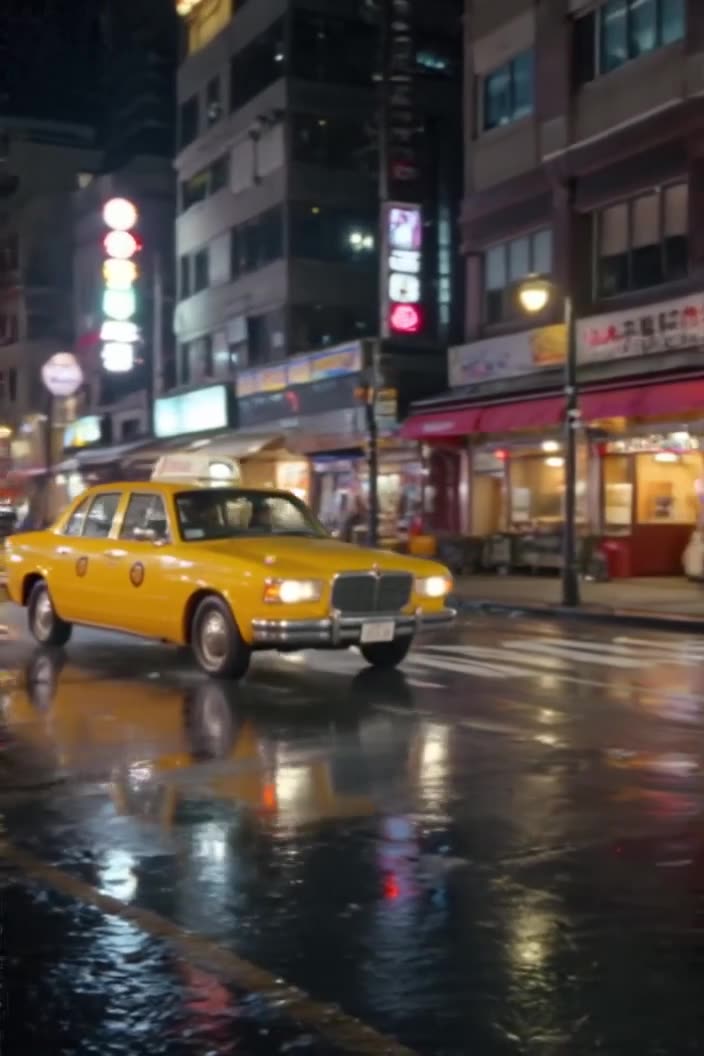
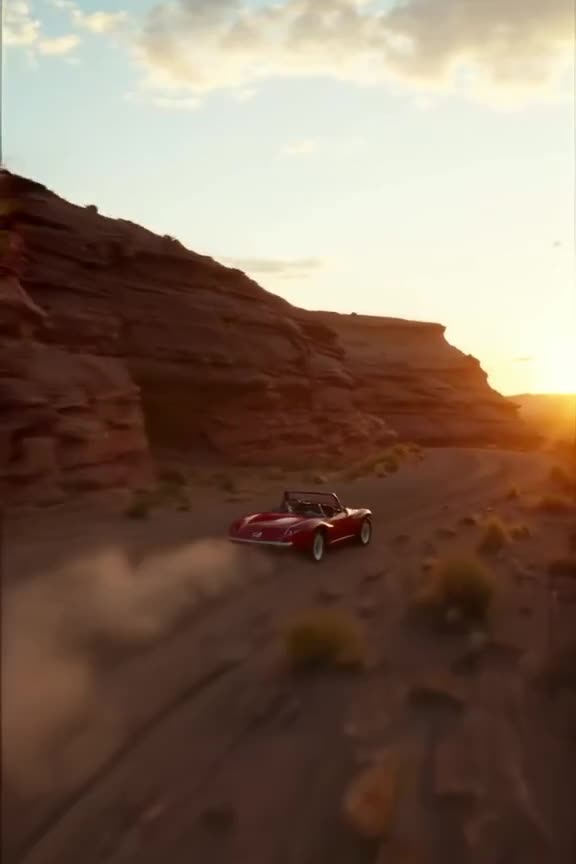
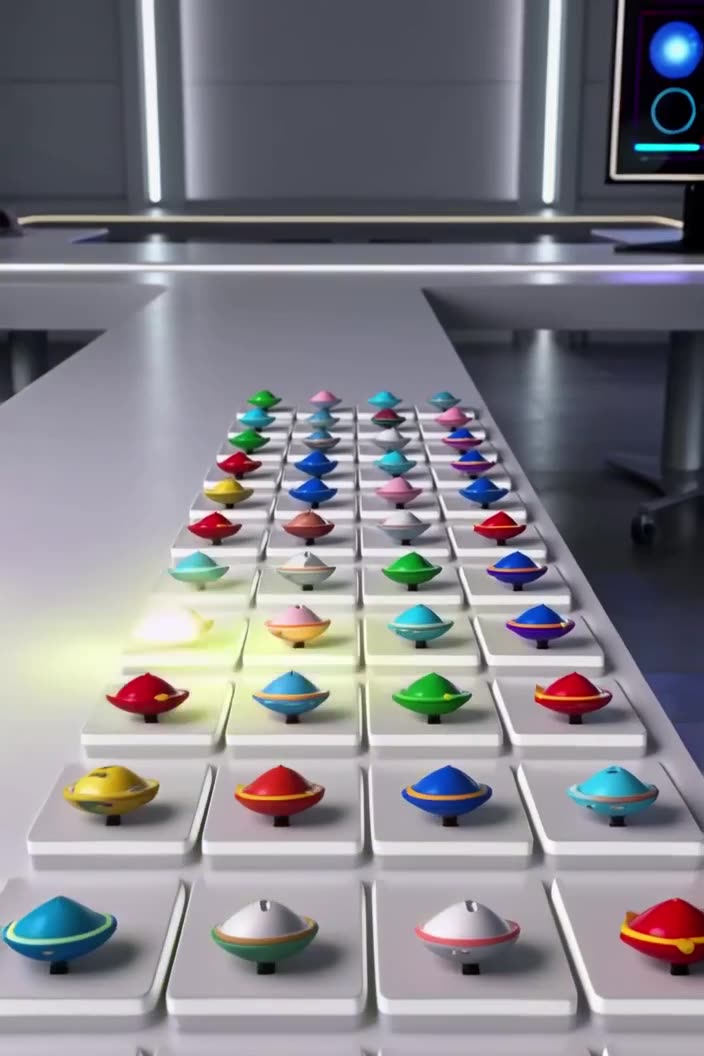
Pinterest pins, idea pins and the 2:3 shape
Pinterest has changed its formats several times: idea pins were introduced as multi-page stories and later merged into regular pins, which can now contain video. What stayed constant is the tall 2:3 pin that fits neatly into the masonry grid. Our preset uses that shape, so your clip sits in the feed like a standard pin.
Pinterest also accepts other ratios, including 9:16, but taller pins can be cut off in grid previews. Check Pinterest's current creator guidelines for exact limits, since they are updated from time to time.
What kind of pin video gets saved
People use Pinterest to plan: meals, homes, weddings, outfits, trips. Pins that show a result or a step tend to get saved. Good subjects for short AI clips:
- Food: syrup pouring over pancakes, a salad being tossed, a cake sliced to reveal layers.
- Home decor: sunlight moving across a styled living room, curtains drifting.
- Fashion: a coat swirling as a model turns, a close-up of fabric texture.
- Travel: a slow tilt up from a cobbled street to a cathedral.
- Seasonal moods: autumn leaves on a porch, a cozy winter window with snow.
Keep the clip calm and aesthetic. Fast chaotic motion reads worse on Pinterest than on TikTok.
It also helps to think in boards. If you run a board called "small kitchen ideas", generate a small series of clips with the same light and color palette so they look like they belong together when someone opens the board.
Make it now — first 3 videos free
Then $1 per video, no subscription, no watermark.
Create a videoComposing and prompting for a 2:3 frame
The 2:3 shape is a portrait photo frame. Put the main subject in the middle to upper part, and leave room at the bottom if you plan to add a text title in an editor.
Prompt phrases that suit pins:
- "overhead flat-lay, soft natural light, neutral linen background"
- "styled interior, warm afternoon sun moving across the wall"
- "slow tilt up from the table to the window"
- "muted earth tones, minimalist, editorial styling"
Example: "Overhead shot of hands arranging a charcuterie board on a marble table, figs and grapes, soft window light, slow gentle movement, warm neutral palette." Our guide to text to video prompts explains how to structure subject, action, setting and light.
How the Pinterest 2:3 preset works here
The preset renders an HD clip in the 2:3 portrait shape. You can start from text or from an image; animating an existing pin photo is often the quickest way to make a video version of content that already performs. For product and food shots, Pro tends to keep textures crisper; Turbo is handy for quickly testing moods.
Downloads are watermark-free MP4. Every clip also appears in our public feed by default, where others can Remix the prompt; you can Unpublish your clips at any time.
Cost example: turning your 10 best-performing image pins into video versions, plus a few retries, is about 15 clips - covered by one $20 top-up, with the leftover credits kept for later.
Adding text and reusing pin videos
Pins often rely on a text overlay ("5-minute breakfast", "small balcony ideas"). Our clips don't include text, so add titles in Canva, CapCut or any editor after downloading. The same clip can also be reused:
Generate a Pinterest video now.
What aspect ratio is best for Pinterest video?
The classic pin shape is 2:3, which displays fully in the grid. Pinterest also accepts other ratios; check its current guidelines.
Are idea pins still a thing?
Pinterest folded idea pins into standard pins that can contain video. Short vertical videos in the 2:3 shape work as regular video pins.
Can I turn my existing image pin into a video?
Yes. Upload the image, choose the 2:3 preset and describe gentle motion such as steam, light shifts or a slow zoom.
Does the video have sound or text?
Sound is optional: we can generate it, or you can switch it off. There's no text, so add a title and any music in an editor after download.
How much does it cost?
3 free videos after signup, then $1 per video with a $20 minimum top-up. No subscription, no expiry.