Two different tools, two different outputs
invideo's strength is speed from idea to finished explainer. It writes, narrates, picks visuals and cuts them together, and according to its site it uses Seedance models for generated scenes. If you need a two-minute YouTube explainer by tonight, that is exactly its job.
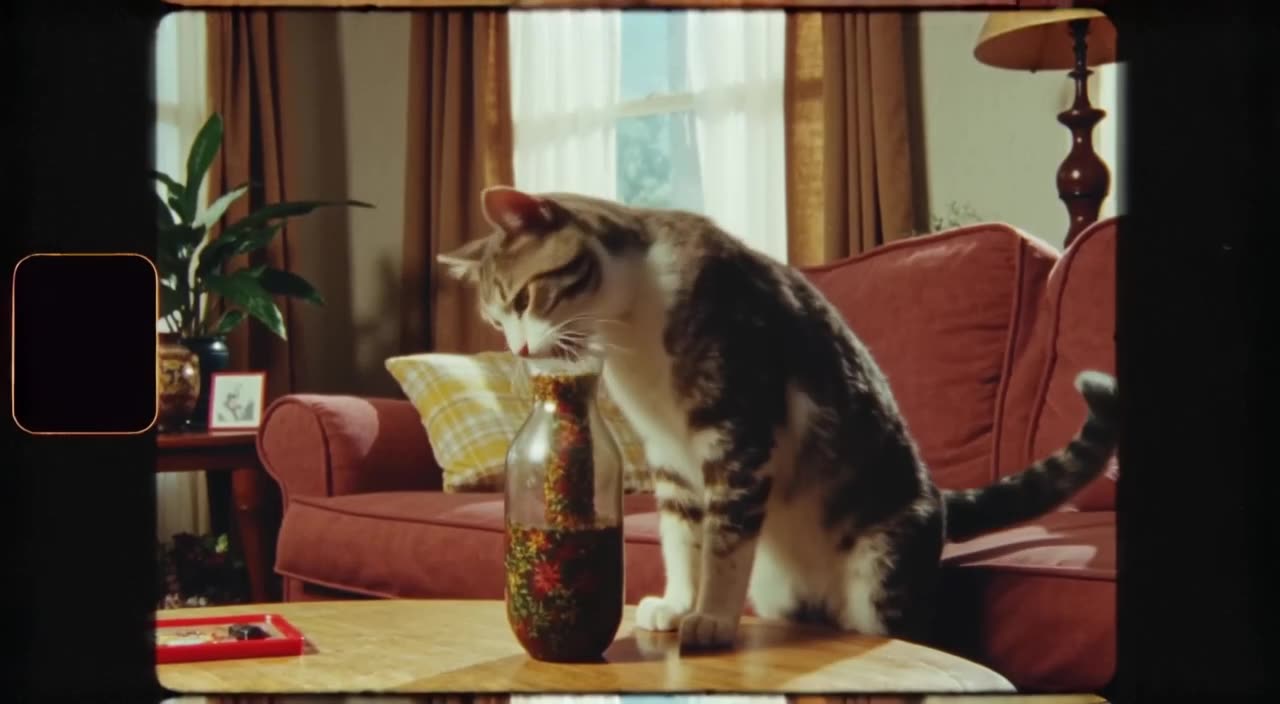
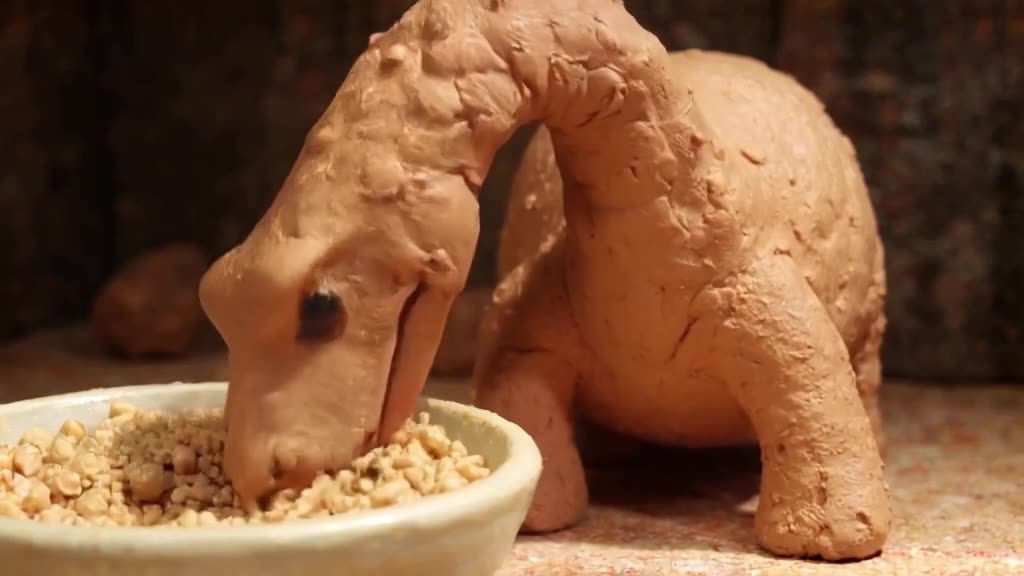
We do not write scripts, add voiceover or edit sequences. What we do is give you a single shot you described precisely, for example a paper boat drifting through a flooded neon street at night, as a watermark-free MP4. There is no stock library underneath, so the clip matches your idea rather than the nearest stock match.
Side-by-side facts
| generatorvideo.ai | invideo AI |
|---|
| Price model | Pay per video, $20 minimum top-up (20 videos) | Monthly credit plans: Starter $20/mo billed annually (400 credits), Plus $50, Max $100; monthly billing costs more |
| Cost per video | $1 flat, Turbo or Pro | Depends on video length and features — check pricing page |
| Free tier | 3 free videos after signup | Check pricing page |
| Subscription required | No | Yes for paid features; credits reset monthly |
| Max clip length | Up to 30 s (8 s on free videos) | Assembles full-length videos — check pricing page for limits |
| Resolution | HD presets per aspect ratio | Check pricing page |
| Watermark on free | No, watermark-free MP4 | Check pricing page |
| Public feed | Yes, public by default; Unpublish any time | Check pricing page |
| Formats | 9:16, 16:9, 1:1, 4:5, 2:3 presets | Check pricing page |
Prices as of September 2026 — check invideo's official pricing page; plan credits reset monthly and do not roll over.
Make it now — first 3 videos free
Then $1 per video, no subscription, no watermark.
Create a videoWhen generatorvideo.ai replaces invideo
- You only need short visuals. Reels, Shorts and TikToks built from one or two striking shots do not need a script-to-video pipeline.
- You post irregularly. invideo's Starter is $20 a month billed annually. Our $20 top-up buys 20 clips that never expire, whether you use them this week or next spring.
- You want full control of each frame. A precise prompt, a choice of fast Turbo or higher-quality Pro mode, sound on or off, and a length between 3 and 30 seconds.
When to use both together
Stock footage is the weak spot of any assembled video: viewers recognize the same office handshake they have seen a hundred times. A practical workflow is to generate custom cutaways here and drop them into your invideo project or any editor. Our AI B-roll generator page has prompt patterns for this, such as establishing shots, textures and slow product reveals.
Budget example: a 90-second explainer typically needs six to ten custom cutaways. Ten clips cost $10, and with a $20 top-up the other ten stay available for the next video. Voiceover, captions and music stay in invideo or your editor, because we do not generate voices or text overlays.
What to know before you switch
Everything you generate appears in our public feed unless you Unpublish it. That is fine for most social content, and it lets others Remix your prompts, but unpublish client work right after it renders. Clips top out at 30 seconds (8 on free videos), so a longer scene means generating several shots and joining them in an editor. If you want a finished narrated video with zero editing, invideo remains the more direct route.
Want to test the difference? Open the generator, type the scene your stock footage never quite matched, and see what comes back. For formats, the Shorts preset exports a vertical 9:16 file.
Can generatorvideo.ai make a full video from a script like invideo?
No. We generate individual 3-30 second clips from text or images. For script-to-video with voiceover you still need invideo or an editor.
Does generatorvideo.ai add voiceover or music?
No voiceover. Clips can have generated ambience and effects, but add voice, your music and captions in invideo, CapCut, Premiere or any editor.
Is it cheaper than invideo?
For occasional short clips, usually yes, because there is no monthly plan and credits never expire. For people producing many full explainers each month, invideo's subscription may be better value.
Can I use the clips inside invideo?
Yes. Download the watermark-free MP4 and upload it as your own media in whatever editor you use.