跳至主要內容

Image to Video AI, Free to Try: Bring a Still Frame to Life

Image to video AI takes one picture you already have, a product shot, a concept painting, a generated illustration, and turns it into a short moving clip of 3 to 30 seconds (free videos: 3, 5 or 8 s). On generatorvideo.ai you upload the image, write one or two sentences about what should move and how the camera behaves, choose Turbo or Pro, and get an MP4 without a watermark. The first 3 videos are free after signup; after that each clip costs a flat $1, with no subscription. The picture does most of the work here: it fixes the composition, colors and subject, so your prompt only has to describe motion. That makes image-to-video the most predictable way to get a usable clip. Upload an image and try it.

Generation is temporarily paused. Please try again later.
0 / 1500
格式
長度
更多選項——運鏡、多版本、負面提示詞、種子
版本
音樂

How image to video AI works on generatorvideo.ai

The model treats your upload as the first frame and predicts what happens next. It does not redraw the scene from scratch, so faces, logos and layouts usually stay closer to the original than they would in pure text-to-video. The workflow:

  • Upload a JPG or PNG. The aspect ratio of the source should match the preset you pick (see below).
  • Describe motion only. Skip describing what is already visible. Write what moves, in which direction, and what the camera does: slow push-in, steam rises from the cup, background people walk out of focus.
  • Pick a mode. Turbo for quick tests, Pro for the final render. Sound is on or off.
  • Pick a length between 3 and 30 seconds and an export preset.
  • Generate, review, download. The clip stays private by default; hit Publish if you want it in the public feed.

Choosing a source image that animates well

Most bad image-to-video results come from the input, not the prompt. Before you spend a credit, check the picture against this list:

  • One clear subject. A single person, animal, object or landmark gives the model something to move. Crowded collages turn into warping soup.
  • Room to move. Leave space in the direction of motion. A car pressed against the right edge has nowhere to drive.
  • Sharp and well lit. Blur and heavy JPEG artifacts get amplified frame by frame.
  • Natural depth. Foreground, subject, background layers give the model parallax to work with during camera moves.
  • No text you care about. Small lettering tends to wobble. If a logo must stay perfect, keep the camera still and the motion elsewhere in the frame.
  • Matching shape. A vertical image goes with the 9:16 preset; a landscape photo with 16:9. Cropping a wide image into a tall frame throws away the part the model needed.

Make it now — first 3 videos free

Then $1 per video, no subscription, no watermark.

Create a video

Example motion prompts for common images

These are written for an uploaded image, so they describe movement rather than the scene:

  • Product on a table: slow orbit to the left around the bottle, soft light sweep across the glass, background stays still.
  • Landscape painting: clouds drift right, grass sways in a light wind, camera slowly tilts up toward the sky.
  • Character illustration: she turns her head toward the camera and smiles, hair moves slightly, gentle push-in.
  • City street at night: rain falls, neon reflections ripple in puddles, a taxi passes in the background, static tripod shot.
  • Food close-up: steam rises from the ramen, chopsticks lift noodles, shallow depth of field, slow dolly in.
  • Pet portrait: the dog tilts its head and blinks, ears twitch, camera stays locked.

If your idea is only a few words, the prompt enhancer will expand it into a fuller shot description. Read what it adds and delete anything that contradicts your image. More prompt patterns are collected in image to video prompts.

Turbo or Pro for animating images

Turbo is the fast mode. Use it to find out whether an image animates at all and which direction of motion looks right. It is fine for simple moves: drifting clouds, a slow zoom, a flickering candle.

Pro is the quality mode. Switch to it once the motion idea works, especially for people, hands, fabric and anything where the viewer will notice distortion. It usually holds the identity of the subject better over a longer 6-8 second clip. Ready to try? Start with 3 free videos.

Mistakes that waste credits

  • Asking for too much motion. A walking, turning, waving, dancing subject in 5 seconds will melt. One main action per clip.
  • Re-describing the image. Writing a red car on a mountain road when the image already shows it adds nothing and can push the model to change the car.
  • Fighting the camera. A pan left while the subject runs right creates confusing parallax. Keep them aligned or keep the camera still.
  • Maximum length by default. A 4-second clip with one clean move often looks better than 8 seconds of drift.

What a batch of animated images costs

Say you run an online shop and want motion versions of 15 product photos for Reels. A realistic plan: one Turbo test per product to check the motion (15 clips), then a Pro final for the 12 that worked (12 clips). That is 27 videos. The 3 free videos cover the first tests, and a $20 top-up covers 20 more; a second top-up covers the last 4 and leaves 16 credits for later. Credits never expire, so the leftovers wait for next month's products.

Honest note: if you already use every credit of a monthly subscription elsewhere, the per-clip price can be lower than $1. The point here is no monthly commitment and no expiring balance. Start animating your image.

FAQ

What image formats can I upload?

Standard image files such as JPG and PNG. Use a sharp, well-lit image whose shape matches the aspect preset you plan to export.

How long can the video be?

Each generation is 3 to 30 seconds. For longer pieces, generate several clips and join them in any video editor.

Will the video keep my subject's face and details?

Image-to-video keeps much more of the original than text-to-video, because your image is the starting frame. Small text and fine details can still shift, so keep motion simple and use Pro mode for people.

Is there a watermark?

No. You download the MP4 without a watermark, including the 3 free videos.

Who can see my video?

By default, only people you share the direct link with: results are private. Click Publish to add a video to the public feed, and Unpublish any time from your account.
Related

Made with generatorvideo.ai

Explore more →
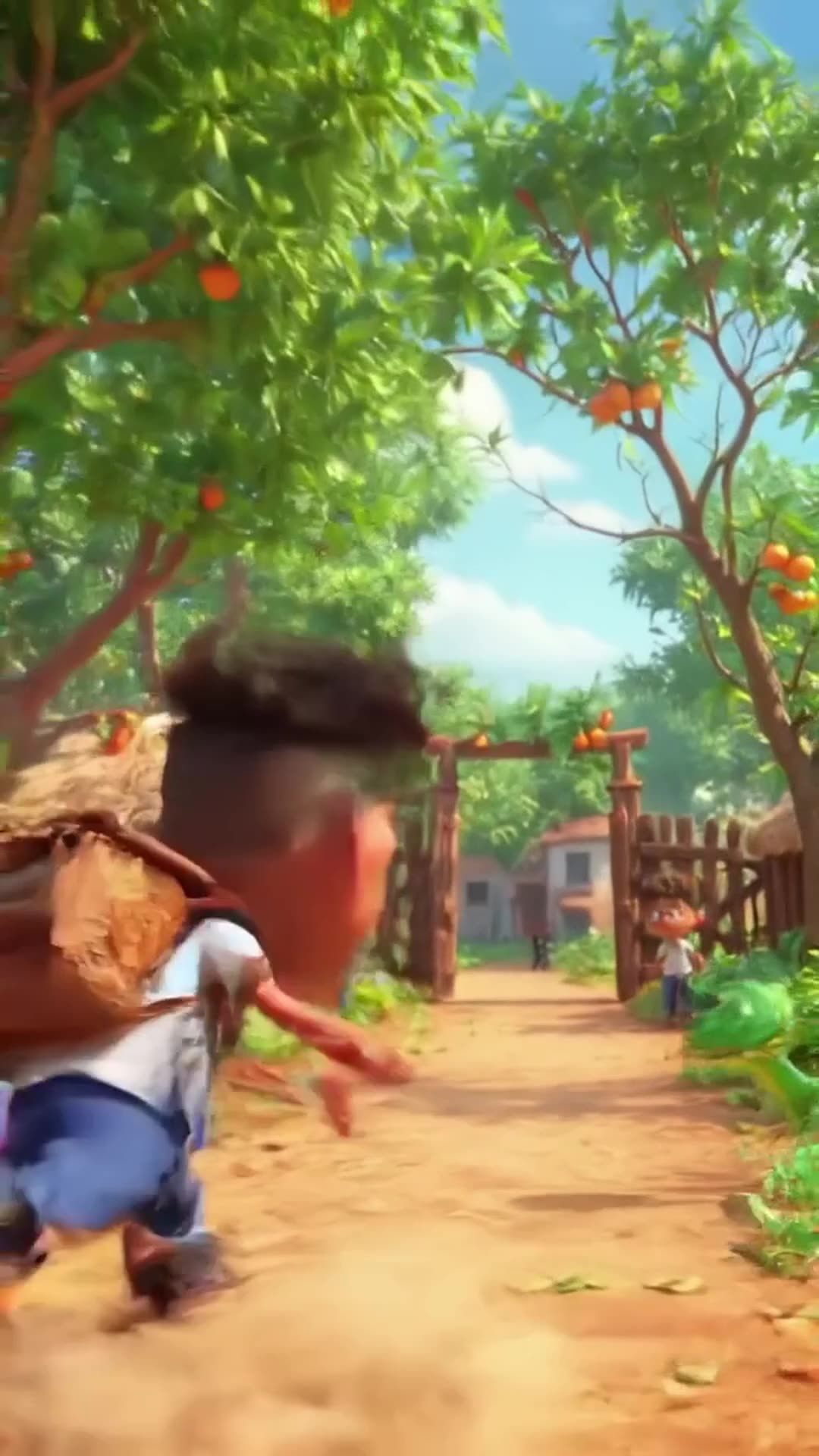
Create a 20-second hilarious 3D animated cartoon in a colorful African village. CHARACTER…

Create a 20-second hilarious 3D animated cartoon in a colorful African village. CHARACTER: Audu is a cheerful African schoolboy wearing a white school shirt, blue trousers, black shoes, and a school backpack. SCENE 1 (0–4 seconds): Audu walks happily along a village path toward school. Suddenly, he spots a beautiful ripe mango hanging from a tree. His eyes widen, and he says, "Wow! What a delicious mango!" SCENE 2 (4–8 seconds): Audu excitedly climbs the tree to grab the mango. Add funny sneaky music and exaggerated cartoon movements. SCENE 3 (8–12 seconds): Audu jumps down from the tree, lands on the ground, and suddenly sees a snake right in front of him. The snake hisses. Audu freezes, his eyes bulge, and his mouth opens in shock. SCENE 4 (12–15 seconds): Audu screams, "SNAKE!" and runs toward school at superhuman cartoon speed, leaving a cloud of dust behind him. Add funny running sounds and energetic comedy music. SCENE 5 (15–18 seconds): Audu reaches the school gate, breathing heavily. His friend asks, "Where is your mango?" Audu replies, "Forget the mango! I'd rather stay alive!" Both characters laugh. VISUAL STYLE: High-quality 3D animated cartoon, expressive faces, exaggerated comedy, vibrant African village scenery, smooth animation, cinematic camera movements, bright natural lighting. AUDIO: Funny background music, birds chirping, a cartoon jump sound, snake hissing, Audu screaming, and hilarious running sound effects. Include clear English dialogue. FORMA

0 · @muhammadsanihassan71
болельщик футбольного клуба милан смешно бьет болельщика футбольного клуба интер

болельщик футбольного клуба милан смешно бьет болельщика футбольного клуба интер

2 · @alexjoin
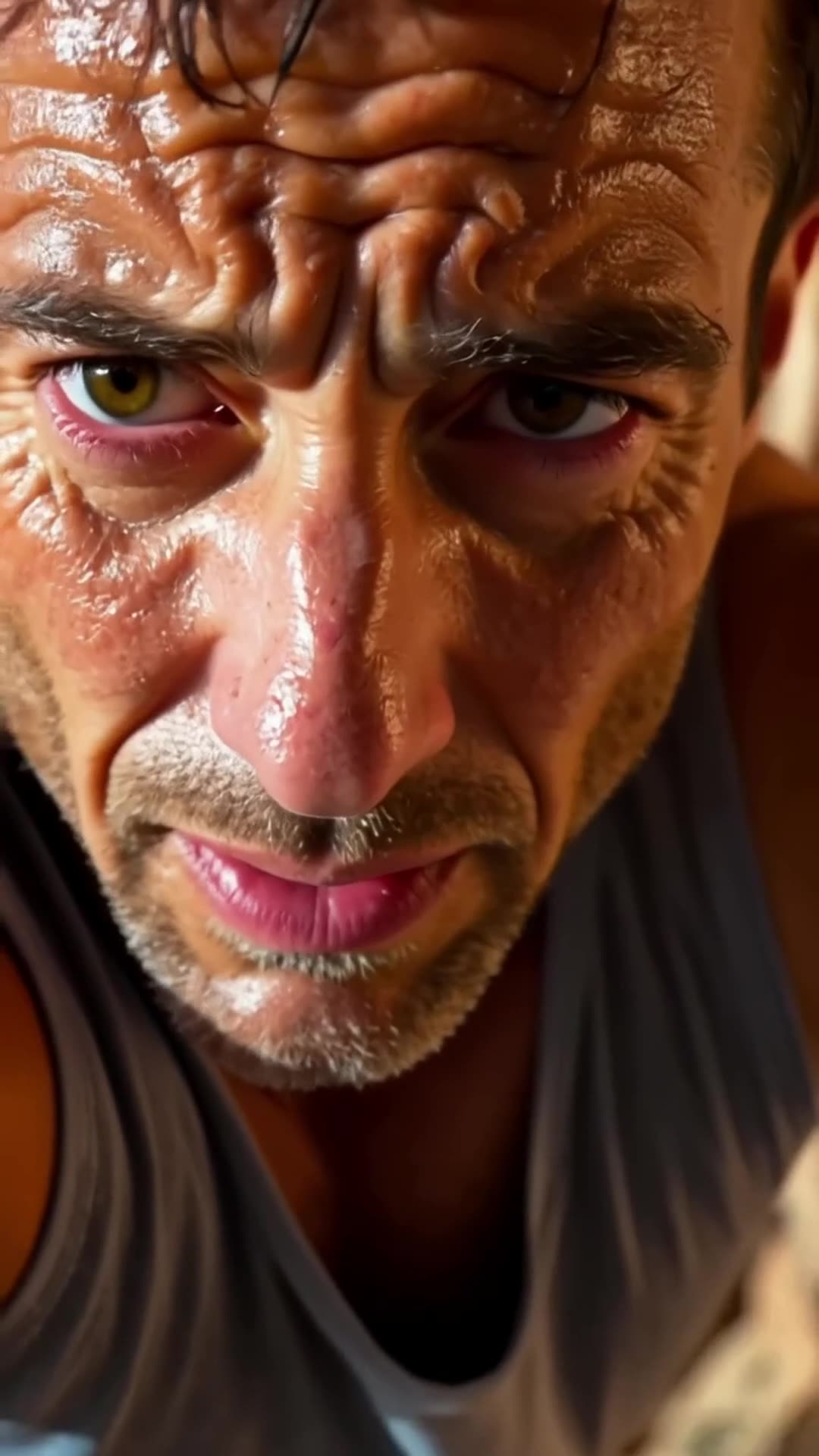
A close-up of a rock climber’s sweaty face. The camera pulls back to reveal the climber s… Pro

A close-up of a rock climber’s sweaty face. The camera pulls back to reveal the climber scaling the rock face. It then pans upward, showing how much ground he still has to cover., fpv drone dive

1 · @bavenko
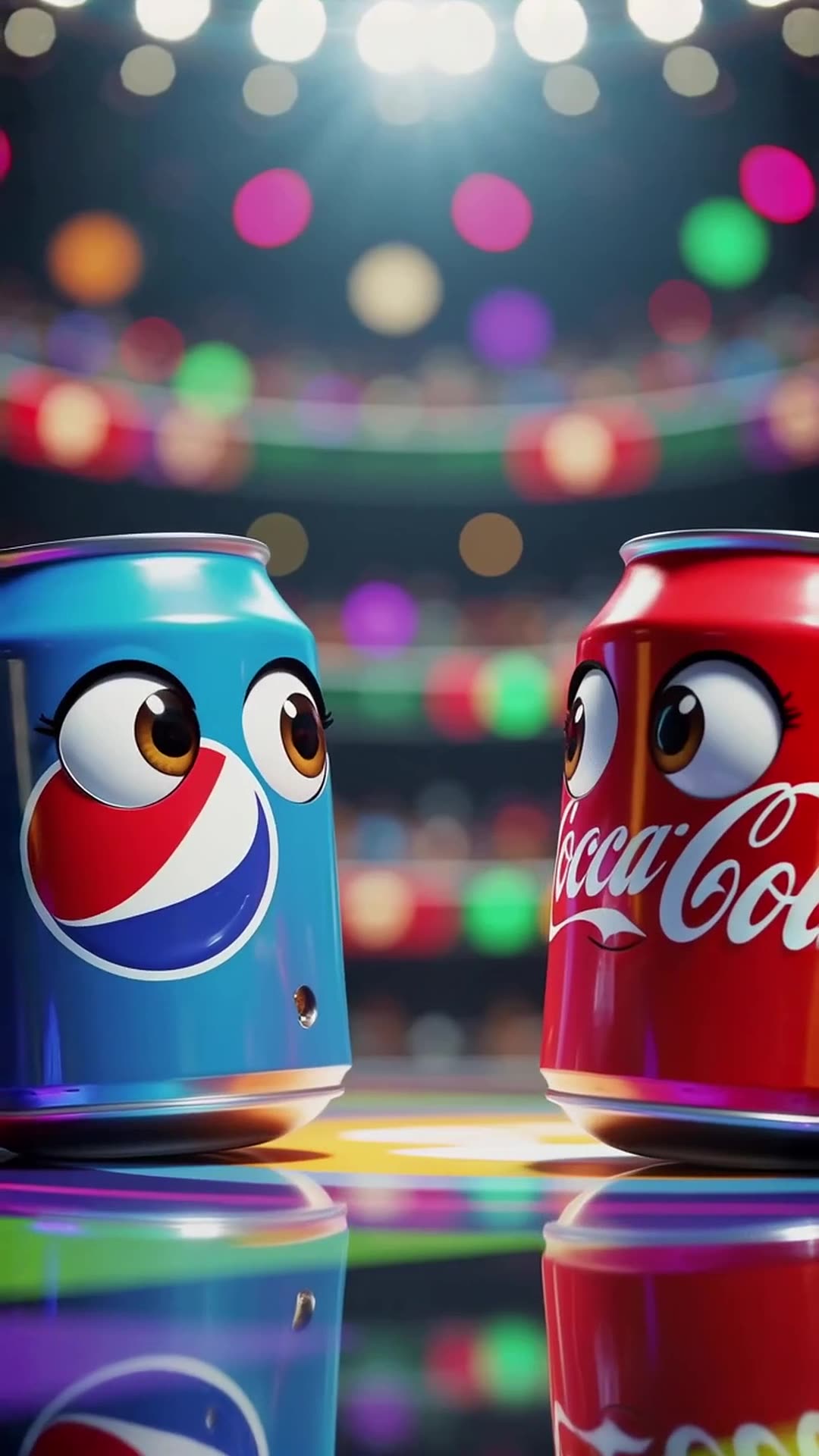
In a vibrant stadium spotlight, a Pepsi can with wide eyes shouts 'I’m gonna win!' while … Pro

In a vibrant stadium spotlight, a Pepsi can with wide eyes shouts 'I’m gonna win!' while dodging Coca-Cola’s playful punches, ending with both cans tumbling together and shouting 'Who won?' at the camera in a bright, energetic 3D cartoon style.

0 · @rohittharu5632
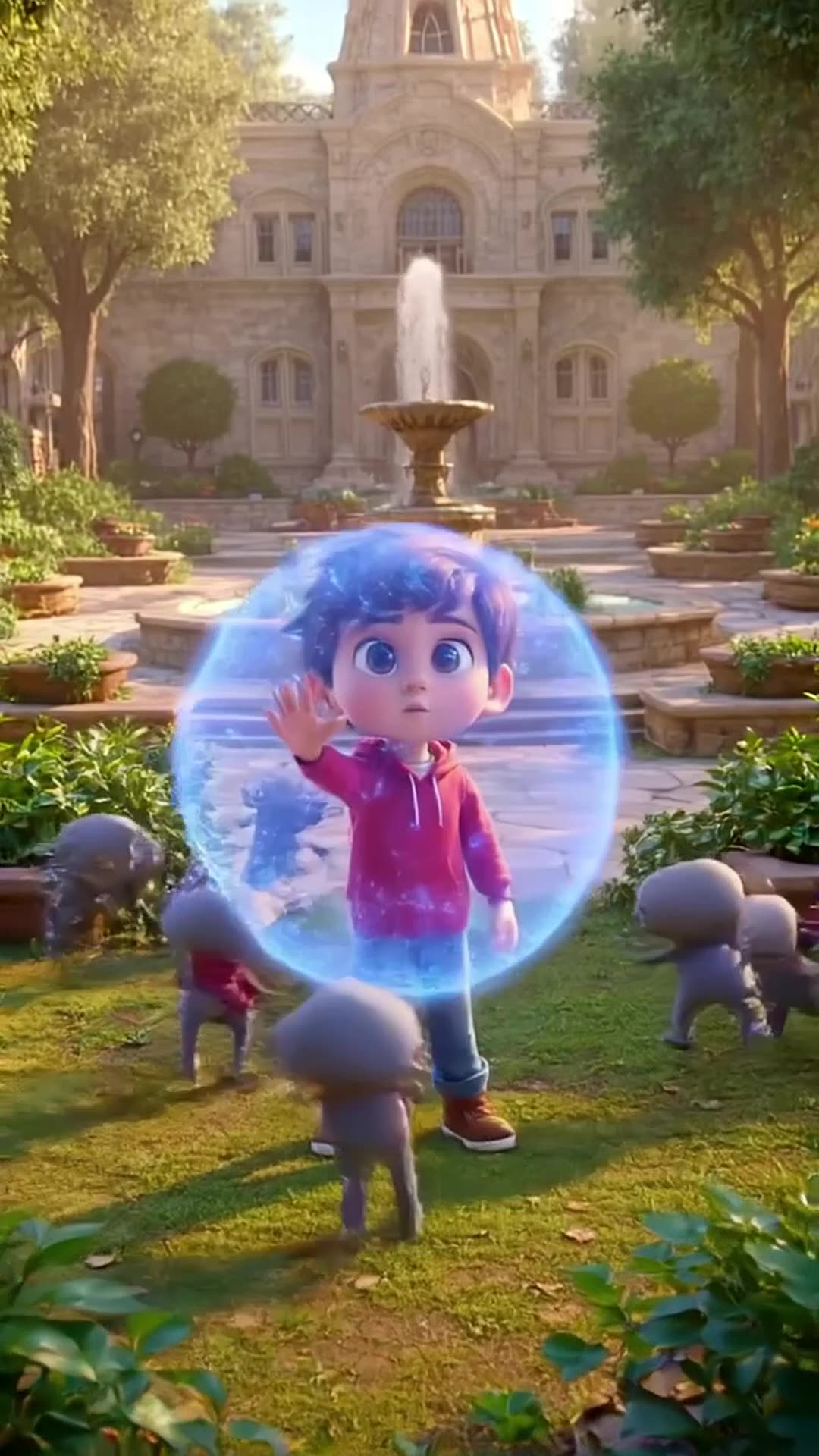
Defending my academy from Evi actors or enemies

Defending my academy from Evi actors or enemies

0 · @muhammadsanihassan71
5-second 3D cartoon animation. A mom chef in a white uniform and red hat and her little d…

5-second 3D cartoon animation. A mom chef in a white uniform and red hat and her little daughter in a red dress are in a kitchen. Flour is spilled on the table with baking tools. The daughter playfully blows on the flour, creating a white cloud that covers the mom. Mom looks shocked but amused, daughter laughs. Glossy 3D style matching the reference image, close-up, dynamic action, comedic moment.

0 · @agrig1982
Сделай мне инопланетный корабль

Сделай мне инопланетный корабль

2 · @adparad
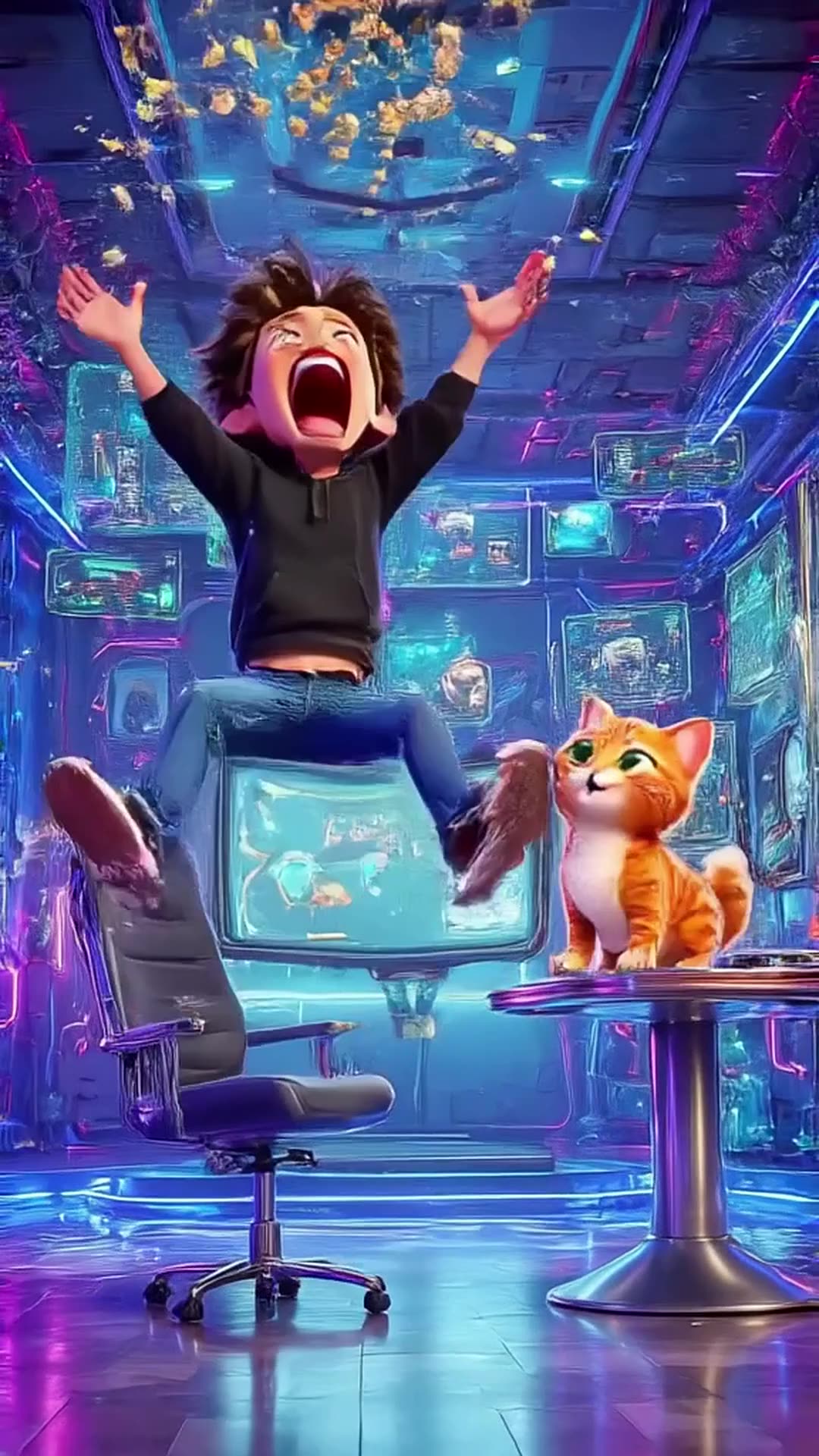
Create an 8-second cinematic 3D cartoon gaming video in vertical 9:16 format. SCENE: A fu…

Create an 8-second cinematic 3D cartoon gaming video in vertical 9:16 format. SCENE: A funny young gamer wearing a black hoodie sits in a futuristic gaming room illuminated by electric blue and purple neon lights. He grabs his controller and starts playing an intense video game. Suddenly, his character wins an epic battle! The gamer jumps out of his chair, screams with excitement, and accidentally throws popcorn into the air. A funny cat appears and catches the popcorn in its mouth. DIALOGUE: Gamer: “LET’S GOOOO!” Cat: “MIAOW!” VISUAL STYLE: High-quality cinematic 3D cartoon animation, expressive characters, smooth movements, exaggerated facial expressions, dynamic camera zooms, glowing neon lights, realistic shadows, vibrant colors, funny viral-video energy. SOUND: Energetic gaming music, controller clicks, epic victory sound, funny cartoon boing, popcorn popping, and a cat meow. TIMELINE: 0–2 seconds: Gamer starts playing intensely. 2–4 seconds: Epic victory animation fills the screen. 4–6 seconds: Gamer celebrates and popcorn flies everywhere. 6–8 seconds: Cat catches popcorn and looks proudly at the camera. ENDING: Display glowing electric-blue text: “PSZoneGR 🎮 PLAY • LAUGH • REPEAT”. FORMAT: Exactly 8 seconds, vertical 9:16, 1080x1920, fast-paced editing, smooth animation, family-friendly comedy, optimized for YouTube Shorts, Instagram Reels, and TikTok. Use original characters and generic gaming visuals. Do not copy official game characters or logos.

0 · @pszonegr