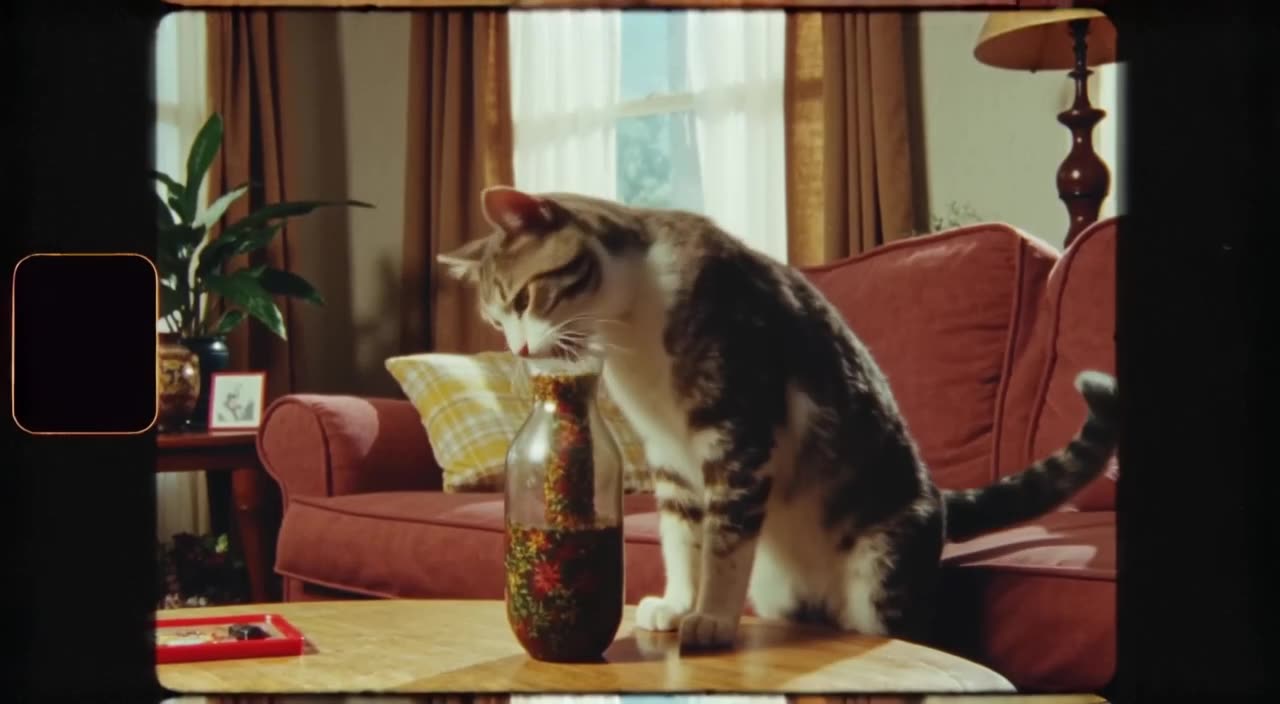
Two meanings of "free" with Genmo
Free as in open source. Mochi 1 is published under Apache 2.0, a permissive license. You can download the weights and run the model on your own machine or a rented GPU. The software costs nothing; the hardware, electricity and setup time are on you.
Free as in a hosted plan. Genmo also operates genmo.ai. We don't have confirmed details about its current free allowance, pricing or watermark policy, so check genmo.ai's official pricing page before relying on it.
Details as of September 2026. Check Genmo's official site for current pricing.
Table: hosted Genmo vs generatorvideo.ai
| Feature | generatorvideo.ai | Genmo (genmo.ai) |
|---|
| Price model | Pay per video, no subscription | Check pricing page |
| Cost per video | $1 flat (minimum top-up $20 = 20 videos) | Varies by model — check pricing page |
| Free tier | 3 free videos after signup | Not confirmed — check pricing page (Mochi 1 weights are free) |
| Subscription required | No | Check pricing page |
| Max clip length | Up to 30 s (8 s on free videos) | Varies by model — check pricing page |
| Resolution | HD presets per aspect ratio | Varies by model — check pricing page |
| Watermark on free | No, MP4 downloads are watermark-free | Check pricing page |
| Public feed | Yes, public by default; Unpublish any time | Varies — check pricing page |
| Formats | 9:16, 16:9, 1:1, 4:5, 2:3 social presets | Varies — check pricing page |
Make it now — first 3 videos free
Then $1 per video, no subscription, no watermark.
Create a videoSelf-hosting an open model vs paying $1
Running Mochi 1 or any open video model yourself makes sense if you already own a capable GPU, enjoy tinkering, or need to generate thousands of clips. It gives you full control and privacy.
For most creators the math is simpler. Setting up drivers, dependencies and model weights takes an afternoon at best, and a rented GPU bills by the hour whether a render succeeds or not. On generatorvideo.ai, everything is packaged: choose Turbo mode for speed or Pro mode for quality, type a prompt, and download an MP4 without a watermark. A failed idea costs you $1, not an evening.
Which tool for which clip
We don't run Mochi 1, so if you specifically want its look, Genmo or a self-hosted setup is the way. What we offer instead:
- Turbo: the fast option, good for drafting prompts and quick social content.
- Pro: the quality option, for final renders with more detail, lighting and motion.
Both run in every aspect ratio preset: 9:16, 16:9, 1:1, 4:5 and 2:3, with lengths from 3 to 30 seconds. The prompt enhancer helps in either mode by expanding a short idea into a detailed shot description.
Worked example and who should pick what
Testing 20 prompt ideas for a short-film mood board costs $20 on generatorvideo.ai (or $17 after your 3 free videos), with leftover credits never expiring. Those clips appear in our public feed by default; Unpublish anything you want kept private. Others can Remix your prompts, and you can Remix theirs.
- Pick self-hosted Mochi 1 if you have the GPU, the time and a need for control.
- Pick genmo.ai if you want Genmo's own models hosted, after checking its pricing.
- Pick generatorvideo.ai if you want no setup, flat pricing and social presets.
See more options in Genmo alternatives, or start with 3 free videos.
Is Genmo AI free?
Genmo's Mochi 1 model is open source under Apache 2.0, so the weights are free to run yourself. For genmo.ai's hosted plans, check its official pricing page.
Does generatorvideo.ai use Mochi 1?
No. generatorvideo.ai offers its own two modes, Turbo and Pro.
Do I need a GPU to use generatorvideo.ai?
No. Generation happens on our GPUs. You only need a browser and an account.
How much does generatorvideo.ai cost?
3 free videos after signup, then $1 per video with a $20 minimum top-up. No subscription, and credits never expire.
Can I keep my clips private?
Clips are public in the feed by default, but you can Unpublish any video at any time.