Aller au contenu

A Free Higgsfield Alternative for People Who Just Want the Clip

Higgsfield is a model hub: one subscription gives you access to Kling, Veo, Seedance and others, plus its own camera-motion presets. That breadth is useful, but it also means every generation has a different credit price and your plan resets each month. If you are searching for a Higgsfield alternative, it is usually because you want something simpler: one price, no plan to manage, no credits that vanish.

generatorvideo.ai charges a flat $1 per clip in either mode, Turbo or Pro, gives you 3 free videos after signup and never expires your balance. Try a prompt now and judge the output yourself.

Generation is temporarily paused. Please try again later.
0 / 1500
Format
Durée
Plus d’options — caméra, plusieurs prises, prompt négatif, seed
Prises
Musique

Why people look beyond Higgsfield

Most people we hear from are not unhappy with Higgsfield's quality. The friction is arithmetic. According to a third-party review from August 2026, Starter costs about $15 a month for roughly 200 credits, Plus about $49 for roughly 1,000 and Ultra about $129 for roughly 3,000. How many videos that buys depends on which model you choose, because a premium model burns more credits than a lighter one. So the honest answer to "what does one clip cost?" is "it depends".

That is fine if you generate every day and enjoy picking models. It is less fine if you make ten clips one month and none the next, because subscription plans charge you whether or not you create anything.

Higgsfield alternative at a glance

generatorvideo.aiHiggsfield
Price modelPay per video, $5 minimum top-up (5 videos)Monthly credit plans: Starter ~$15, Plus ~$49, Ultra ~$129 (third-party review, Aug 2026)
Cost per video$1 flat, Turbo or ProDepends on the model you pick — check pricing page
Free tier3 free videos after signupLimited daily use
Subscription requiredNoYes for anything beyond the limited free use
Max clip lengthUp to 30 s (8 s on free videos)Varies by model — check pricing page
ResolutionHD presets per aspect ratioVaries by model — check pricing page
Watermark on freeNo, watermark-free MP4Check pricing page
Public feedOptional — private by default, publish in one clickCheck pricing page
Formats9:16, 16:9, 1:1, 4:5, 2:3 presetsVaries by model — check pricing page

Prices as of September 2026 — check Higgsfield's official pricing page before buying; plans and credit costs change often.

Make it now — first 3 videos free

Then $1 per video, no subscription, no watermark.

Create a video

What you trade and what you gain

Be clear-eyed about the trade. Higgsfield gives you proprietary models like Kling, Veo and Seedance under one roof, and its camera presets are a genuine shortcut for dramatic moves. We do not offer those models. We offer two modes:

  • Turbo for fast drafts when you are still testing an idea.
  • Pro when you want more detail, lighting and motion quality for the final version.

What you gain is predictability. Every clip is $1 regardless of mode, clips run 3 to 30 seconds, and the MP4 downloads without a watermark. You can describe camera moves in the prompt yourself; our guide to camera movement prompts lists phrasings that work well, such as a slow dolly-in or an orbit around the subject.

A worked budget: one product launch week

Say you need 15 short clips for a product launch: five hero shots, five lifestyle cutaways and five vertical teasers. Here the 3 free videos cover your first experiments, and a $20 top-up covers the other 12 with 8 credits left for retakes. Those 8 credits sit in your account until the next project, even if that is six months away.

On a monthly plan you would first have to estimate which model you will use, convert that into credits and hope the launch fits inside one billing cycle. If it does not, you are either upgrading or waiting for the reset. Neither is a disaster, but it is overhead a one-off project does not need.

The public feed, stated plainly

One difference you should know before signing up: we have a public TikTok-style feed, but every video you generate is private by default. Click Publish and it joins the feed, where others discover prompts and use Remix to build on them. If a clip is for a client, keep it private and share it by direct link; you can Unpublish any video at any time.

The feed also works in your favor. Browse it without an account, find a shot close to what you want, and Remix its prompt instead of writing from scratch.

When to stay with Higgsfield, and when to switch

Stay if you need access to specific proprietary models, want its camera presets, or produce at a volume where a fully used subscription beats $1 per clip. Switch, or keep us alongside, if your usage is irregular, you want one number to budget with, or you like having just two clear modes to choose from. Many creators do both: heavy hero shots in one tool, quick social variations here.

Ready to compare side by side? Open the generator, paste the same prompt you used on Higgsfield and pick a 9:16 vertical preset for Reels or Shorts.

FAQ

Is generatorvideo.ai cheaper than Higgsfield?

It depends on how much you generate. A fully used monthly plan can work out cheaper per clip for heavy users. Our advantage is that you only pay $1 for clips you actually make, with no monthly fee and credits that never expire.

Can I use Kling or Veo models on generatorvideo.ai?

No. We offer our own two modes, Turbo and Pro. If you specifically need a proprietary model, a model hub like Higgsfield is the better fit.

Do you have camera-motion presets like Higgsfield?

Not as presets. You describe the camera move in your prompt, and the prompt enhancer can expand a short idea into a detailed shot description including camera direction.

Are my videos private?

Yes, videos are private by default. Anyone with the direct link can watch, but they stay out of the feed until you click Publish, and you can Unpublish any time.

How long can clips be?

You choose between 3 and 30 seconds per clip.
Related

Made with generatorvideo.ai

Explore more →
Create a 20-second hilarious 3D animated cartoon in a colorful African village. CHARACTER…

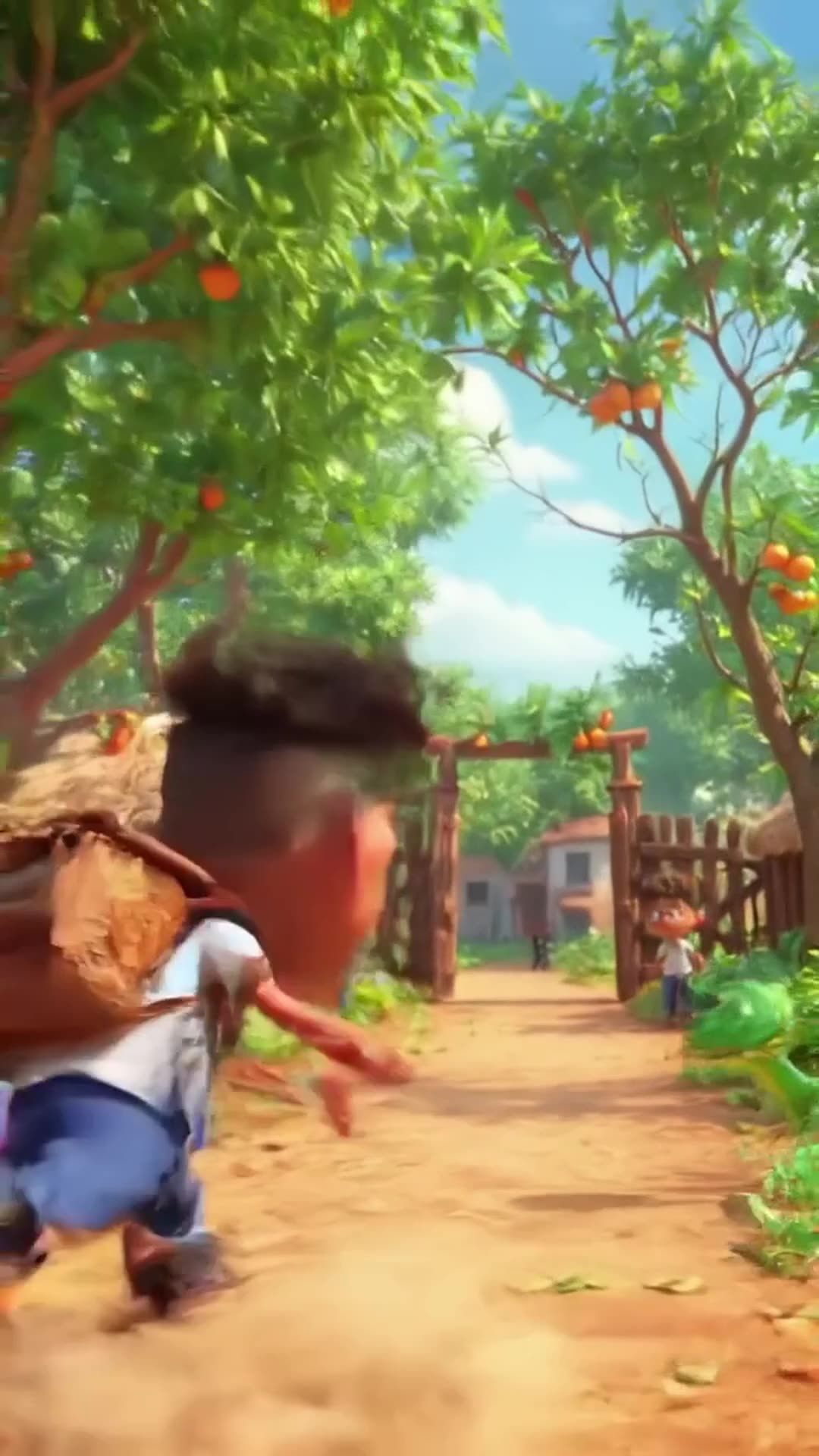
Create a 20-second hilarious 3D animated cartoon in a colorful African village. CHARACTER: Audu is a cheerful African schoolboy wearing a white school shirt, blue trousers, black shoes, and a school backpack. SCENE 1 (0–4 seconds): Audu walks happily along a village path toward school. Suddenly, he spots a beautiful ripe mango hanging from a tree. His eyes widen, and he says, "Wow! What a delicious mango!" SCENE 2 (4–8 seconds): Audu excitedly climbs the tree to grab the mango. Add funny sneaky music and exaggerated cartoon movements. SCENE 3 (8–12 seconds): Audu jumps down from the tree, lands on the ground, and suddenly sees a snake right in front of him. The snake hisses. Audu freezes, his eyes bulge, and his mouth opens in shock. SCENE 4 (12–15 seconds): Audu screams, "SNAKE!" and runs toward school at superhuman cartoon speed, leaving a cloud of dust behind him. Add funny running sounds and energetic comedy music. SCENE 5 (15–18 seconds): Audu reaches the school gate, breathing heavily. His friend asks, "Where is your mango?" Audu replies, "Forget the mango! I'd rather stay alive!" Both characters laugh. VISUAL STYLE: High-quality 3D animated cartoon, expressive faces, exaggerated comedy, vibrant African village scenery, smooth animation, cinematic camera movements, bright natural lighting. AUDIO: Funny background music, birds chirping, a cartoon jump sound, snake hissing, Audu screaming, and hilarious running sound effects. Include clear English dialogue. FORMA

0 · @muhammadsanihassan71
болельщик футбольного клуба милан смешно бьет болельщика футбольного клуба интер

болельщик футбольного клуба милан смешно бьет болельщика футбольного клуба интер

2 · @alexjoin
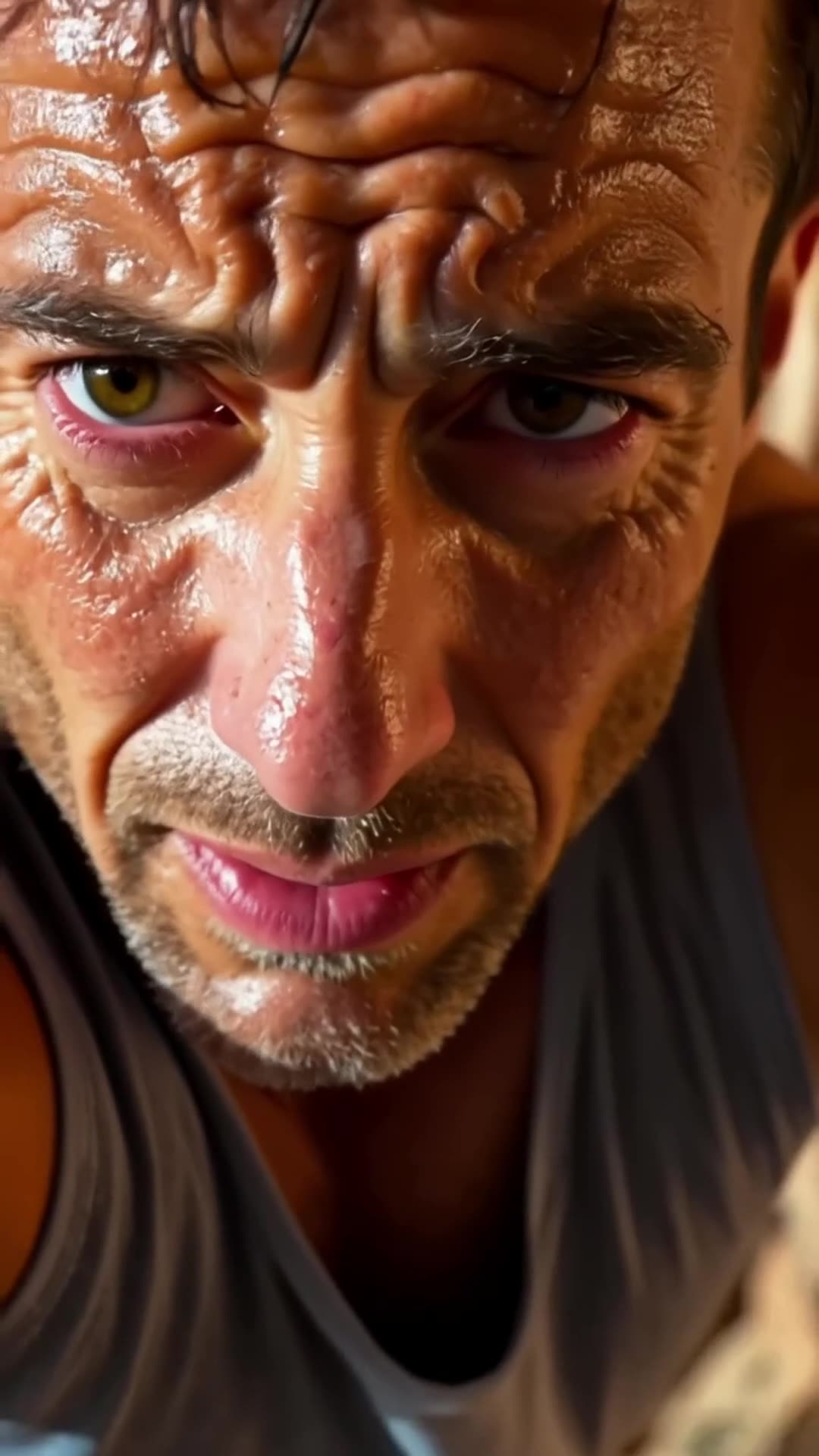
A close-up of a rock climber’s sweaty face. The camera pulls back to reveal the climber s… Pro

A close-up of a rock climber’s sweaty face. The camera pulls back to reveal the climber scaling the rock face. It then pans upward, showing how much ground he still has to cover., fpv drone dive

1 · @bavenko
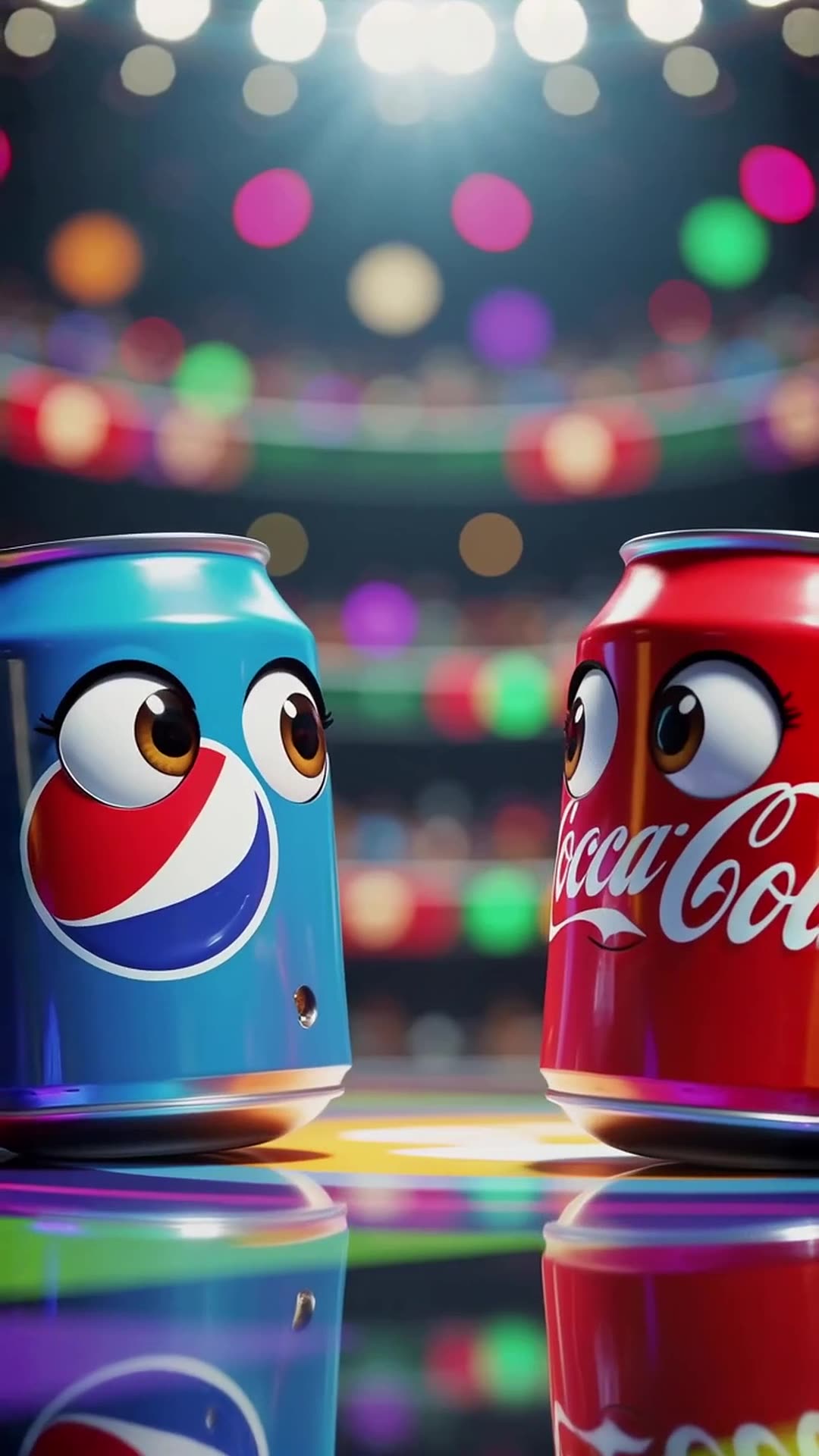
In a vibrant stadium spotlight, a Pepsi can with wide eyes shouts 'I’m gonna win!' while … Pro

In a vibrant stadium spotlight, a Pepsi can with wide eyes shouts 'I’m gonna win!' while dodging Coca-Cola’s playful punches, ending with both cans tumbling together and shouting 'Who won?' at the camera in a bright, energetic 3D cartoon style.

0 · @rohittharu5632
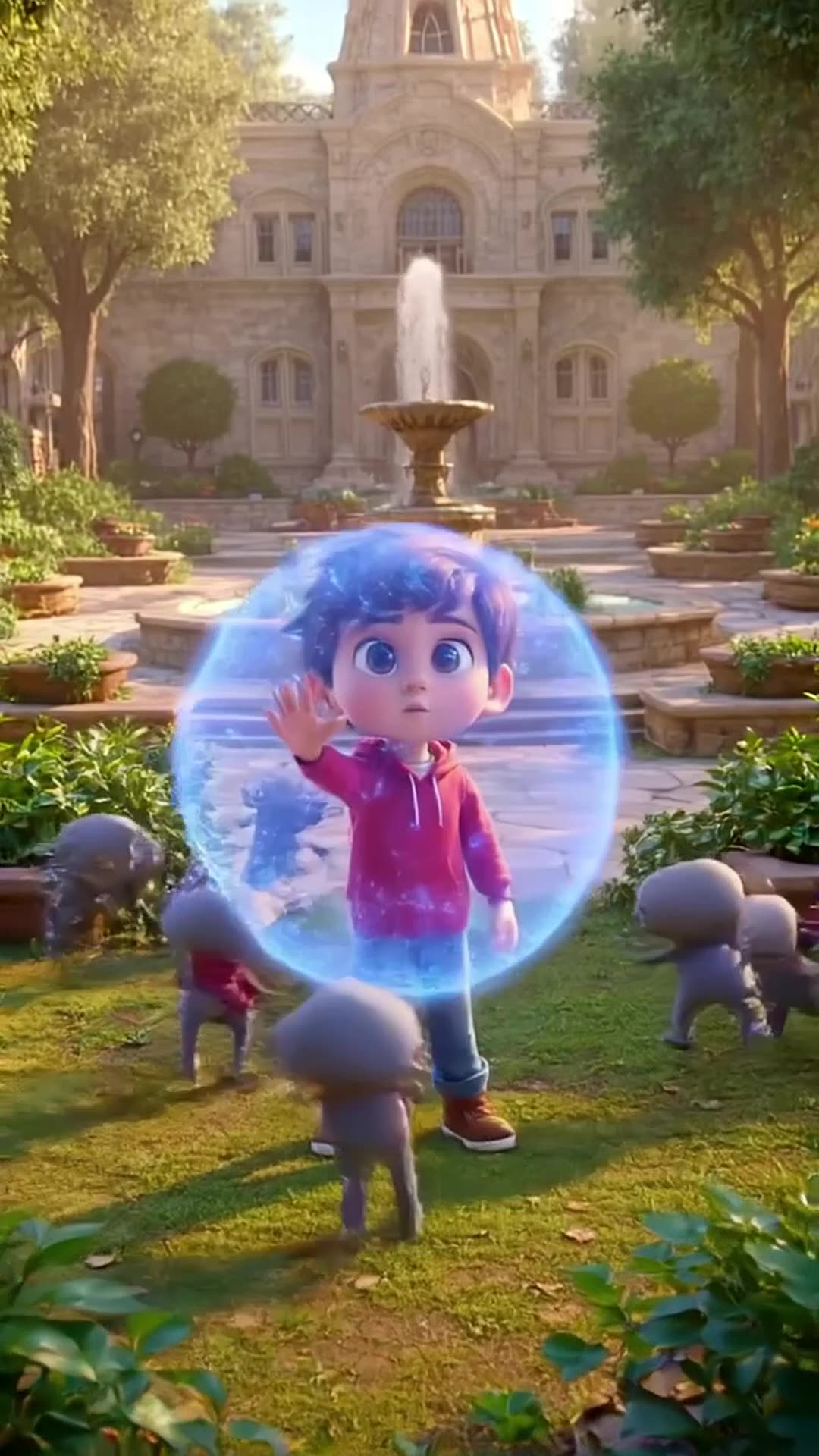
Defending my academy from Evi actors or enemies

Defending my academy from Evi actors or enemies

0 · @muhammadsanihassan71
5-second 3D cartoon animation. A mom chef in a white uniform and red hat and her little d…

5-second 3D cartoon animation. A mom chef in a white uniform and red hat and her little daughter in a red dress are in a kitchen. Flour is spilled on the table with baking tools. The daughter playfully blows on the flour, creating a white cloud that covers the mom. Mom looks shocked but amused, daughter laughs. Glossy 3D style matching the reference image, close-up, dynamic action, comedic moment.

0 · @agrig1982
Сделай мне инопланетный корабль

Сделай мне инопланетный корабль

2 · @adparad
Create an 8-second cinematic 3D cartoon gaming video in vertical 9:16 format. SCENE: A fu…

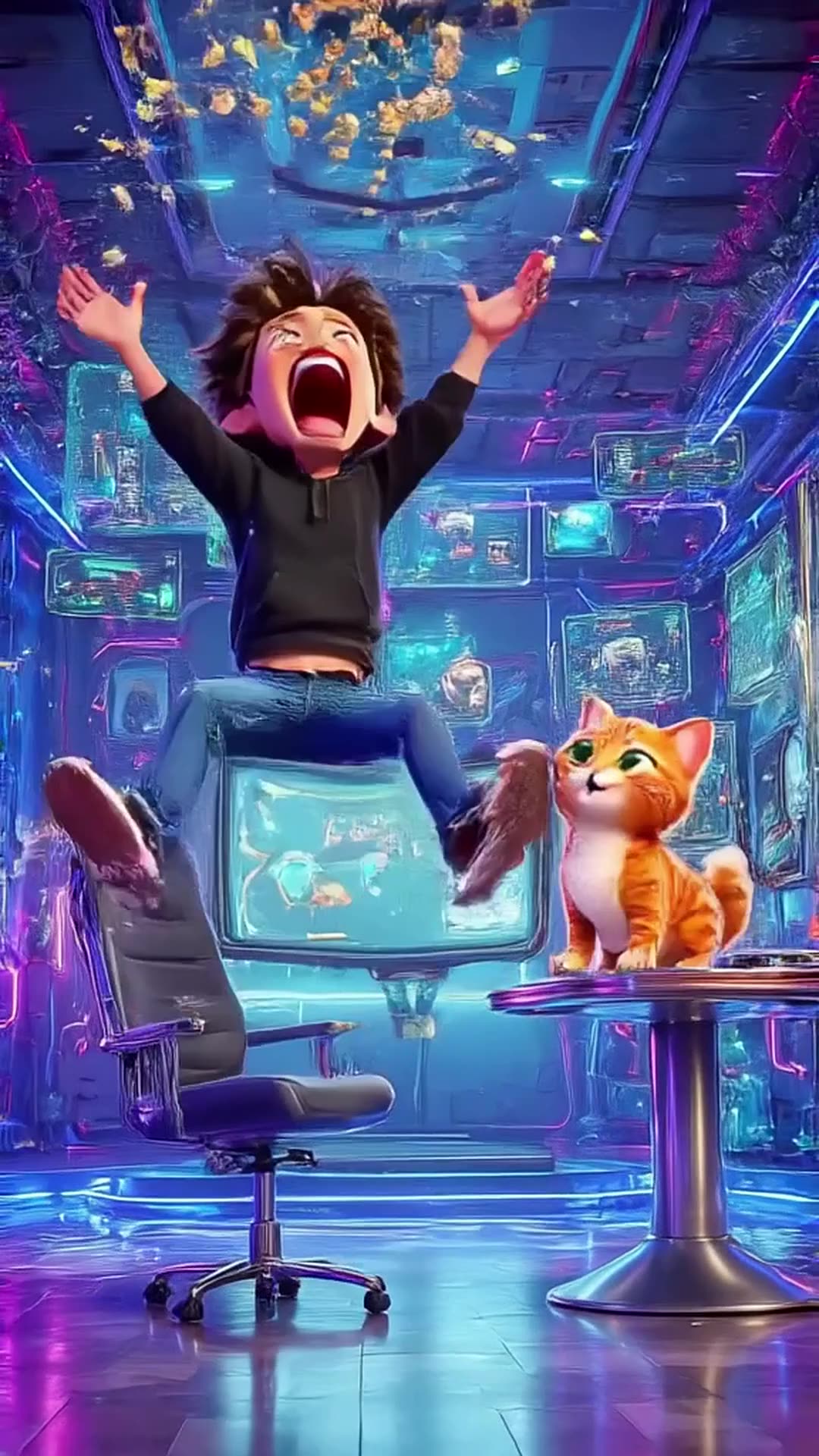
Create an 8-second cinematic 3D cartoon gaming video in vertical 9:16 format. SCENE: A funny young gamer wearing a black hoodie sits in a futuristic gaming room illuminated by electric blue and purple neon lights. He grabs his controller and starts playing an intense video game. Suddenly, his character wins an epic battle! The gamer jumps out of his chair, screams with excitement, and accidentally throws popcorn into the air. A funny cat appears and catches the popcorn in its mouth. DIALOGUE: Gamer: “LET’S GOOOO!” Cat: “MIAOW!” VISUAL STYLE: High-quality cinematic 3D cartoon animation, expressive characters, smooth movements, exaggerated facial expressions, dynamic camera zooms, glowing neon lights, realistic shadows, vibrant colors, funny viral-video energy. SOUND: Energetic gaming music, controller clicks, epic victory sound, funny cartoon boing, popcorn popping, and a cat meow. TIMELINE: 0–2 seconds: Gamer starts playing intensely. 2–4 seconds: Epic victory animation fills the screen. 4–6 seconds: Gamer celebrates and popcorn flies everywhere. 6–8 seconds: Cat catches popcorn and looks proudly at the camera. ENDING: Display glowing electric-blue text: “PSZoneGR 🎮 PLAY • LAUGH • REPEAT”. FORMAT: Exactly 8 seconds, vertical 9:16, 1080x1920, fast-paced editing, smooth animation, family-friendly comedy, optimized for YouTube Shorts, Instagram Reels, and TikTok. Use original characters and generic gaming visuals. Do not copy official game characters or logos.

0 · @pszonegr