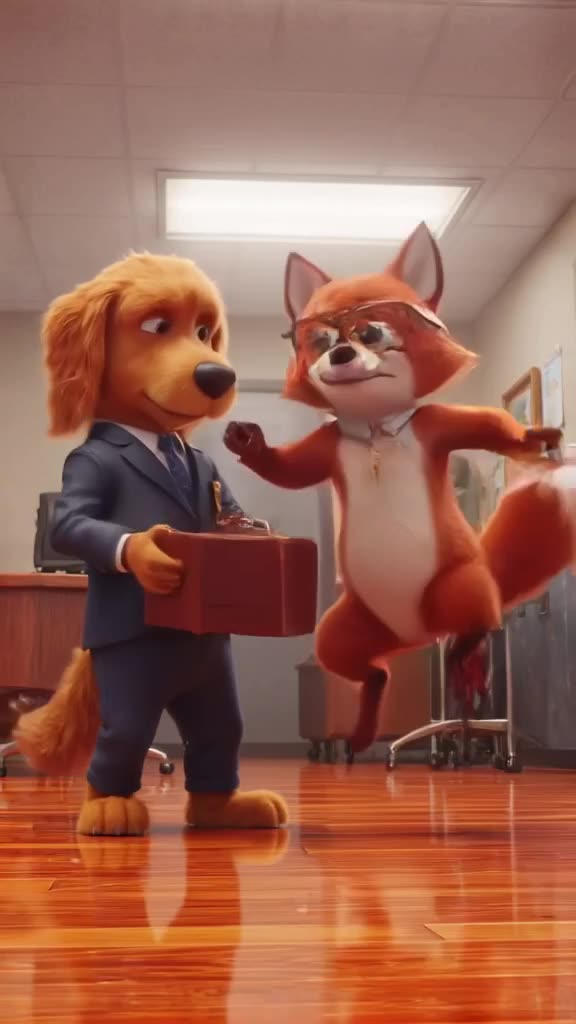
Ideas that feel personal, not generic
The best birthday clips hook onto something specific about the person. Some starting points:
- Their pet as the host: a cat in a party hat pushing a cupcake across a table.
- Their hobby, exaggerated: a cake made of tiny climbing walls, or a birthday cake orbiting the Moon for the space nerd.
- Their age as a scene: 30 candles lighting one by one in a dark room.
- Their dream trip: balloons drifting over the Santorini rooftops they keep posting about.
- Old photo, new life: animate a childhood birthday photo with a slow push-in (image-to-video).
Birthday prompts you can copy
- A fluffy orange cat wearing a tiny party hat nudges a cupcake with a single lit candle across a table, warm lamp light, shallow depth of field.
- A three-tier chocolate cake floating in space with Earth in the background, candles flickering, slow orbiting camera.
- Dozens of colorful balloons rising over a sunlit Mediterranean village of white houses, slow upward tilt, golden hour.
- Thirty candles on a large cake lighting up one after another in a dark room, slow push-in, warm glow on the frosting.
- A golden retriever running across a backyard full of confetti and streamers, slow motion, bright afternoon light.
- A tiny knitted bear carrying a wrapped gift up a staircase of books, stop-motion style, cozy lighting.
Leave space in the frame for text: add "empty space in the upper third" to your prompt so the name you add later doesn't cover the action. Don't ask the model to write the name in the scene. AI video models often misspell text, and adding it in an editor is easy and reliable.
Make it now — first 3 videos free
Then $1 per video, no subscription, no watermark.
Create a videoStep by step: clip to finished birthday video
- 1. Pick the destination format. Sending it in a chat or posting as a Story? Use 9:16. Showing it on a TV at the party? Use YouTube 16:9. Instagram feed post? 1:1 or 4:5.
- 2. Draft on Turbo to see if the idea works; it's the fast mode.
- 3. Final render on Pro, the quality mode, for smoother motion, nicer detail and a matching sound track.
- 4. Download the MP4 (no watermark).
- 5. In your editor: add "Happy Birthday, Maya!" text, drop in a song you have the rights to use, and optionally combine 2-3 clips for a 15-20 second video.
- 6. Send or post.
Privacy note before you animate family photos
Every generated video appears in our public TikTok-style feed by default. For a birthday clip built from a personal photo, especially one with kids in it, open the video after it's done and click Unpublish. You can do that at any time, and the download stays yours. If you'd rather avoid real faces altogether, a prompt-only scene (the pet, the cake in space) works just as well and nothing personal is involved.
Also keep expectations realistic with image-to-video: the model animates your photo, and faces can shift slightly during motion. Subtle moves like a slow zoom or gentle breeze keep people recognizable better than big actions. Our photo to video AI guide has more on this.
What it costs
A typical birthday video: two drafts on Turbo, one final on Pro, maybe one extra clip for variety. That's 4 videos. The first 3 are free, so your first birthday video costs $1 or nothing at all.
If you make these for the whole family or friend group, a $20 top-up gives you 20 videos, and credits never expire, so they wait for the next birthday on the calendar. No subscription to cancel after the party.
Make the clip today
Think of one detail only this person would recognize, write it as a scene, and generate the birthday clip. Want it funnier? The funny AI video generator page is full of absurd setups that work well for roast-style birthday messages.
Can the AI put the person's name in the video?
We don't recommend it. AI video models often garble text. Generate the scene, then add the name as a text layer in any video editor.
Can it add the Happy Birthday song?
Clips can have generated sound, such as cheering, party noise or a cheerful tune, and you can turn it off. To use a specific song, switch sound off and add music in an editor like CapCut or iMovie, using audio you have the right to use.
Can I animate an old birthday photo?
Yes, upload it and use image-to-video. Gentle camera moves work best and keep faces closest to the original.
Is my birthday video public?
By default it appears in the public feed. You can Unpublish it at any time, which is a good idea for personal photos.
How long is each clip?
3 to 30 seconds. Combine a few clips in an editor for a longer birthday video.